
🔥
Jan 26 • Strategies and Growth
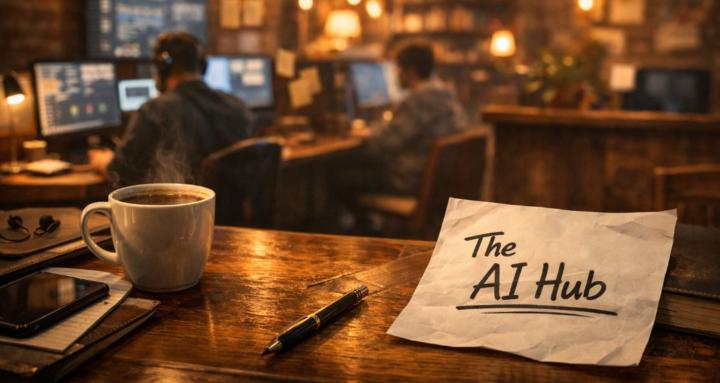
Most people get bad AI images because they describe what they want… but not how the image should be built.
Use this pristine-detail image prompt framework instead 👇
Copy & paste this:
Create a highly detailed, ultra-realistic image of [SUBJECT].
Shot as if using a [CAMERA TYPE] with a [LENS], at [TIME OF DAY].
Lighting is [LIGHTING STYLE], with natural shadows and realistic depth.
Textures should be sharp and lifelike, including [SPECIFIC TEXTURES].
Background is [BACKGROUND DETAIL].
Style: photorealistic, cinematic, high dynamic range, professional quality, no blur, no distortion.
Pro tip:
The magic is in camera + lighting + texture.
That’s how you move from “AI looking” to “wow, that’s real”.
Let’s go🔥🔥
28
30 comments
Most people get bad AI images because they describe what they want… but not how the image should be built.
powered by
Suggested communities
Powered by