Lightroom Classic Catalogs
The catalog is the foundation of your Lightroom Classic experience. But a lot of Lightroom users are confused about how they work. As a result, they don't really control how Lightroom organizes their images. We will explore the essentials here.
0%
Lightroom Classic Data Management
Here's the thing about Lightroom Classic everyone misses: it's an organizational software. There are tools and strategies to help you manage your images. Here's how to do it.
0%
Collections and Searching in Lightroom Classic
Adobe designs Lightroom with the assumption that you will interact with your images using collections, smart collections, and collection sets. Let's make sure we understand these tools. Then we will explore how to search your collections to find exactly the image you're looking for.
0%
The Library Module
In this class we will explore navigating and using the Library Module.
0%
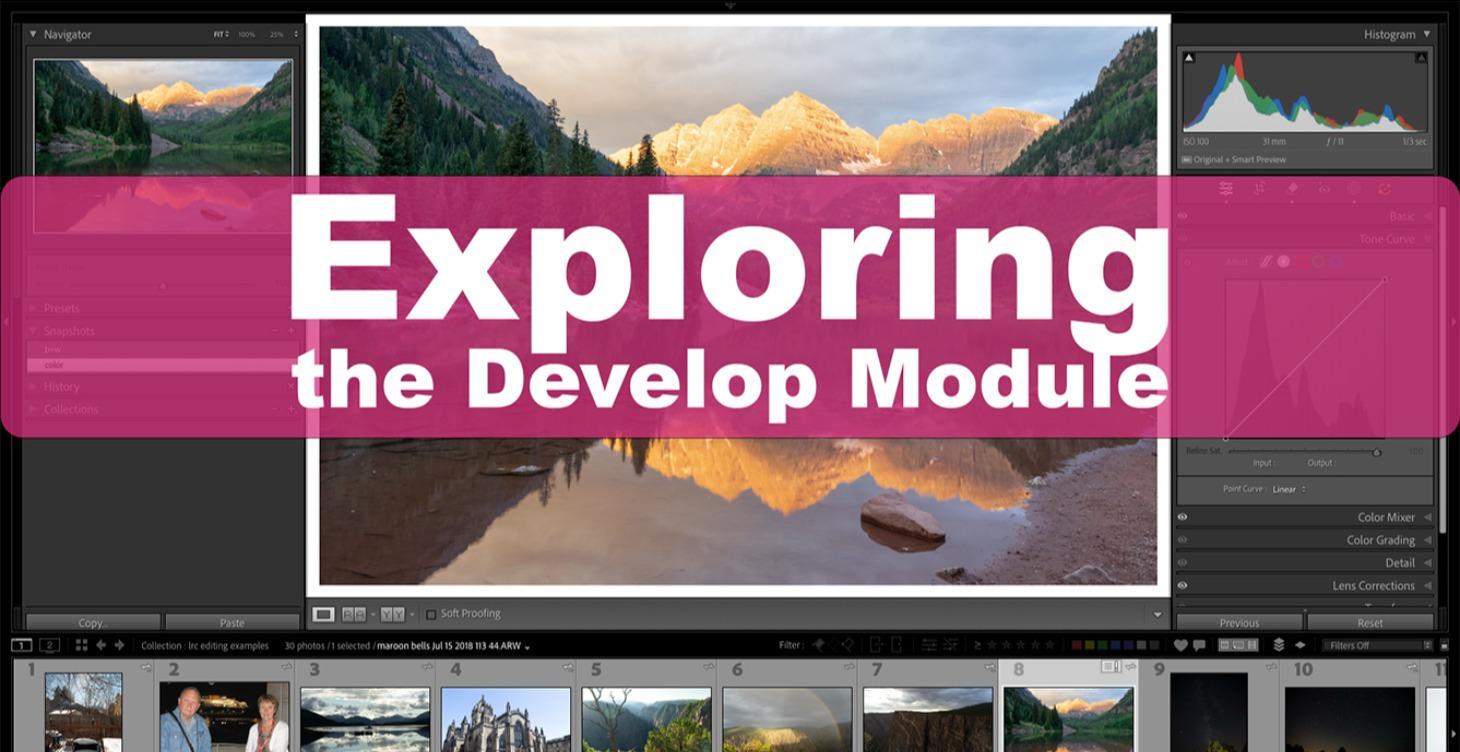
Exploring the Develop Module
In this class we will go through the develop module and explore all the essential editing tools. Buckle in, we have a lot to cover.
0%
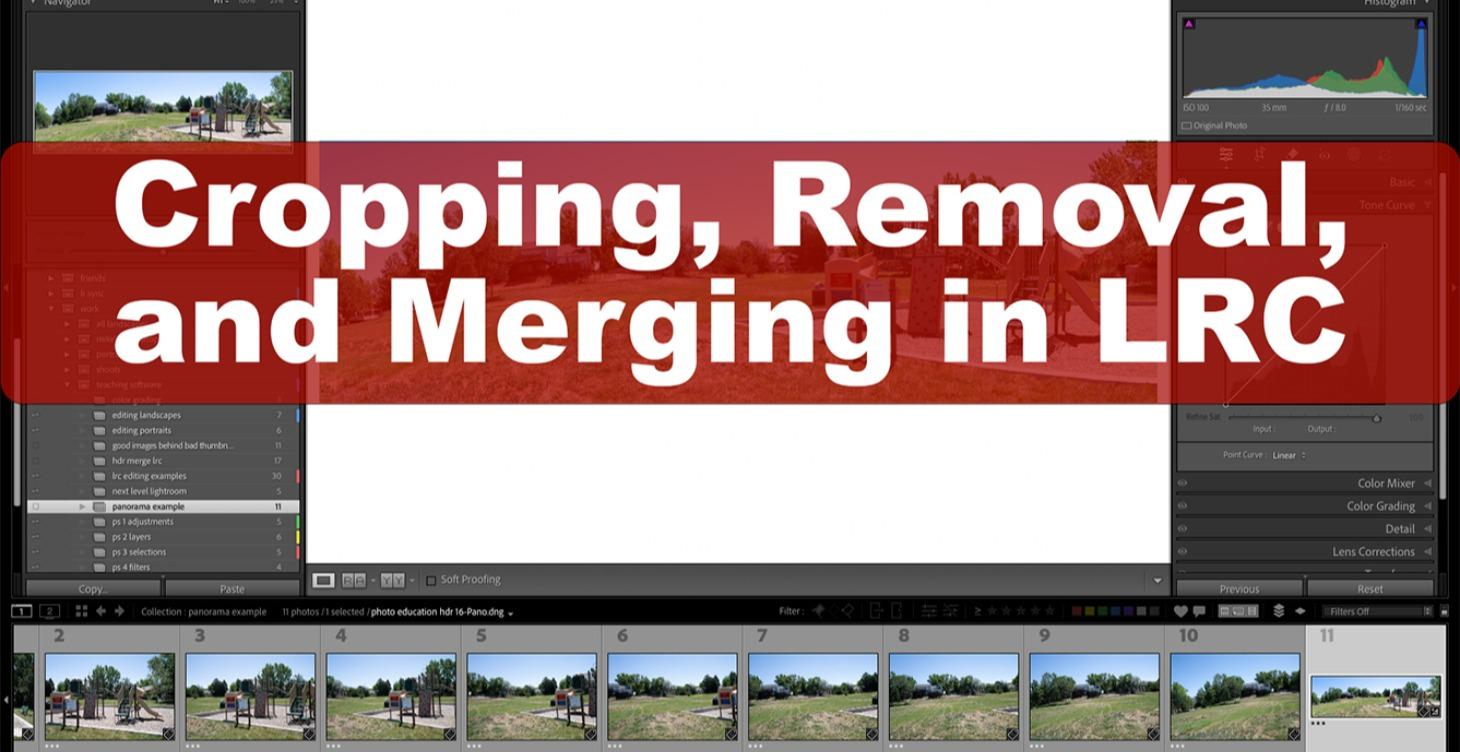
Cropping, Removal, and Merging in LRC
In Lightroom you can crop and rotate image; you can remove objects and blemishes; and you can merge images into HDR or panorama pictures.
0%
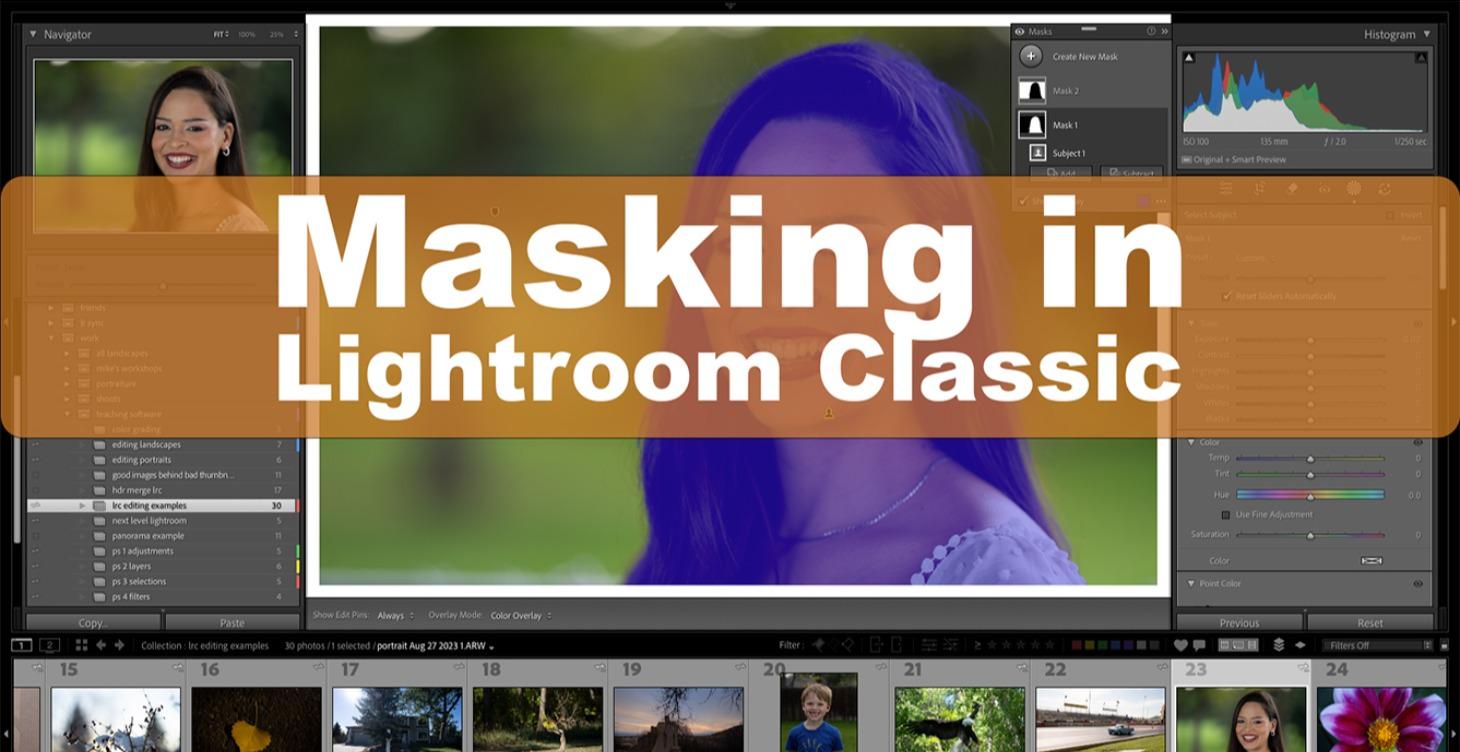
Masking
Masking allows you to target one part of the frame with an edit and not other parts. This is where your editing skills dramatically improve.
0%
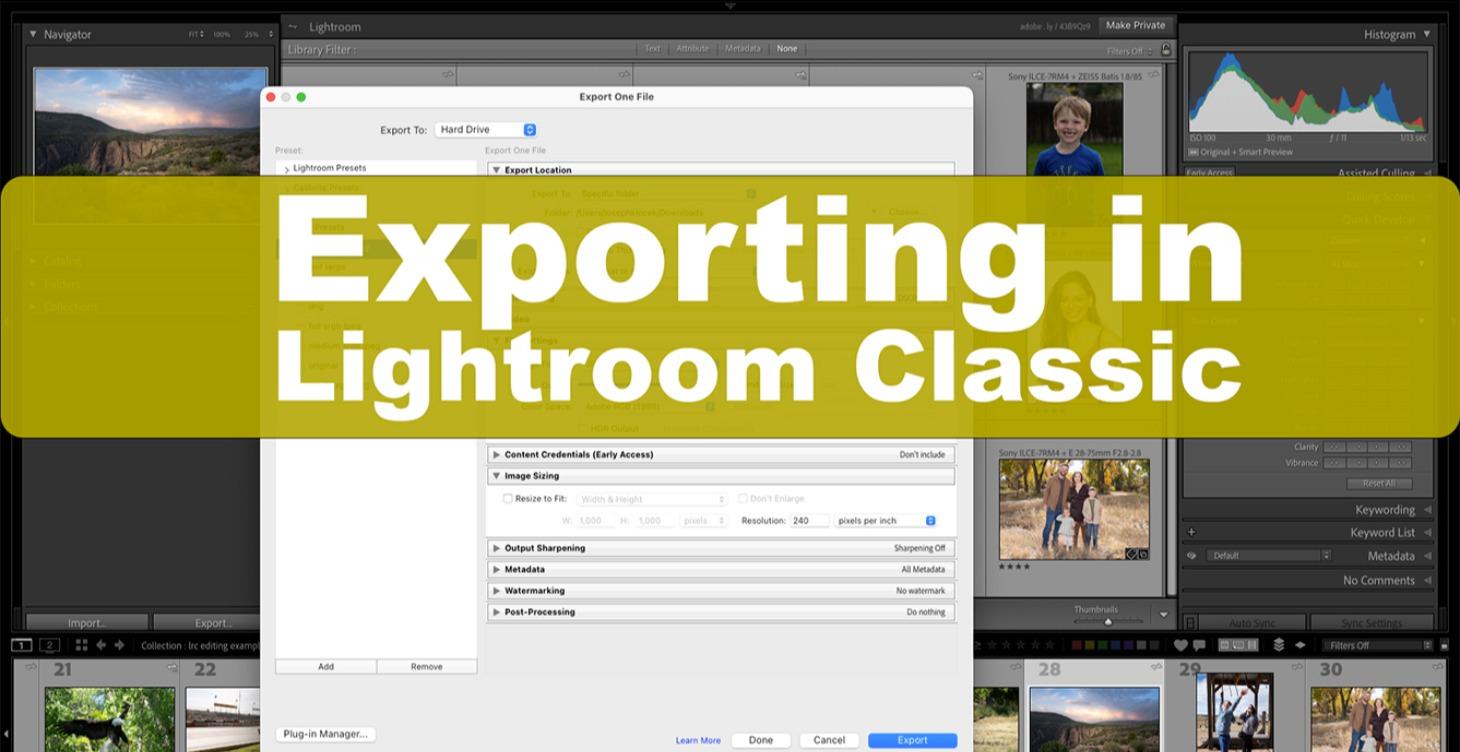
Exporting in Lightroom Classic
Once you're ready to do something with your image you need a variant. That means you need to master the export dialog box.
0%
Unlock at Level 2
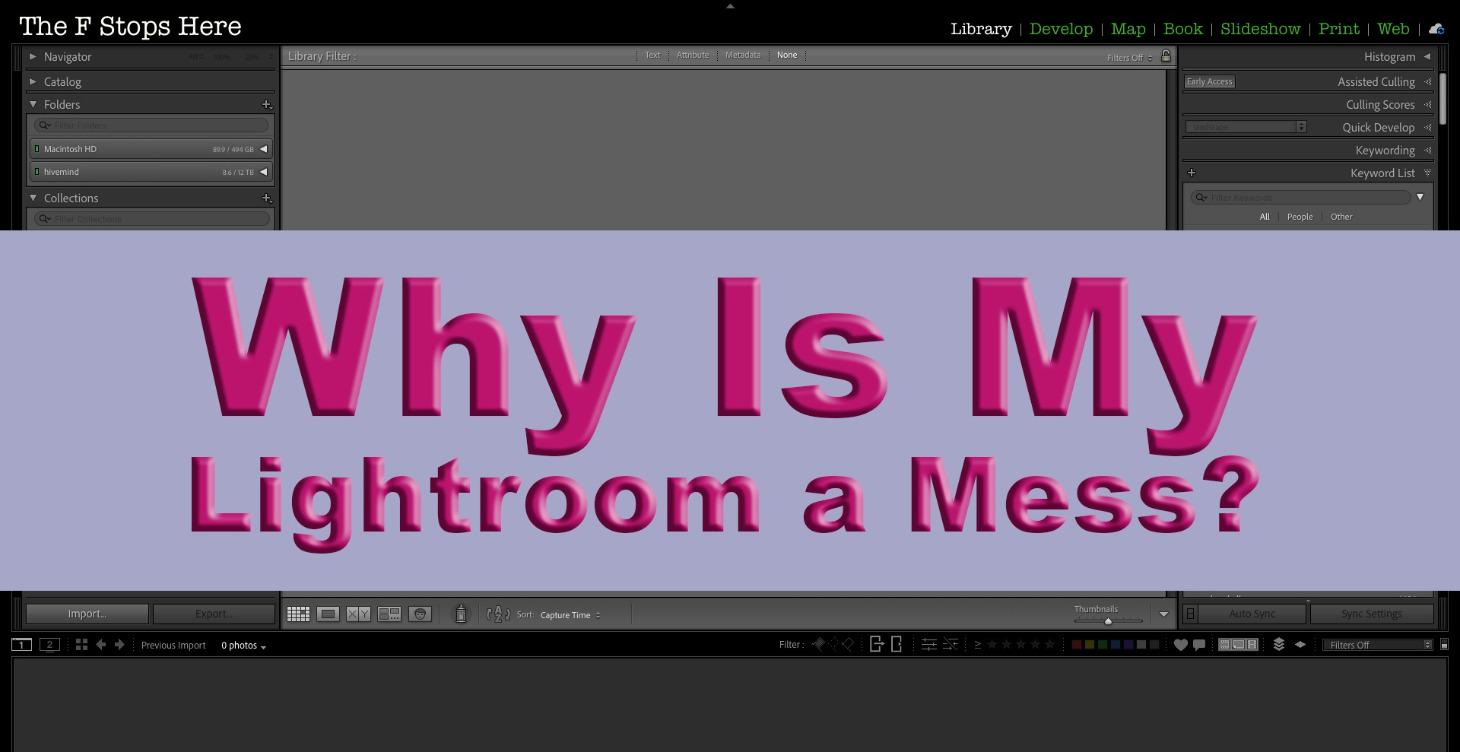
Why Is My Lightroom a Mess
Here's a class I taught on how to merge catalogs, fix missing images, fix missing folders, delete images properly, and organize LRC. Enjoy.
0%
Unlock at Level 2
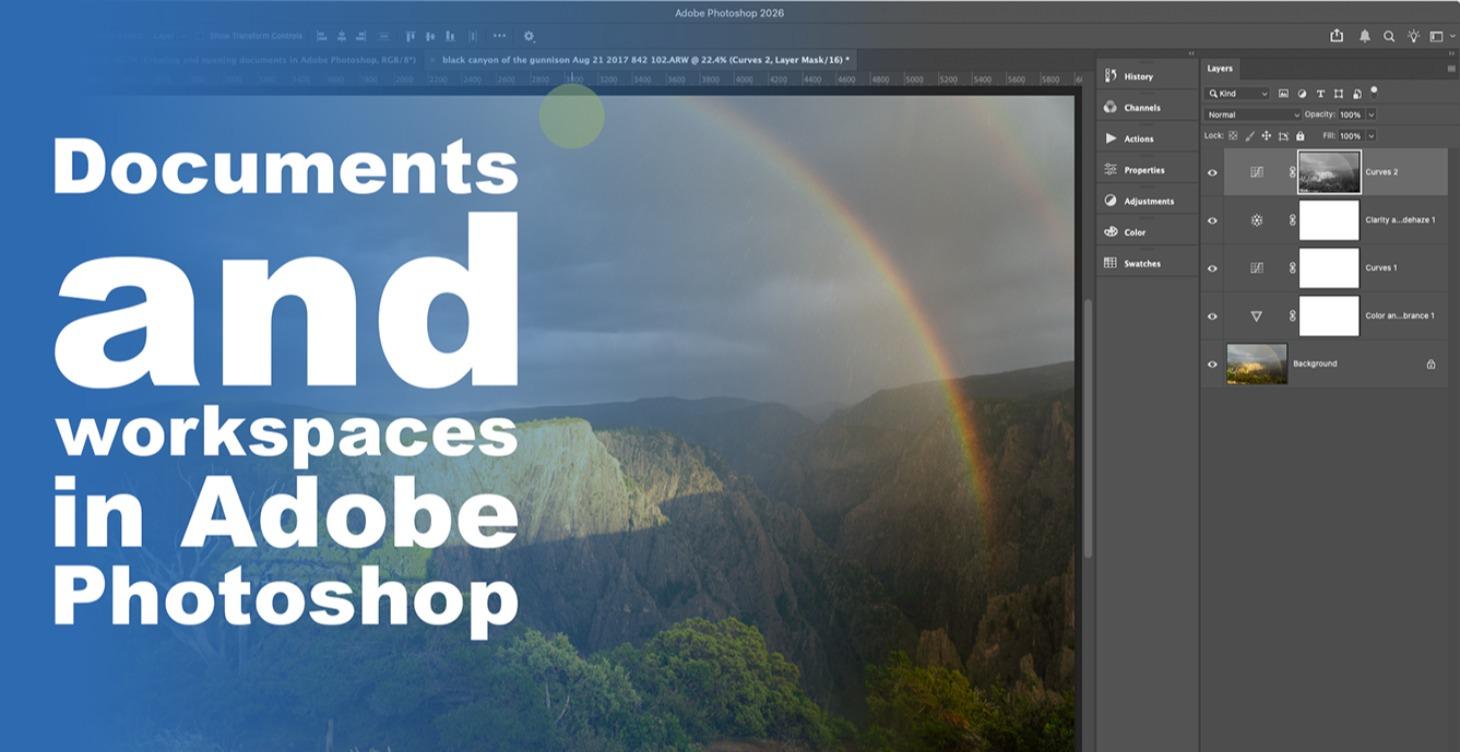
Documents and Workspaces in PS
Let's get started in Photoshop. In these lectures we will open images in Photoshop and create new documents. Then we will customize the PS workspace.
0%
Unlock at Level 2
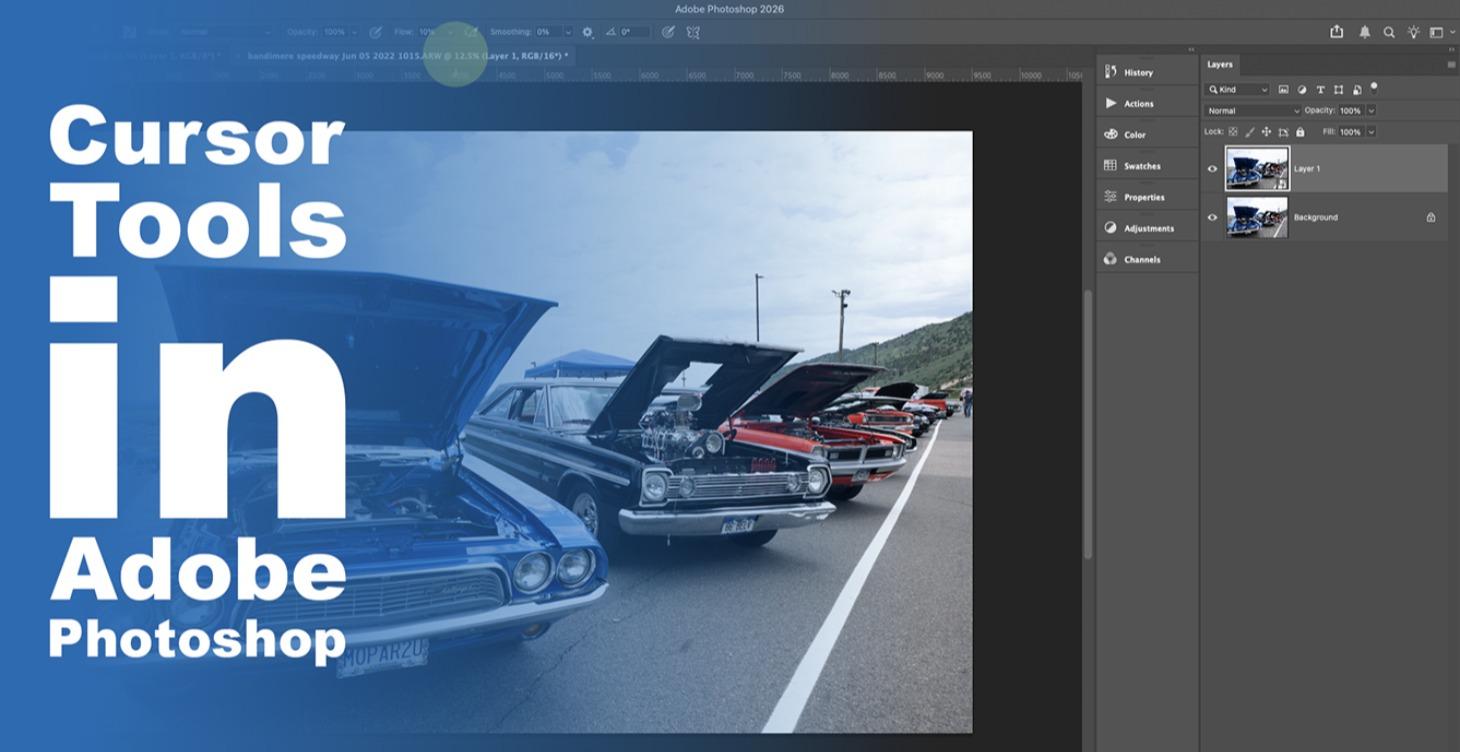
Cursor Tools in PS
In this course we will look at the basic tools of editing. Specifically we will examine cursor tools, adjustment layers, and removing object.
0%
Unlock at Level 2
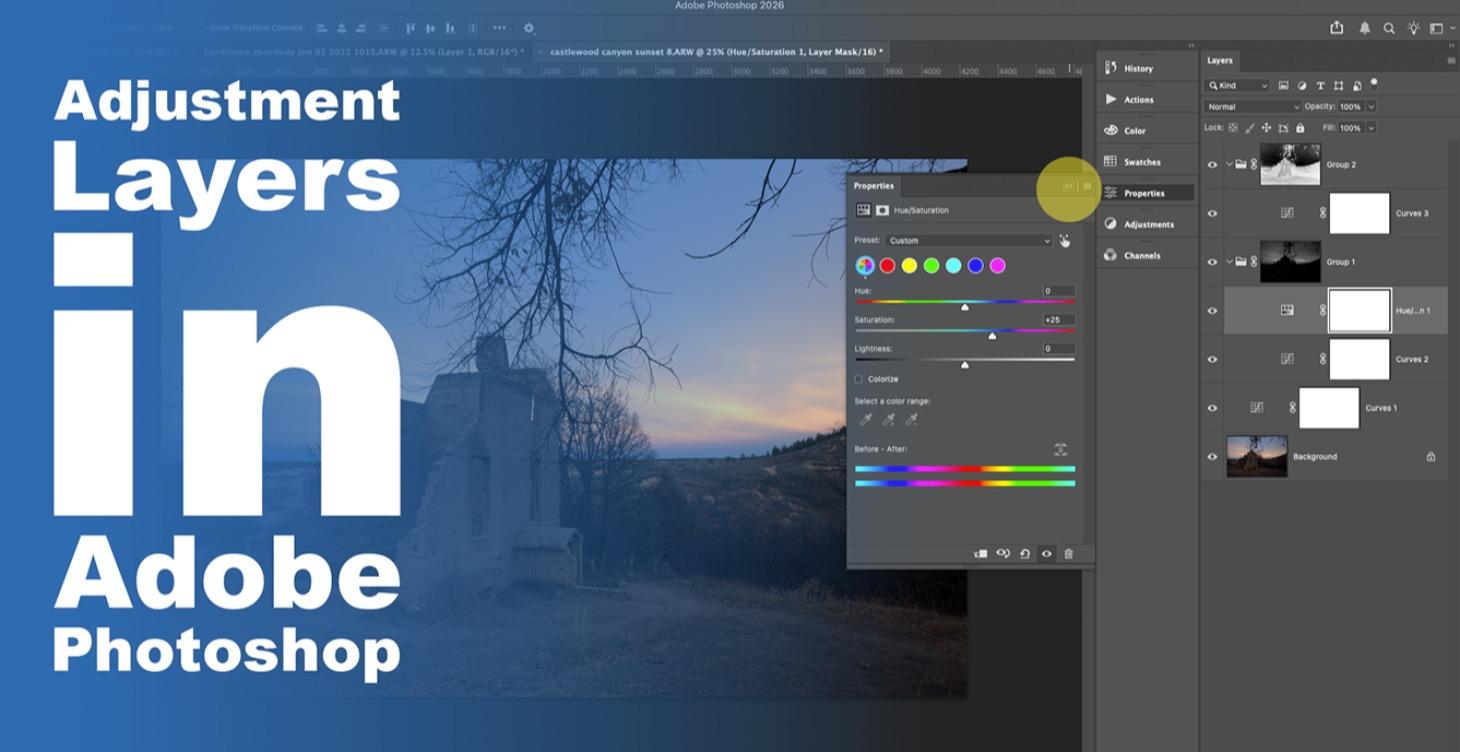
Adjustment Layers in PS
Now that we understand the cursor tools, what kinds of edits can we do in Photoshop? In these lectures we will explore the adjustment layers, their uses, and permutations.
0%
Unlock at Level 2
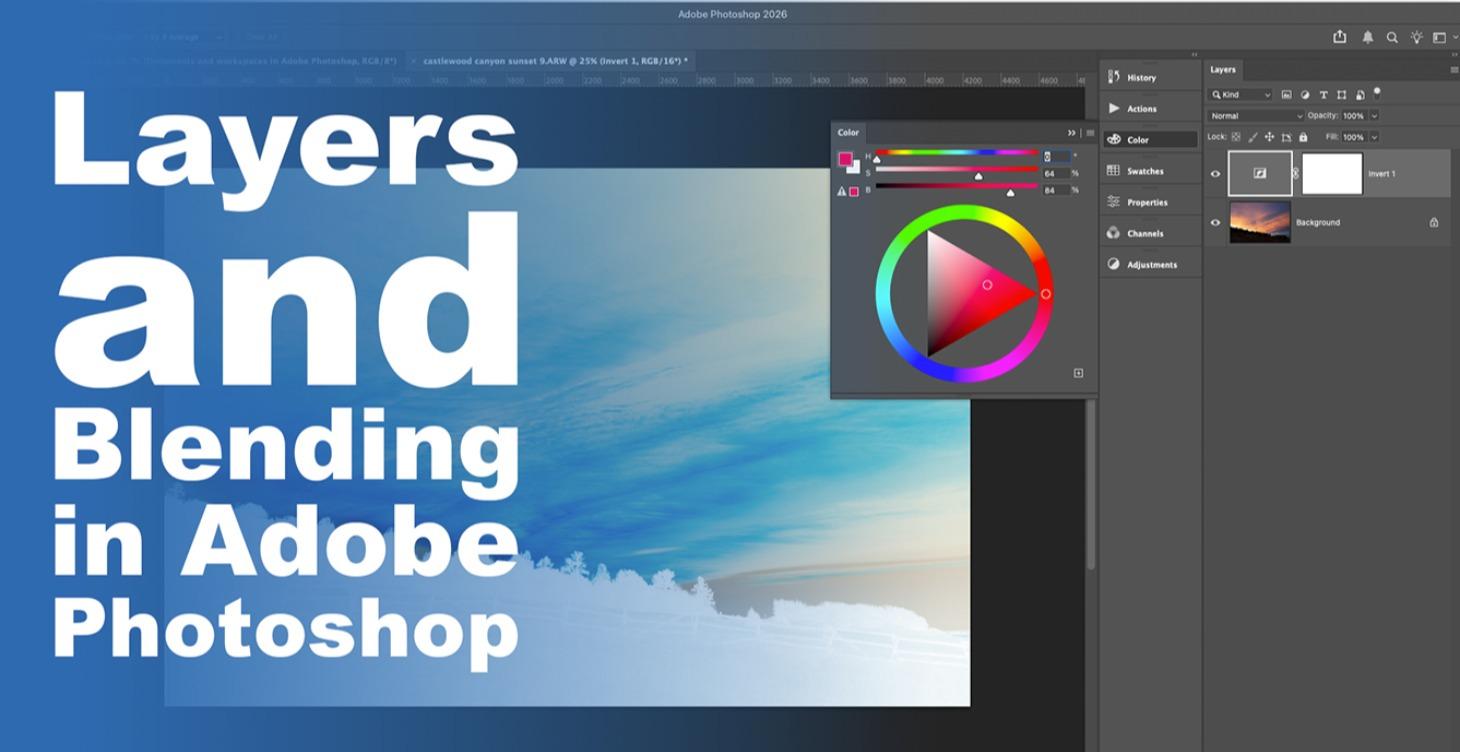
Layers and Blending
It's now in our course that we examine abilities and techniques of Photoshop that don't exist anywhere else in photo editing. We will look at how layers work. Then we will exmaine how a layer can interact with the layer below it, a process known as blending.
0%
Unlock at Level 2
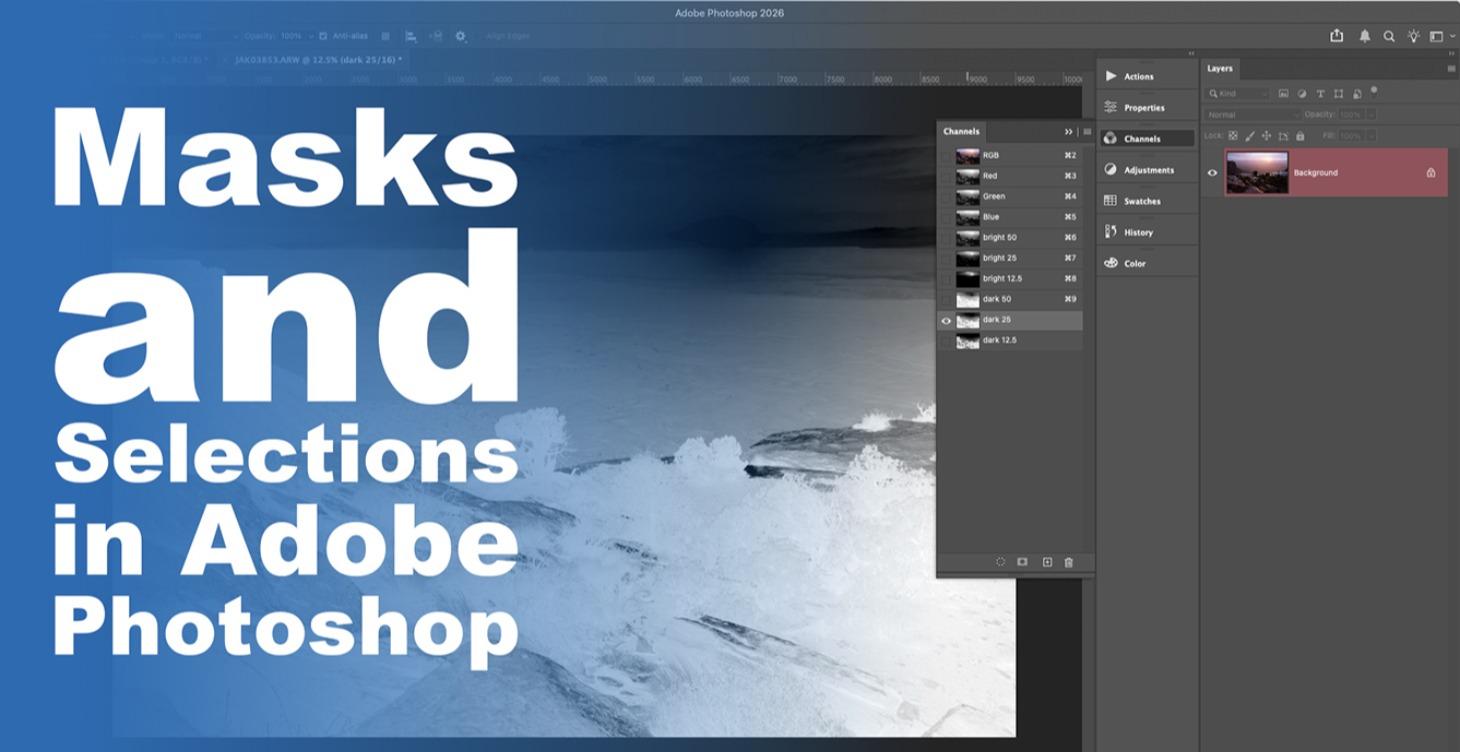
Masks and Selections in PS
Here's how we create complex edits in Photoshop: we use complex masks. In this course we will examine masking and selections in great detail.
0%
Unlock at Level 2
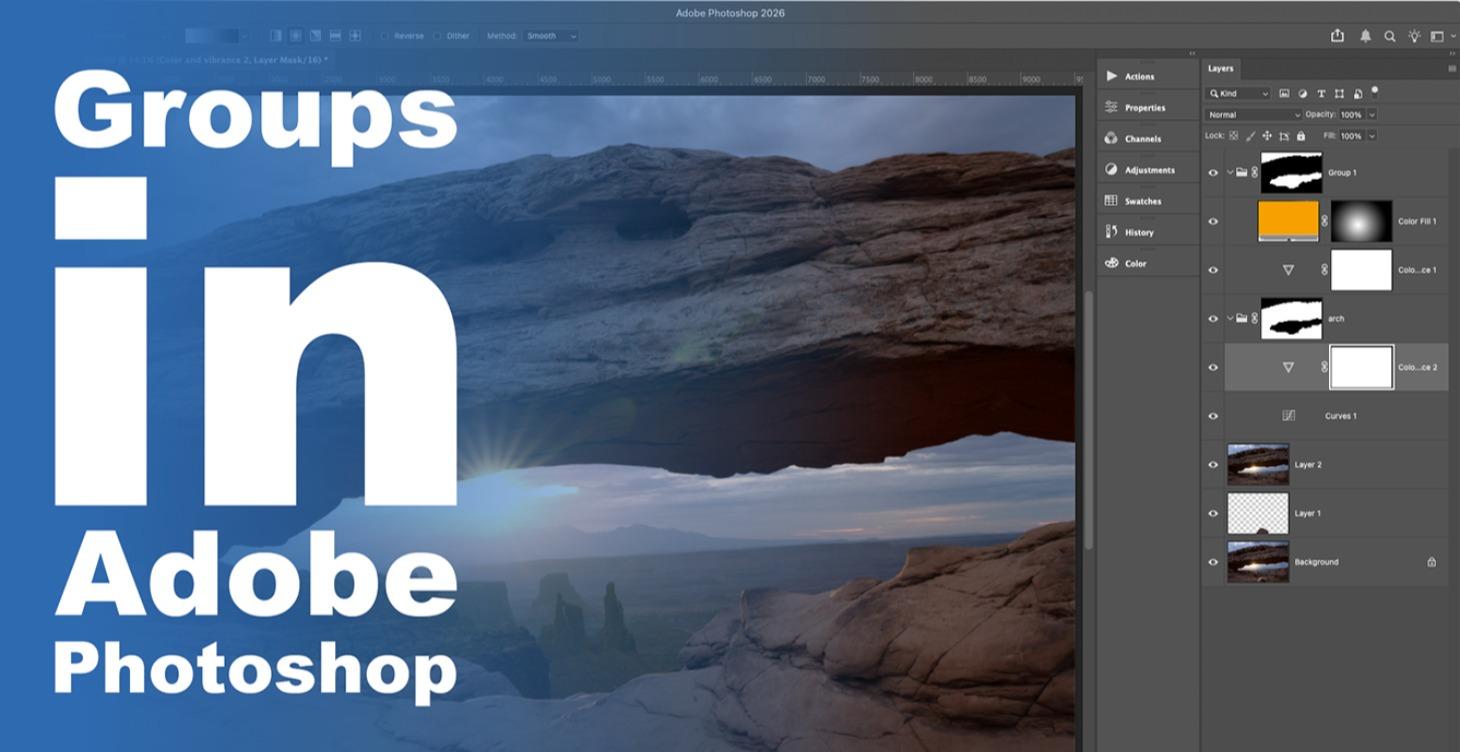
Groups in Adobe Photoshop
We can start combining masks and creating complex edits using groups.
0%
Unlock at Level 2
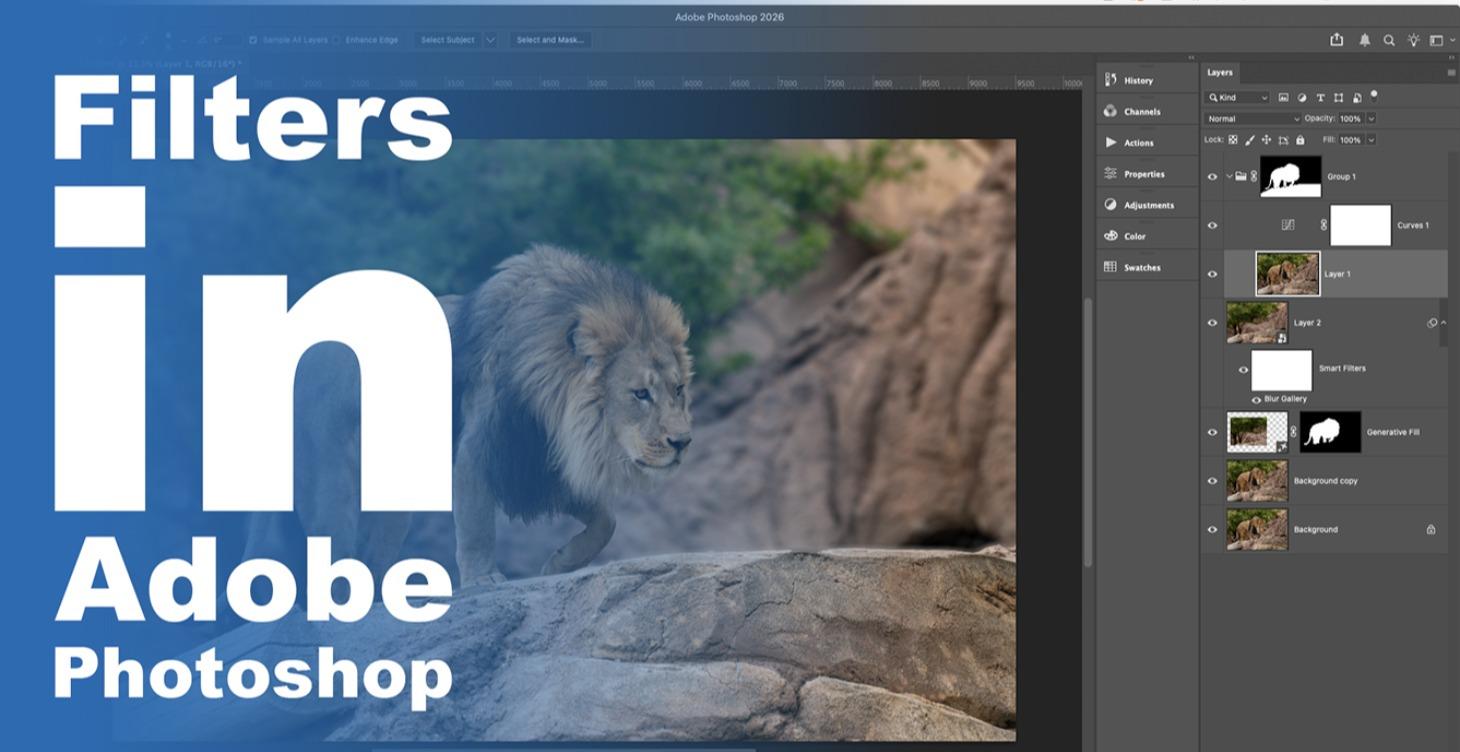
Filters in Adobe Photoshop
Filters are a major part of our creative workflow in Photoshop. In this series of lectures we will examine the major filters you will use and how they work.
0%
Unlock at Level 2
Editing Walkthroughs
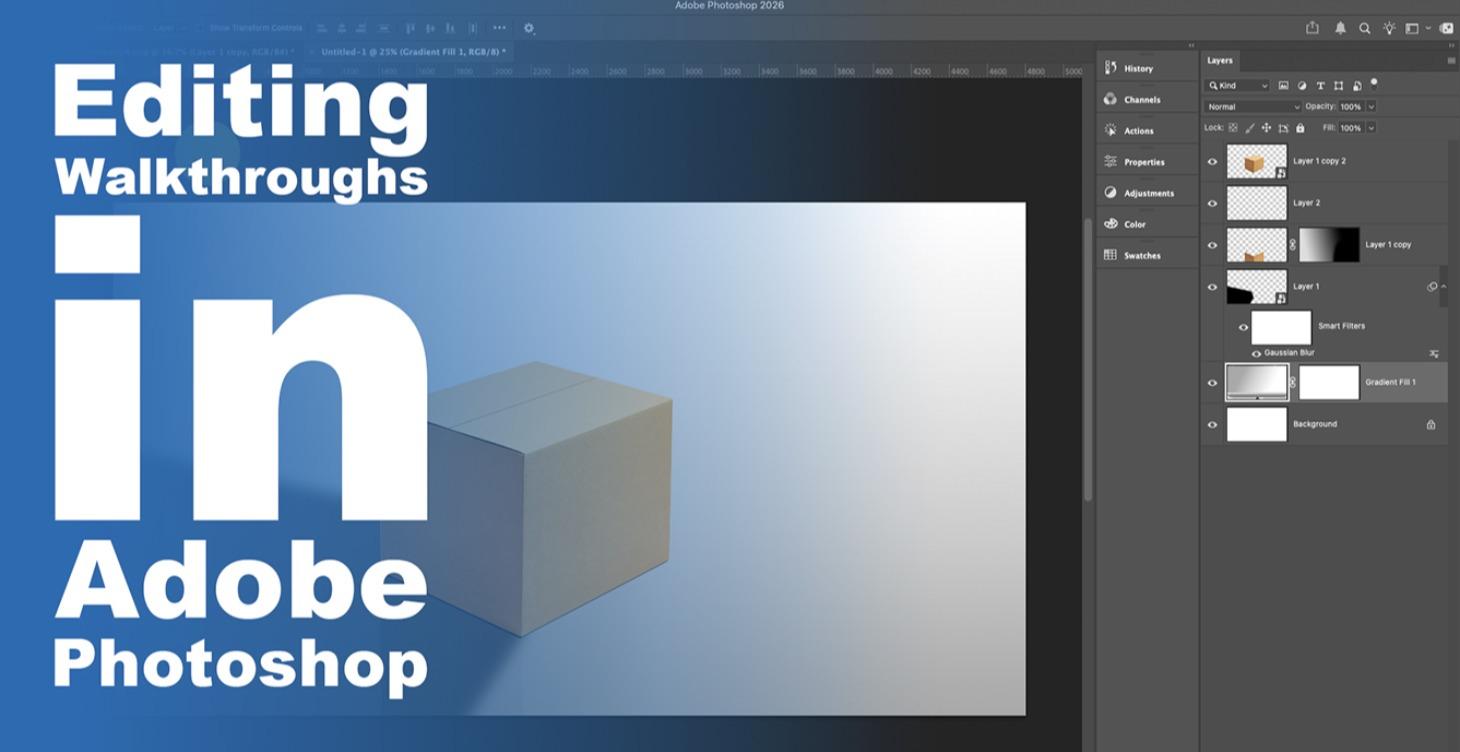
In this final portion of our Photoshop class we will walk through example edits of landscape and portrait images to create amazing results.
0%
Unlock at Level 2
Printing
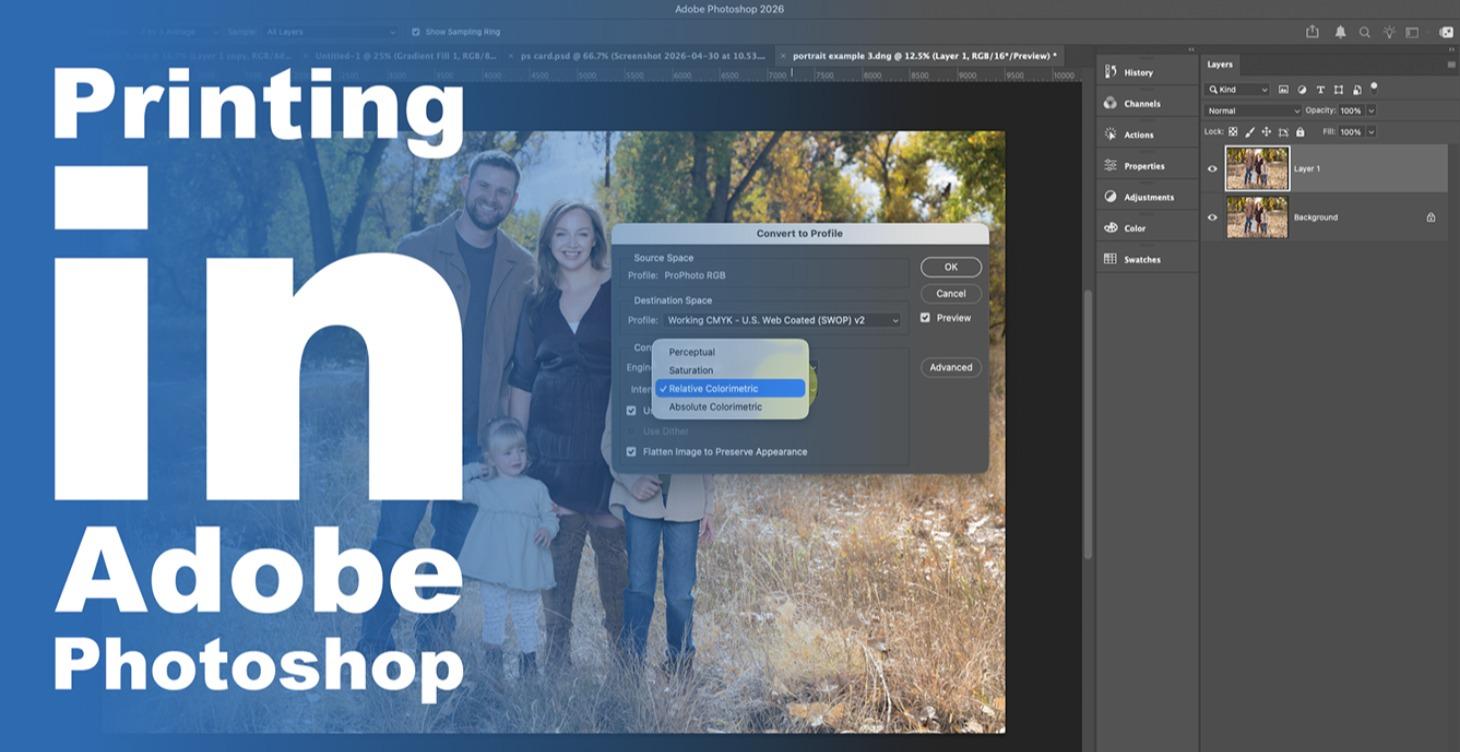
In this short course we will discuss color space, rendering intent, papers, printers, and the nuances of printing.
0%
1-18 of 18