

Feb 22 •
📌 START HERE — Welcome 🤍
I’m really glad you’re here. This community exists for one simple reason: to help you learn how to edit videos for social media, step-by-step, even if you’ve never done it before. You do not need experience. You do not need expensive software. Youu do not need to be “good at tech.” Here’s exactly what to do first: Step 1️⃣: Go to the Classroom tab Start with: Start Here: Social Media Video Editing These lessons will show you: • how to edit your videos • how to add text, captions, and voiceover • how to structure clips so people keep watching • and how to export your videos correctly for TikTok, Instagram, and YouTube Everything is beginner-friendly and self-paced. Step 2️⃣: Apply what you learn immediately Do not wait until you feel ready. Confidence comes from doing, not preparing. Even simple edits are progress. Step 3️⃣: Keep it simple You do not need perfect videos. You only need practice. The goal is to help you feel comfortable editing so posting becomes easier, faster, and less intimidating. That’s it. Start with the first lesson inside the Classroom. I’m glad you’re here. 🤍 — Britt PS: Are you pumped to be here?
Poll
3 members have voted
3
0
1-1 of 1
skool.com/social-media-video-editing-8266
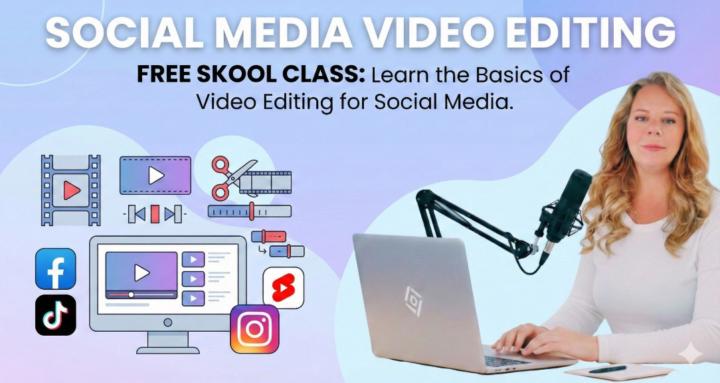
NEW 🔥 Learn how to edit social media videos step-by-step. Beginner-friendly lessons using CapCut. No experience needed.
Powered by