
Write something
Pinned
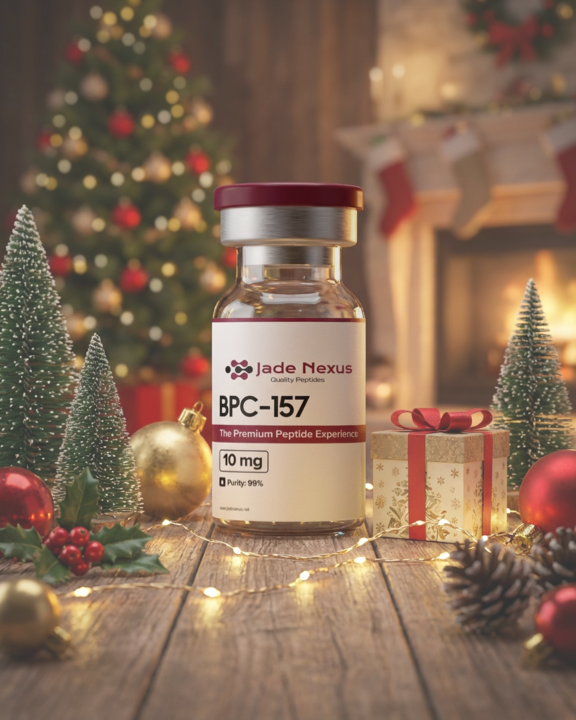
Pinned

24d •
CLASSROOM
We are busy adding the answers to most common questions under CLASSROOM at the top of the page. Scroll through the CLASSROOM. Just click the pep you are needing info for in the CLASSROOM. There will be a file available with info, reconstitution amounts, dosing protocols, etc. If you have any issues opening any if the files, please feel free to reach out to a page admin. Welcome to the Jade Nexus Skool. We are glad you are here. 😊

6h •
Tirzipitide mixing
Good morning. Can I mix the Tirzipitide 60 mg with 3 ml of Bac Static water? Will it fit in the bottle? Thank you.

36m •
How to Find Information in the Skool App
1️⃣ Open the Skool App 2️⃣ Press the 📚 Classroom tab 3️⃣ Products are listed in alphabetical order Scroll through the list Tap on the product name you’re looking for 4️⃣ For GLPs: You’ll find dosages, protocols, and mixing guidance It explains how much water to add to reach your desired dose You can view dose options directly on the chart Be sure to also check out Best Practices for GLPs 5️⃣ After selecting your product: Tap the product name again When it turns blue, tap it one more time 6️⃣ The PDF will open with all the detailed information for that product Everything you need is right there in the Classroom tab organized, easy to follow, and always available for your research 📄✅

34m •
Differences/benefits Tirz and Reta
I’m trying to distinguish what the differences are between tirzepatide and Reta? As I’ve stated in another post, I am losing weight however I’m also losing muscle which I do not want. I’m trying to figure out which one would be a better fit for me and more beneficial. I have a back injury and so I’m rather limited and restricted on what kind of exercises I can do. So I appreciate any and all assistance guidance direction suggestions with an explanation of why it is that you think one would be better than the other. Thank you so much in advance.
0
0
1-30 of 79
skool.com/rocos-peptide-community
Roco’s Community powered by Jade Nexus.
A place for open discussion, learning, and exclusive promotions that bring value and quality to your research.
Leaderboard (30-day)
1

+18
2

+17
3

+9
4

+9
5

+8
Powered by