

5d •
What was your favorite thing from our latest release?
Is there anything new that you want?
Poll
Cast your vote
0
0
22d •
Is ClawSight better than Claude Tag?
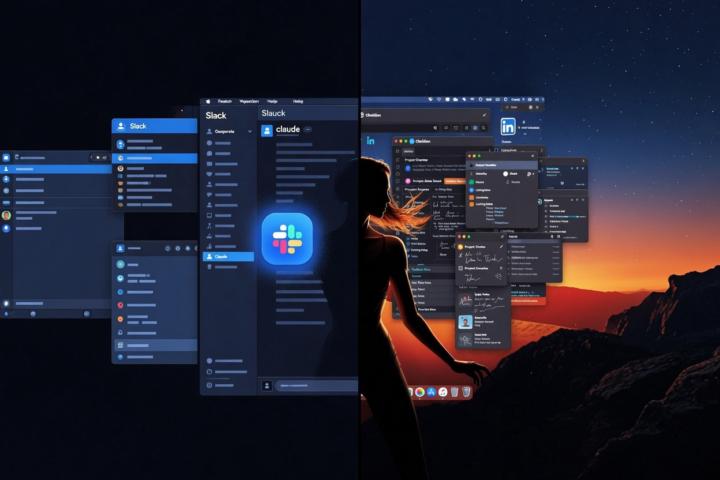
Look, Claude tag is fine if you live and die in Slack. It shows up in your channels, you tag it, it does its thing inside that box. Cute. But if you actually work on a mac all day, jumping between linkedin, obsidian, your browser, files, Clickup, whatever’s on your screen, Clawsight just feels different. It sees what you see. It hears you. it works with the real context in front of you instead of making you copy, paste, explain, switch tabs, and repeat. Claude tag is a helpful teammate in one app. Clawsight.app is the operating layer that actually moves with how you work. Do you use Slack?
0
0
29d •
Should I rename?
A lot of you have known me for years as MacAngel (still own macangel.ai). I started ClawSight as the vision for Mac-centered AI agents, but we're evolving fast. We're now running Hermes, building on Apple MLX, Claude Managed Agents, and Google Agents — with ClawSight Cloud for hosting Macs in the cloud to power them all. Still deeply Mac at the core (former Mac Genius + Apple Certified Technical Co-ordinator here). What should the main brand be going forward?
Poll
1 member has voted
Jun 15 •
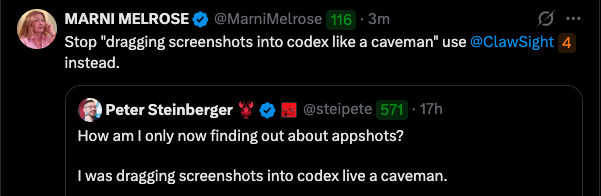
Even Peter Steinberger does it
I had to laugh when we said he dragged screenshots into codex like a caveman. I told him to use ClawSight instead!
0
0
May 8 •
ClawSight for...
I am looking into other things I could hook ClawSight into and so far I have a few ideas. What do you guys want first?
Poll
2 members have voted
1-29 of 29
powered by

skool.com/obsidian-claw-3461
Learn tools, setups, and workflows for using AI agents on macOS — local or cloud.
Suggested communities
Powered by