

May 30 •
📹 New Lesson: How to Build a Lead Generation Machine Using Hermes and Obsidian
In this video I show you how I use Hermes and Obsidian to get 1500 leads a month from X! Let me know what other platforms you want me to get leads from next.
0
0
May 13 •
📹 New Lesson: How I use ClawSight to update strategy docs and track facebook leads
In this lesson, I show how I use ClawSight more like an operating layer right inside the real work. I start in a strategy document, have AI help tighten the positioning based on what’s actually true now, then move straight into execution: - checking whether people from a facebook thread already exist in the people base - creating or updating lead and conversation records - drafting outreach that actually matches the use case - logging what was really sent so the CRM stays honest The real win here is that strategy, outreach, and CRM all stay connected in one flow instead of falling apart across tabs and tools. If you want to see what using AI as part of the work looks like this one will give you the picture. https://www.skool.com/obsidian-claw-3461/classroom/381929fb?md=d92ed1a03a1149abab0384c6bc0837b9
0
0
May 4 •
📹 New Course - ClawSight Basics and first lesson
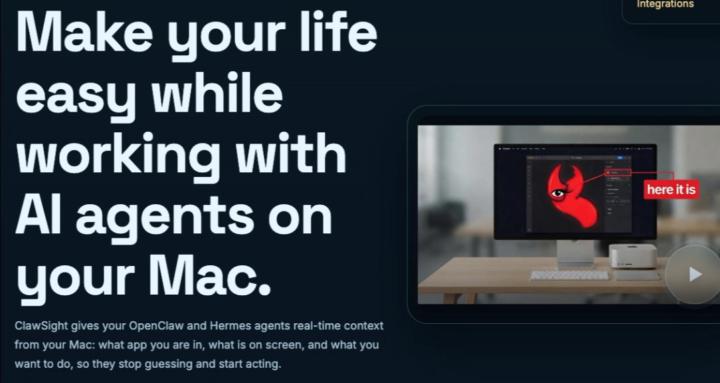
I just added a new course inside Skool: ClawSight Basics for my new Apple Mac App, which is Menu Bar OpenClaw companion that gives your OpenClaw vision. It helps OpenClaw see exactly what you are working on, understand the live context on your screen, and help you take action on it so you can get real work done faster. This course is where I’m going to start showing real examples of how I use ClawSight in my actual business and day-to-day work — not theory, not fluff, real usage. I needed this myself, so I figured others could benefit from it too. The first lesson is now up: Using ClawSight to Help You With Unfamiliar Websites In this lesson, I walk through how I use ClawSight when I’m on a website or inside a workflow I don’t fully know yet, and I need help thinking, writing, deciding, and moving faster without losing momentum. If you’ve been wondering what ClawSight is actually good for in real life, start there. ClawSight is not available yet. We are waiting for LemonSqueezy to authorize our store. Also, if you want to help shape where ClawSight goes next, I’m doing a small number of discovery calls and I’d love your honest feedback. If you complete a call and give real feedback, I’ll give you 1 free month of ClawSight. Book here.
Apr 23 •
New Lesson saves you 96% on transcriptions
If you’re recording Spaces and turning them into content, this will save you time and money fast. I just published a new lesson showing how to create speech-to-text for your Spaces using xAI + OpenClaw instead of paying for another monthly transcription tool. What’s inside: • how to get your Space audio into the workflow • how to use xAI speech-to-text • what went wrong when we built it • how to avoid the same mistakes • how to track transcription cost right inside your note system The best part: an hour of transcription is about 10 cents That means instead of paying $15/month for a transcription app, you can run this as part of your own AI workflow for a fraction of the cost. This is a Premium member lesson and can be found in the Life to Leads - Content Engine Course
Apr 19 •
New lesson inside Live to Leads - HeyGen Avatar Videos
This one shows you how to create HeyGen avatar videos with OpenClaw, including: • what info to give your agent • how to authenticate the HeyGen CLI • how to find the correct avatar and voice IDs • how to generate the video (example below) • and the little mistakes that can trip you up along the way If you want to start making personalized AI video outreach without fumbling around for hours, go watch the new lesson inside the course. (Premium Level Members only) PS I just installed Hyperframes so stay tuned for that too.
0
0

1-14 of 14
powered by
skool.com/obsidian-claw-3461
Learn tools, setups, and workflows for using AI agents on macOS — local or cloud.
Suggested communities
Powered by