
Write something

13h •
🔥 Tip of the Week: Stop Tracking Spending on the Budget Page
Quick truth bomb 👀 The Budget page is NOT for tracking your spending — and honestly, it does a terrible job at it. It mixes in: - Transfers - Accounts you don’t want - Categories you’d rather ignore 👉 That’s why your numbers feel off. The fix? Use the Income & Expense Report instead. You can: - Filter accounts - Remove transfers - See clean, accurate numbers 👉 Use the Budget page to set your plan👉 Use Reports to track reality Game changer. 💬 Try this: Jump into your Income & Expense report, filter out transfers, and compare it to your Budget page. What changed? Drop it below 👇
1
0

Feb 5 •
PocketSmith setup guide
Hi team, happy Friday Eve. It's a long weekend here in New Zealand, yippee 😃 Over the last couple of months, I've been working to create a video series for new users. Ive just launched this and hopefully will help some of the teething issues for new users, but also give some tips and ideas to existing users too. Would love your feedback- did you learn anything new from watching these? What is helpful and what would your still like to know if you are a new user? https://youtube.com/playlist?list=PLm8apcRh041v4g2Y-konImXUGBBXN5TWT&si=epc3VpP5S6MKiCWA Please like and share this 👍
Feb 13 •
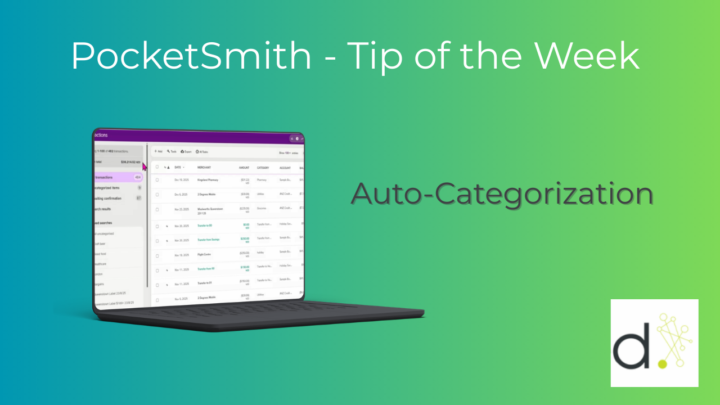
Tip of the Week - Auto-Categorization
✨ Seeing random categories appear in PocketSmith? It usually means your bank feed has auto‑categorization turned on — which can create categories you don’t want. To turn it off: Manage → Feeds → Select your bank account → Settings → Untick Auto‑categorize transactions → Save. From then on, PocketSmith will only use the categories you set up.
1
0
Feb 1 •
Net worth tracking
It's the 1st of the month, great day to update you net worth! Do you track your full networth in PocketSmith?
0
0

1-4 of 4

Suggested communities
Powered by