Write something


Jun 11 •
new Here!!!
Hi, I’m heading in now to start going through the training. I’m keen to learn how these Claude Artifacts work and see what I can build with them.


Jun 11 •
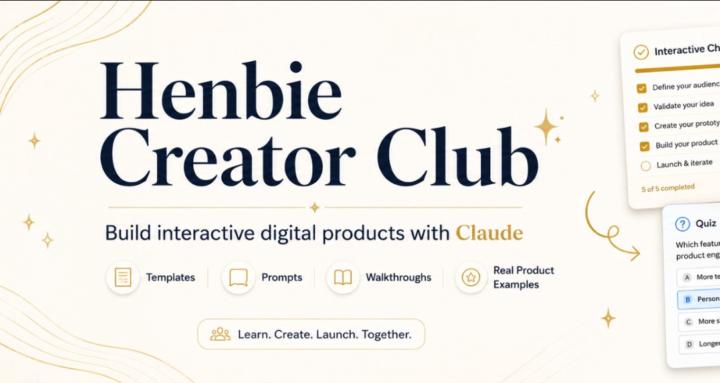
Welcome to the Claude Creator Kit 👋
This group is here for one simple reason: Most people are still using Claude like a chatbot. We’re using it to build interactive digital products. Inside, I’ll show you how to go from a blank idea to a finished product, sales page, checkout button, and hosted page — using Claude and simple beginner-friendly tools. Here’s what to do first: 1. Go to the Start Here classroom. 2. Watch the first welcome video. 3. Then go to the Claude Creator Kit classroom. 4. Follow the build step by step inside that section. 5. Work through the training from choosing your template, building the product, creating the sales page, setting up checkout, adding the buy button, and hosting the finished page. This is not about making things complicated. The goal is to help you build simple interactive digital products like checklists, planners, trackers, quizzes, calculators, and tools — then package them so they can actually be sold. I’ll also be adding more examples and walkthroughs as the 72-day digital product build series rolls out. To get started, comment below: What type of digital product would you like to build first?
0
0
1-4 of 4