

3d •
What Tokens Are & Why It Matters
Your AI tool uses tokens to convert words into numbers, and every conversation you have with your AI has token limits. That why ChatGPT stops mid flight and tells you to come back later. It's why Claude, right in the middle of a Project chat, will shit itself! Damn it! not again...😠 Tokens are the units that AI models like Claude use to process text. Think of them like "words" (though not exactly): - "Hello" = 1 token - "Hello, world!" = 4 tokens - "Netherlands" = might be 3 tokens - Code, file contents, and conversations all consume tokens Why Token Efficiency Matters 1. Conversation Length: Each conversation has a token budget (like 200,000 tokens). When you run out, the conversation ends or loses context. 1. Performance: Fewer tokens = faster responses and lower costs 3. Context Preservation: Efficient token use means you can accomplish more complex tasks in a single conversation without hitting limits 4. Real Impact: - Reading 10 unnecessary files might use 20,000 tokens - Using an efficient search agent might use only 5,000 tokens - That's 15,000 tokens saved for actual work! I've prepared you this Token Efficiency Guide in markdown to help you develop a more efficient way of using Generative AI - it's FREE (open with textedit or any other text editing app). Edit according to your own needs and import to your projects.
0
0
20d •
How To Use ChatGPT Projects For Research
In this short tutorial, I show you how to use Projects inside ChatGPT with Canvas to help you stay organised and have ChatGPT direct its efforts in a more focus way. In Projects, you have access to additional functions such as Agent mode, Study & Learn, Deep Research. However, on the free version you'll run out of road fairly quickly. On the paid plan, credits are also limited. Build a research project for school, product development, competitor analysis, marketing... the uses are broad. Use The GCSE Framework In this demo, I'm assuming the role of a HR manager responsible for producing a report on the impact of AI on The Future of Work inside the financial sector. I'm using the GCSE Framework to direct the efforts of ChatGPT and I'm asking ChatGPT to open the conversation in Canvas. This allows me to focus on key elements and have the AI edit only those aspects. **Goal:** I need a report on the impact of AI on The The Future of Work specific to my industry **Context:** I am a senior HR manager in a global finance organisation based in Ireland. I manage a team of 100 people, responsible for multiple HR functions including hiring, talent management, learning and development, performance appraisal and other primary HR functions. This report will act as a draft informing other materials for a presentation to executives in January. **Sources:** Only use the sources I provide you with. You may refer to references in the attached papers and resources in order to provide context and further reading and research. **Expectations:** I need 1000 words in prose format supported with bullet points to summarise main findings. Include in-text references and a reference section (not part of the 1000 words) in APA7 style. Use headings and subheadings to help with structure. Produce in Canvas. Papers used in this demo are also attached ❓❓ Let me know in the chat, what tutorials do you want to see?
0
0

24d •
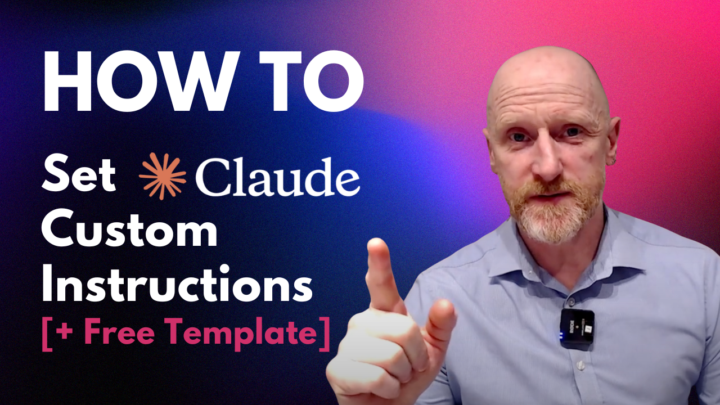
How To Set Claude Custom Instructions
In this video, I will show you how to set custom instructions to allow you define how Claude should behave and respond to your prompts. This is useful for establishing tone, expertise areas, knowledge context, and preferred response formats. Also ensuring consistent assistance across all conversations. ✅ First, download the Custom Instructions Template below ✅ Next, log into your Claude account and start a new chat ✅ Upload the PDF and in the chat box, give Claude some context regarding your role and what you'll use Claude for. Ask Claude to update the attached PDF tailored to your specific needs. ✅ Once it responds, check for accuracy and make any edits and copy the instructions ✅ Then, navigate to Settings ✅ Select "General" from the menu options ✅ In the main dialogue box, paste your custom instructions ✅ Save your custom instructions Claude will now consult these instructions for all future responses. You can edit these at any time, and, of course, provide more specific instructions in Projects (future tutorial on Projects)
0
0
25d •
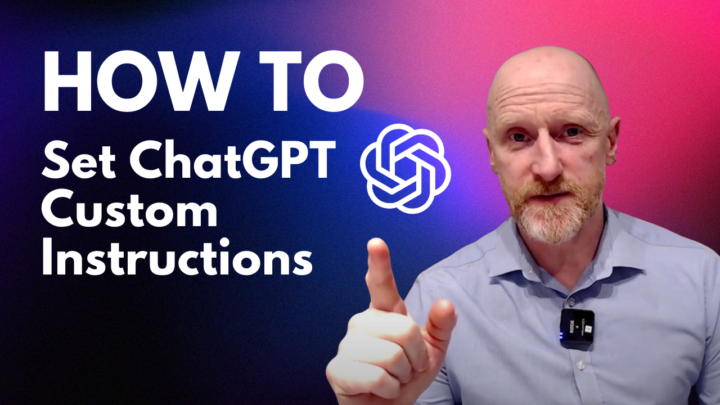
How To Set ChatGPT Custom Instructions
Learn how to personalise ChatGPT in just a few minutes. In this step-by-step walkthrough, I show you exactly how to set up your preferences so ChatGPT understands your role, your writing style, and how you want it to respond. Whether you’re a student, professional, creator, or business owner, customising ChatGPT helps you get clearer, more consistent, and more useful outputs every time you use it. In this video you’ll learn: 1. Where to find the Personalisation/Custom Instructions settings 2. What each section means and how to fill them in 3. How to tailor ChatGPT’s tone, structure, and level of detail 4. How to set academic, professional, or creative requirements 5. Tips for getting the most out of your personalised setup If you found this helpful, don’t forget to like.
0
0
1-4 of 4
powered by
skool.com/genai-skills-academy-1964
Learn the no-code generative artificial intelligence skills you need to be productive and successful at work
Suggested communities
Powered by