
Write something
Pinned

Jan 31 •
Welcome to Our Creative Community for Sims 4 Modders!
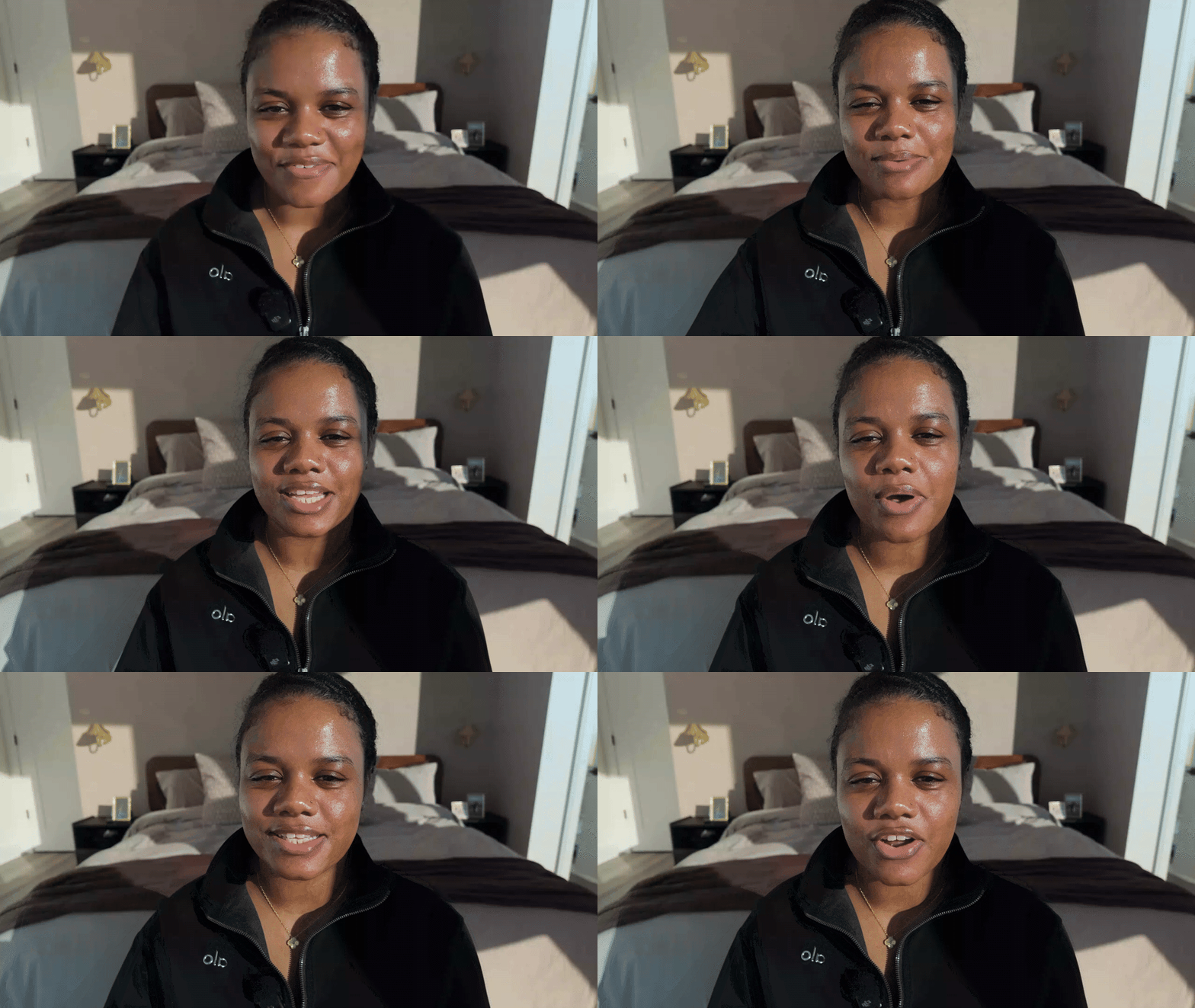
Hey everyone! In this video, I’m excited to welcome you to my school community where we’ll dive into content creation for Sims 4. I’ll be dropping courses, assigning homework, and providing a supportive space for you to ask questions and share your work. Remember, this is a safe place free from negativity, and I want you all to be top-tier creators. I encourage you to post your projects and seek help when needed, as we’re here to uplift each other. Let’s embark on this creative journey together! https://www.loom.com/share/15a394a4bea243d98b2f46daed88ba81
27m •
Olive Oil Hairspray Override
Remember that iconic green bottle? Now your Sims can bring that nostalgic touch into their hair styling moments! The Olive Oil Hairspray Override by Nimalu Sims replaces the default in-game hairspray with a redesigned olive oil sheen spray. What's included? Simlish label version English label version 2 hairspray override versions A nostalgic green bottle design Installation reminders Make sure you have the Get Famous Expansion Pack. Remove other hairspray overrides from your Mods folder. Install only ONE hairspray override at a time. Delete localthumbcache.package after installation. Because this is an override, it replaces the default hairspray rather than adding a separate item. Question: Do you prefer the Simlish label or the English label for your game? Download here
0
0


9h •
Trait generator
Is there any way that we can change your name to our name when making lot traits and sims traits.
3h •
Sandwich Board Signs
Building a café, boutique, or retail business? Don't forget the little details that bring your storefront to life! The Sandwich Board Signs collection includes two decorative sign designs to help give your Sims' businesses a more realistic look. What's included? A bright 50% off sale sign A Simlish business-hours board A warm wooden frame design Freestanding signs for storefront displays Build ideas: Add the sale sign outside a clothing boutique. Place the business-hours board near a café entrance. Use both signs to create a welcoming small-business storefront. Include them in retail lots and commercial builds. These signs are a simple way to add more personality to your Sims' business spaces. Discussion: If you could open any business in your Sims' world, would it be a café, boutique, bakery, or something else? Download
0
0

3h •
Bible Mod Lite + Bible Study Event
Looking for more ways to build meaningful, faith-centered stories in your Sims' gameplay? Bible Mod Lite by Nimalu Sims combines Bible reading, prayer, and group Bible study in one release. What's included? 50 Bible designs in Simlish and English 15 reading and study modules 5 prayer interactions with praying animations 20 total moodlets from reading and prayer interactions 5 story cards that appear while reading A Bible Study Event included in the same download Translations into 18 languages How to get started Search "Nimalu" in Build/Buy Mode to find the Bibles. Or click a computer or bookshelf and select Buy Book. To host the event, choose Plan Social Event and select Bible Study. Add the Bible Study Lot Trait to the host lot so the event menu appears. The event includes activities such as prayer, discussing Scripture, sharing a meal, and encouraging fellowship. Complete the event to earn Gold and receive the Bible Study Workbook. Requirements: Base game updated to the latest patch. No additional packs or script mods required. Community question: Which feature are you most excited to use: the reading modules, praying animations, story cards, or the Bible Study Event? Download
0
0

1-30 of 74
Suggested communities
Powered by