HELP ON EMAIL ORGANIZATION
FINDOUTOLOGY™
HELP ON EMAIL ORGANIZATION
Save Hundreds of Emails and Their Attachments in One Go!
Are you overwhelmed by hundreds or even thousands of emails relating to the NHS, DWP, councils, courts, banks or ongoing complaints?
STOP DOWNLOADING EVERY EMAIL INDIVIDUALLY!
There is a much easier way to preserve your correspondence and supporting documents.
HOW TO DO IT
- Open Gmail and create a label for your case, such as NHS EVIDENCE or DWP EVIDENCE.
- Apply that label to all relevant emails, both sent and received.
- Visit https://takeout.google.com/
- Select Deselect all, then tick Mail.
- Open All Mail data included and select only your case label.
- Choose Next step, select ZIP and click Create export.
- Google will email you when your archive is ready to download.
WHAT WILL YOU SAVE?
- Original emails and correspondence.
- Dates, senders, recipients and subject lines.
- Attached PDF and Word documents.
- Photographs and other email attachments.
- The original email records for future reference.
Your emails are normally exported in MBOX format, with attachments preserved inside the messages. Separate PDF files can be extracted afterwards. Google Drive links require separate downloads.
IMPORTANT: Keep an untouched copy of your original archive and organise a separate working copy.
WHY DOES THIS MATTER?
Because evidence scattered across hundreds of emails is difficult to examine.
An organised archive makes it easier to establish:
WHAT WAS REQUESTED → WHAT WAS RECEIVED → WHAT WAS ANSWERED → WHAT REMAINS OUTSTANDING.
Evidence beats opinion. Sources beat rumours.
FINDOUTOLOGY™ — Research, Evidence, Knowledge and Accountability
All Rights Reserved, with recourse.
4
1 comment

HELP ON EMAIL ORGANIZATION
powered by
skool.com/findoutology-1040
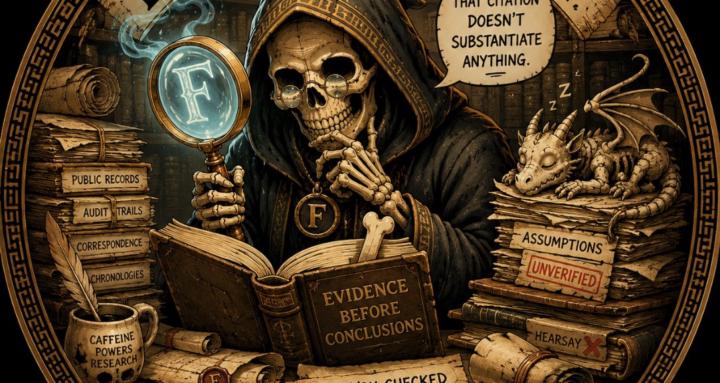
Home of Bone Archivist BoneZ. Chasing mysteries, audit trails and evidence. Assumptions challenged. Coffee double strength.
Suggested communities
Powered by