
Write something

🔥
3d •
CC + Canva
I decided to ask CC to create labels for me for my garden seeds. I did the first page and then asked it to take all the inventory listings on my website and follow my example page and create the rest of my labels and place the images in my upload folder in the label to. I’m shocked at how good it did. I analyzed spacing, font and sizing and did it all including removing the background from images. I need to tell it to put the images to the back layer but other than that, it’s perfect. Here’s a few examples - Bright Lights Cosmos is the page I set up and the rest are CC - 25 pages in total!!! 😍

👑
7d •
If you want to master video editing with Claude, you need to watch these four videos
#1: How To Use Claude for Video Editing Like the Top 1% by Zinho Automates #2: How to Edit Premium Instagram Reels Using ONLY Claude! (Full Breakdown) by Joseph | Video Editing #3: How to Edit Instagram Videos With AI (Claude Code) by Rourke #4: How i make motion graphics just by typing to Claude by The Tech Girl Really wanting to learn video editing with Claude, and these four videos have helped me the most. The really cool part: three of these four creators are already here on Skool. I’ve linked their groups below (using my referral link): - Zinho’s AI Launchpad is free - Joseph’s Ultimate Editors is a one-time payment for learning video editing - Rourke’s GenHQ is a monthly membership It’s incredible how much we can learn for free on YouTube, and that some of the best creators are right here on Skool. Watch the videos and tell me in the comments what you think!
👑
12d •
Test yourself: How much of Claude's power are you really using?
I built something for you and I’d love your honest feedback before it’s final. It’s a short game that shows how much of Claude’s power you’re using. You tap through 30 cards in about 3 minutes. Anything you didn’t know about flips over to show you the real screen and what it does. Test yourself here now: https://claude.ai/artifact/TnsSGJmH5rfoKFx5YEEbnK At the end you get your own badge. Post it in the comments, along with one thing you’d change or one thing you discovered. >>Take the quiz here now<< PS: If you're new here want to dive deeper, check out the premium tier where I show how to make things like this in the artifacts course :) PPS: Got a cool quiz you made with Claude? Share it below 🫶

👑
6d •
Introducing: The Real Time Claude Learning Map
What are people actually doing and building with Claude right now, and how can you do it too? This learning map answers these questions and also keeps itself up to date: - Discover emerging topics - See how they're categorized - Find out which creators and channels are talking about them - Discover where you can learn more - Find something you can do today and this week Please find the map here: https://miro.com/app/board/uXjVEQZ1hLo=/?share_link_id=905456013035 Feeling overwhelmed? Please don't worry, I've got you covered... Come to our Claude Confidence workshop tomorrow and build your own individual, sustainable Claude AI learning plan.

👑
18d •
What did you make with claude today?
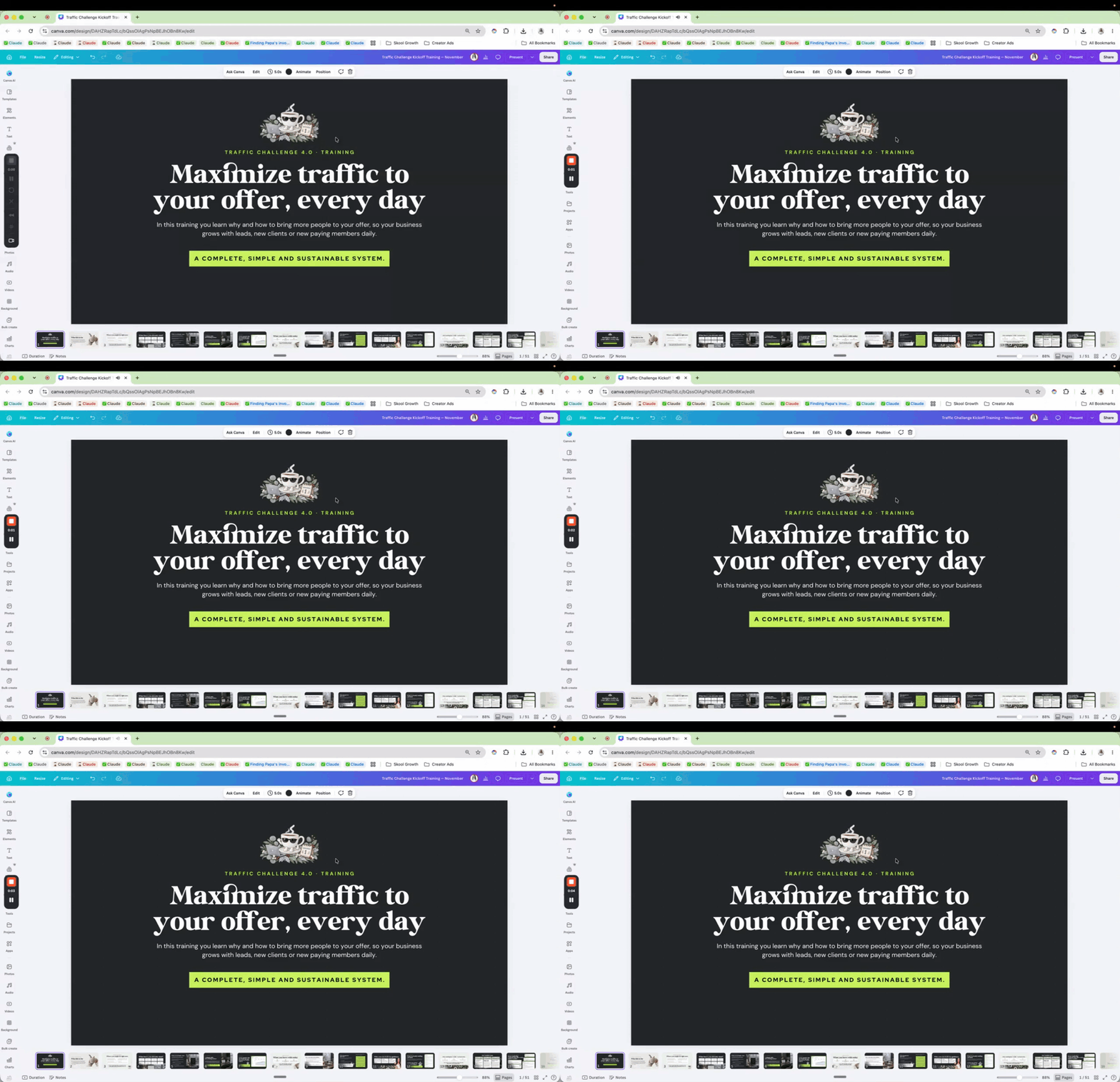
Share a short loom below and if it's something people can check out or buy, feel free to include a link :) I just redid my challenge materials for the November traffic challenge inside of Grow With Evelyn.
1-6 of 6

skool.com/claudeai
Become dangerously self-educated and productive with Claude. Your own learning plan, daily practice and support.
Leaderboard (30-day)
1

+49
2

+39
3

🔥
+33
4

+29
5

+28
Powered by