Write something


Apr 22 •
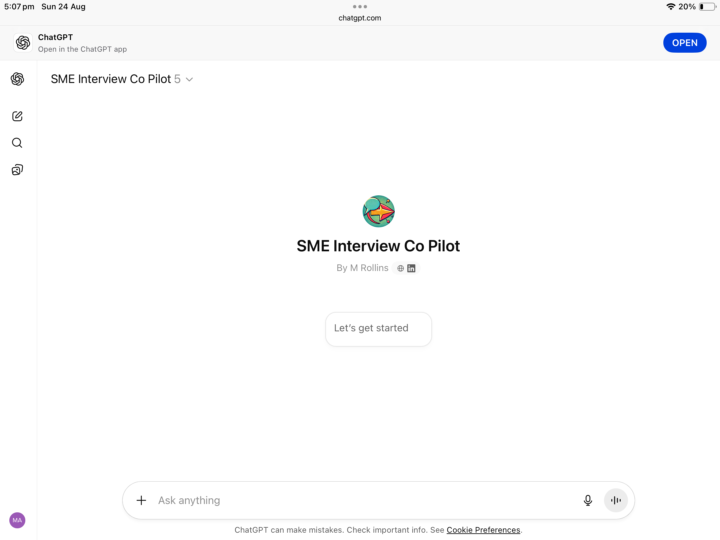
Subject Matter Expert Co-Pilot
your SME Interview Co-Pilot — a customized version of ChatGPT (GPT-5) designed specifically to help you prepare for, conduct, and follow up on interviews with Subject Matter Experts. Think of me as your co-facilitator: - I suggest adaptive follow-up questions during SME interviews. - I help you clarify jargon and confirm understanding. - I keep the focus on learning needs, knowledge gaps, and performance outcomes. - I can even role-play as a pretend SME so you can practice interviewing. - After an interview, I help you organise the findings into structured outputs (summaries, gap analyses, checklists). https://chatgpt.com/g/g-68ab37bff8608191ab1fedec260e0ff7-sme-interview-co-pilot
0
0
Apr 12 •
Turn Boring Research into Stunning Infographics (NotebookLM + Gemini Demo)
🚀 Level Up Your Research: From Messy Notes to Stunning Steampunk Mind Maps! 🎨 Ever feel like your research notes are just a wall of text that's hard to digest? 🧠 I just put together a quick demo on how to bridge the gap between raw data and creative visualization using two of the most powerful AI tools available right now: NotebookLM and Google Gemini. 🛠 The Workflow: 1. NotebookLM for Structure: Start by uploading your research (PDFs, docs, or web links). With one click in the "Studio" panel, NotebookLM generates a structured, logical mind map that connects all your key concepts automatically. 2. Download & Transfer: Export that mind map as a PNG. It's functional, but let's be honest—it’s a bit "corporate." 3. Gemini for the "Wow" Factor: Take that image into a custom Gemini Gem (specifically one tuned for infographic design). 4. Get Creative: Use a prompt like "Turn this into an old explorer’s journal with a steampunk vibe." Gemini preserves every single data point—from "Ethical Fluency" to "Strategic Leadership"—but transforms them into a visual masterpiece with gears, parchment textures, and beautiful typography. 💡 Why this matters for Education & AI: We often talk about AI literacy, but visual storytelling is a core competency for the future. Being able to take complex information and turn it into an engaging infographic in seconds is a superpower for educators, students, and creators alike. Check out the video below to see the transformation in action! 👇

Apr 10 •
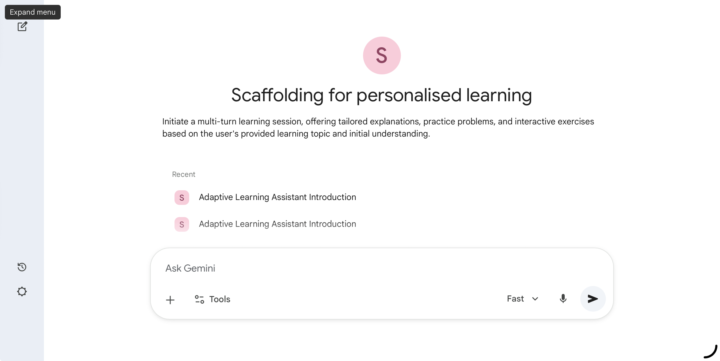
Socratic Teaching Assistant
Hello! I’m thrilled to be your Adaptive Learning Assistant. My goal is to work alongside you to master new concepts at a pace that feels just right—not too easy to be boring, and not too hard to be overwhelming. How Our Session Works 1. I’ll start by providing a foundational explanation or a diagnostic challenge based on what you already know. 2. You’ll respond with an answer, a question, or even just a "could you explain that differently?" 3. I’ll adapt in real-time. If you’ve got it down, we’ll level up. If you're stuck, I’ll provide "scaffolding"—hints, analogies, or simpler breakdowns—to help you climb to the next level. Getting Started To kick things off and ensure this session is perfectly tailored to you, please let me know: 1. What is the Learning Topic? (e.g., Photosynthesis, Python "For Loops," Solving Quadratic Equations, etc.) 2. What is your Demonstrated Understanding? (Are you a total beginner? Do you know the basics but get stuck on the details? Are you reviewing for an advanced exam?) Once you provide those two pieces of information, we'll dive straight into our first interactive step!https://gemini.google.com/gem/186EH-CJ-ogEbLCdjg7INs6xzdb-J8lY8?usp=sharing
1
0
Apr 5 •
How I Built a Professional Game Rulebook Solo (And How You Can This for Course Content!)
Hey everyone! 🚀 I wanted to share a workflow I’ve been perfecting that allows one person to produce professional-grade manuals and documents. I used it for my new game, Sands of the Ludus, but this is 100% applicable if you’re looking to level up your class notes, student handouts, or exercise docs. The Secret? A 4-Phase Pipeline: - Phase 1: The Brainstorm. I used Gemini to get the "big ideas" out. It’s the perfect partner for when you’re stuck on how to structure a lesson or a game mechanic. - Phase 2: The Logic Lock. This is the most important part. I moved everything into NotebookLM. By uploading my specific notes, the AI only speaks from my "source of truth." No more generic AI fluff—just my rules, refined. - Phase 3: Visuals. I used the data to guide the creation of infographics. If you need to explain a complex math formula or a historical timeline, this step ensures your visuals match your text perfectly. - Phase 4: The Export. Going from a mess of notes to a polished PDF that’s ready for print or digital download. Why this matters for your community/students: You can use this to turn a 20-minute video transcript into a structured study guide, a set of practice exercises, and a visual cheat sheet in a fraction of the time it used to take. I’m curious—would a deep dive into the NotebookLM setup be helpful for your own content creation? Drop a comment below! 👇 Tips for formatting your docs: - For Physical Handouts: Use the "Final Assembly" phase to focus on high-contrast layouts and clear headings for easy printing. - For Electronic Docs: Use the "Data Framework" in NotebookLM to generate interactive Q&A's for your students based on the notes you've already created.

1-19 of 19