
Write something

2d •
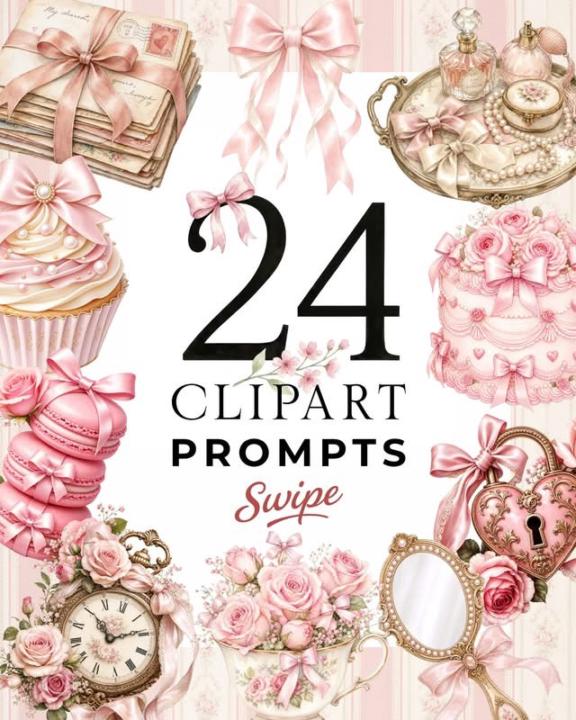
🎀✨ New Coquette Prompt Pack ✨🎀
The coquette aesthetic is still having a major moment... and honestly, I'm not mad about it. 💕 Think satin bows, vintage perfume bottles, pearls, lace, ballet slippers, delicate florals, pretty cakes, love letters, and all those soft, feminine details that give your designs that romantic, storybook feel. Whether you're creating clipart, junk journals, stationery, planners, POD products, wall art, or digital printables, this theme has so much potential. Grab the prompt pack here: 👇👇👇https://docs.google.com/document/d/1nDpqHUhhbyzo-hdVxXVPwwV7Aczh7A9LJew0L3tKg6M/edit?tab=t.0
6d •
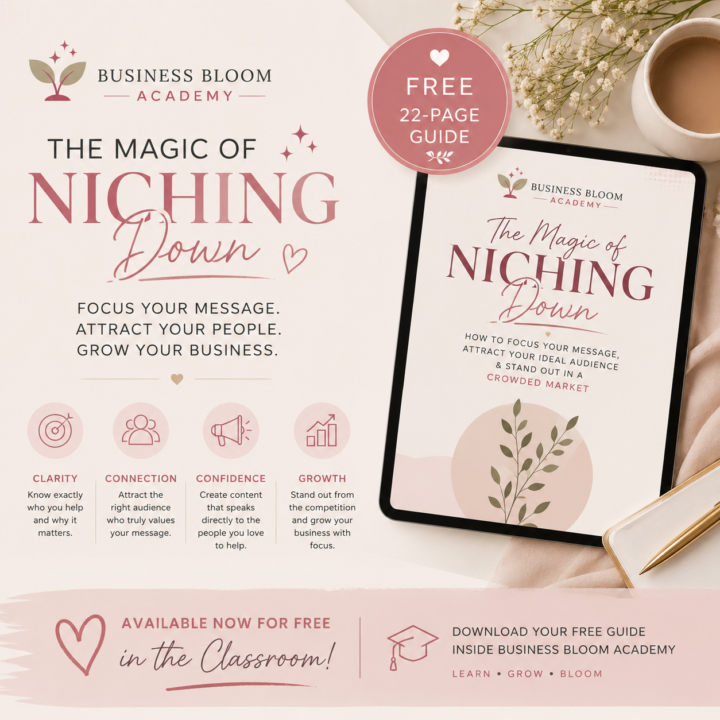
🌸 New Free Resource Available!
I've just added a brand-new guide to the Classroom: The Magic of Niching Down. If you've ever struggled to figure out who your ideal audience is or felt like you're trying to market to everyone, this guide is for you. It's completely free for all Business Bloom Academy members and is available to download now in the Classroom. I hope it brings you clarity and helps you build your business with more confidence. Happy learning! 💛

🔥
7d •
Hey Zanelle Lofty-eaton, Business Bloom Academy 🚀
Hey Zanelle Lofty-eaton 👋 Just checked out Business Bloom Academy. You're still early enough to structure the community properly before growth starts kicking in — which honestly is the best possible timing. We're currently helping new Skool owners turn empty/basic communities into launch-ready ecosystems completely free. Examples + full breakdown here: 👉 Community Launch Before vs after examples below 👇

7d •
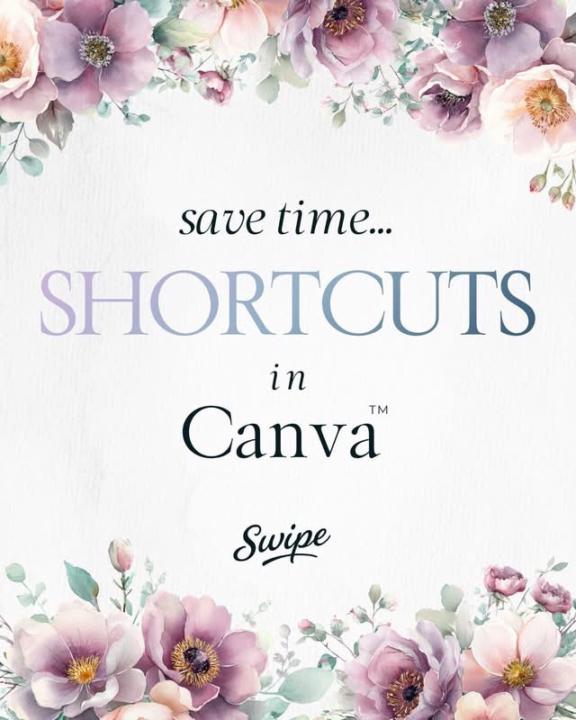
Save Time Shortcuts in Canva
Save time and work smarter with these Canva shortcuts! ⌨️✨ Learning a few simple shortcuts can speed up your workflow and make designing so much easier. Save this post so you always have them handy! 🌸
0
0
12d •
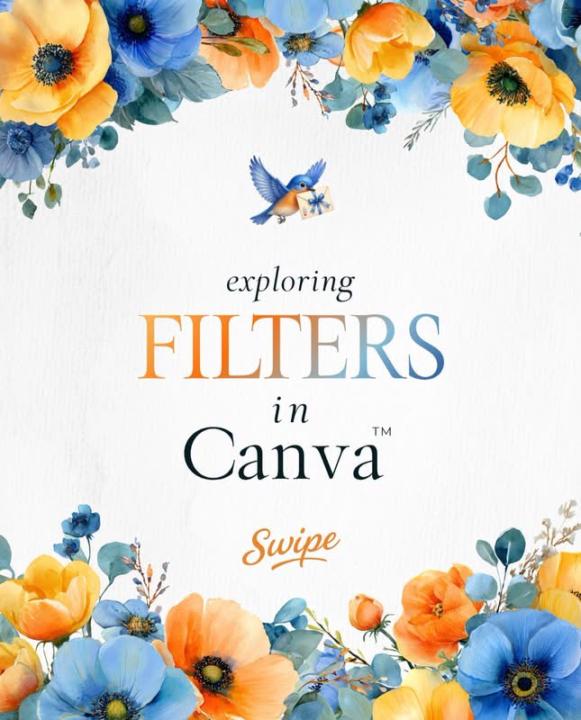
Exploring Filters On Canva 🐦⬛
🌸 Did you know Canva has built-in photo filters? With just one click, you can completely change the mood and feel of an image. Whether you’re creating social media content, Etsy listings, or branding materials, filters can help keep your visuals consistent and professional. ✨ Tip: Pick 1–2 filters that match your brand and use them consistently across your content. Small design details like this can make a big difference in how your brand is perceived. Have you ever used Canva’s filters before? Let me know below! 👇
1-7 of 7

skool.com/business-bloom-academy
✨ Learn Etsy, Canva & digital products while building an online business alongside a supportive community of beginners.
Leaderboard (30-day)
1

+5
2
🔥
+1
3

+1
Powered by