
Write something
Pinned
Sep '25 •
🎉 Welcome to Animation Essentials!
So glad to have you here! To get started, head over to the 👋 Introduction category and make a quick post to introduce yourself. Tell us: - A quick introduction of yourself - Your experience with animation or After Effects - What you'd love to learn or improve while you're here This is a great way to connect with other motion designers who are on the same path as you. - 🎓 Course Access: Click on the Classroom tab at the top. There you'll find the Animation Essentials course It’s packed with step by step lessons to help your motion graphics look professional 💪 - 📁 Resources: You’ll also find the Resources inside the Course. That’s where you can download all your bonus content:🎧 SFX Pack, ✨ Presets, 🎨 Graphics Pack, and more. Need help or have questions? Just post it. The community and I are here for you. Let’s grow together and level up your motion design! Let’s goo! 🔥
Jan 3 •
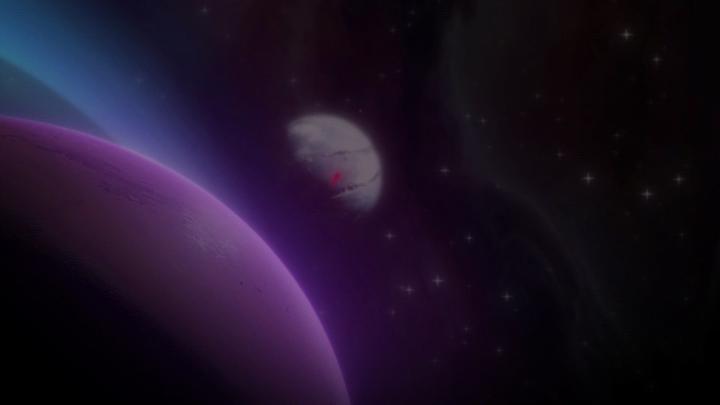
3D Gradient Background using CC Particle World
Hey everyone. I just put together a tutorial on how to make a procedural gradient background that actually reacts to camera movement. Most people use Gradient Ramp or 4-Color Gradient, but this method uses CC Particle World so you get real depth when moving a camera. I attached the video and the project file below for you to use. Here is the quick breakdown: - Create a solid with CC Particle World. - Set Physics to "Cone Axis" and increase Resistance to 1 so particles slow down and hang in the air. - Switch Particle Type to "Faded Sphere" and make them large. - Add CC Lens and Turbulent Displace to blend the shapes into a smooth liquid look. Since it uses particles, the background isn't static, so you can fly a camera through it without it looking flat. Have fun with the files and let me know if you have any questions.
0
0
Dec '25 •
Animate a Particle Burst with text or images
Hey everyone. I just put together a quick tutorial on how to make that specific burst animation using any particle you want. You can use this method for text, logos, or imported images. I attached the video and the project files below for you to play around with. Here is the quick breakdown: - Create a Solid and add the effect "CC Particle World". - Keyframe the Birth Rate from 0 to 15 and back to 0 over 3 frames. This creates the burst. - Set Particle Type to "Texture Square" and select your custom layer. - Set Color Map to "Origin Constant" so it keeps original colors. Just be careful with the color of your solid layer. Make sure the solid holding the effect is white, otherwise it will tint your custom image. Have fun with the files and let me know if you get stuck.
0
0

Dec '25 •
How to make professional Cinematic Reveal
Create this reveal only using the CC Light Sweep Effect. And add a small silhouette behind the text, to make it easier to read. You can find the Better Glow preset in the "Classroom" Tab above, inside "Resources"
2
0

Nov '25 •
Techniques for SaaS Animation
This Animation style have been really trendy lately, here I show you how to make the characteristic gradient background used in these animation, and a smooth text animation. Also you have the project file of this animation available down below 👇
1
0

1-30 of 102
Suggested communities
Powered by