
Write something
3h •
Skool FREE series of lessons for using only ai to produce an ebook.
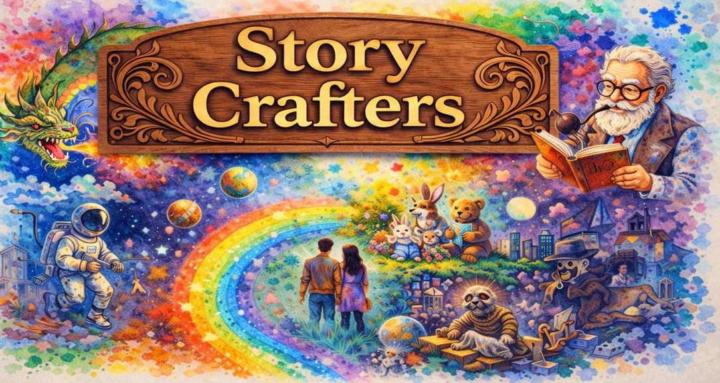
In my Skool group we are going to create an original ebook together using ai. We will start with an idea for the ebook and end with a complete, short, illustrated ebook. I will share each stage of the creation (story outline, text, imaging, formatting, organization and final product) with the prompts used for each. We will use only 2 or 3 tools to do it – keeping it simple. After this accomplishment, you will then create your own ebook from your own original idea. Step by step and share with the group as you go. Your idea can be any genre - children's book, adult, sci fi - whatever is your interest. This series will begin when I have at least 10 members who share an idea for the ebook. I will choose the idea from these to create the ebook. Keep your ideas for when you will do your own ebook. Step up – remember… there are no bad ideas but for the ones not shared. We will do all this on the Community page of the group for everyone to follow. Trust me – this will be fun and the best learning experience you can have for creating an ebook with ai.
7d •
The ai tools I currently use
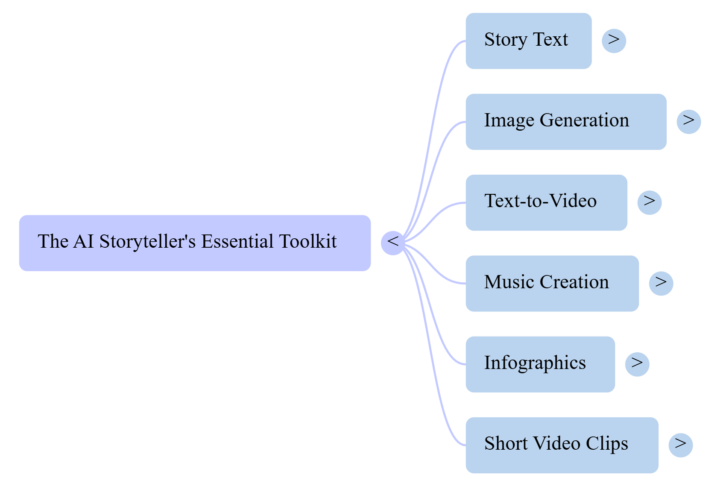
I strongly recommend KISS... pick the tools you think will work for you and totally learn how to use them. Don't try to use every tool out there or test every new tool - there are too many. You can find my ai toolkit in the classroom (free). Expand the mind map and then click on each arrow for more info. If you want a deeper dive into the toolkit and uses, listen to the podcast (12 min.)
4d •
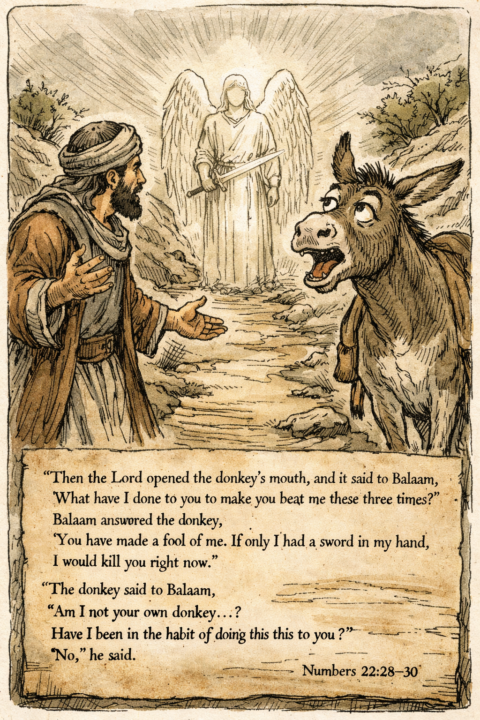
A funny Bible verse
Here's an image representing a bible verse I find humorous. I will also make a short video and post it on this thread later.
3d •
Free prompts for you
Check my classroom and get 5 simple and effective prompts to play around with. Prompts for coloring book pages, puzzle pages, and more.
5d •
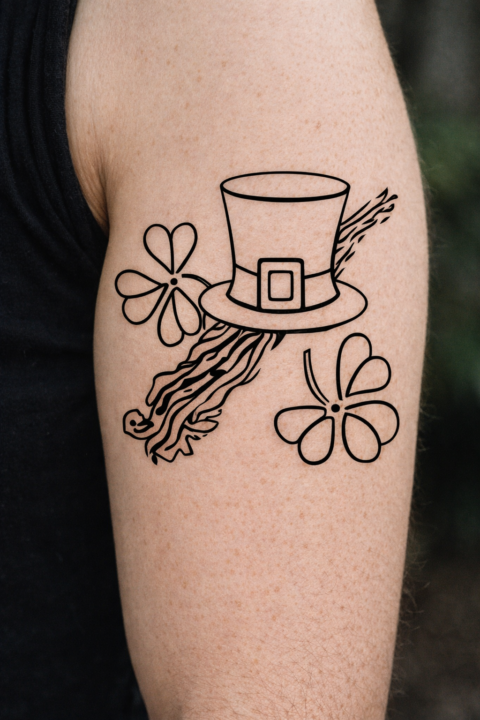
Having some fun with tattoos - share one
No, I am not advocating for permanent tattoos. But it is kind of fun to take an image you have and make it suitable as a tattoo and actually see it on an arm - or where ever you want to put it. This can be done in almost any image creator. I did it in chat with very simple prompts. One prompt I used was: first copy in an image. then tell the creator "Turn this into a black line drawing suitable for a tattoo Remove the white background and apply to a realistic arm, keeping in mind the contours of a real arm" I also asked it to make the hat and shamrocks green. Try it for fun - it's easy. Share with us.
1-30 of 32
powered by
skool.com/ai-story-crafters-1086
Learn to create short, inspiring ebooks with AI—from children’s moral tales to adult fiction—complete with illustrations, storytelling tips.
Suggested communities
Powered by