
Write something

May 2 •
How to Create Viral AI Videos Where Models Do the SAME Movements
You’ve probably seen those viral clips… Same motion. Same words. Different AI characters. It looks complex — but the trick is actually very simple. Here’s how to do it 👇 Step 1: Find a Video to Replicate (You can download any from my Insta account!) Pick a viral video you want to recreate.This can be anything: - Talking head clip - Trendy Reel/TikTok - Emotional or funny speech Download it using any video downloader app. Step 2: Upload to Kling AI (Motion Control) Go to Kling AI 3.0 → Motion Control. Upload the video as your reference video.This tells Kling exactly what movements and speech to follow. Step 3: Create Your Avatar Start Image This part is important 👇 Create an image of your AI avatar in a similar pose to the first frame of the video. Why? Because Kling uses this as the starting point to animate your character naturally. Tip: - Match angle (front, side, etc.) - Match body position - Keep lighting somewhat similar Step 4: Generate the Video Settings: 1080p, Audio on! Character orientation matches video! Now just hit generate. Kling will: - Copy the movement - Copy the timing - Copy the speech/lip sync - But replace the person with YOUR avatar Step 5: Repeat with Different Avatars This is where it gets powerful 🔥 Use the same reference video again……but change your avatar. Now you can create: - Multiple characters saying the same thing - Entire “AI cast” videos - Viral variations in minutes - Why This Works So Well You’re not guessing what will go viral. You’re literally: - Using a proven video structure - Keeping the performance - Just swapping the face/brand Monetization Ideas - Create niche AI influencers - Sell prompt packs or avatar styles - Build themed content pages - Offer custom videos for clients - Turn it into ads or product promos If you try this, post your results 👇I want to see your avatars in action!


Apr 27 •
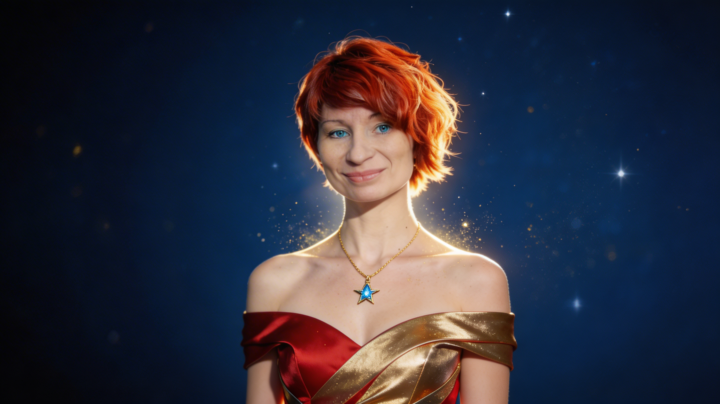
Initial Image Feedback
I have only just started, using the initial prompt with slight tweaks to get a feel of the qwen model. I've noticed that it likes a bit of shadow. I'd like to get some feedback as to realism and is this in the right direction for building a character?

Apr 14 •
🚀 How to Level Up in AI Stars
Welcome our new members: @Janeen B @Donnie Maynard Christianson @Kate Boelhauf Want to unlock more courses, prompts, and tools? Start earning points 👇 You level up by: ✨ Posting 💬 Commenting ❤️ Getting likes The more value you bring, the faster you grow. Not sure what to post? Here are easy ideas: - Your latest AI images or videos + the prompt you used - Insider tips & tricks that saved you time - New AI tools or news you discovered - Your avatar looks (before/after, experiments, styles) - Wins, progress, or even struggles (we learn from all of it) - You can also browse the categories above and jump into anything that inspires you. 💡 Simple rule: Share what YOU would find helpful. Let’s build, share, and grow together. 🔥
1-3 of 3
powered by

Suggested communities
Powered by