
Write something

19d •
AI Agent Lessons Locked
Hello, I have finished lesson 2 & 3 and there is a link stating to open other agents. when i follow this link it states i have to upgrade to gain access. Have I missed something?

24d •
Unlock premium classroom
I paid for the annual package, but I still haven't unlocked the premium features. Please check for me.

25d •
Projects Folder?
Hi @AI With Diana , I just finished setting up cowork through your course. Everything made perfect sense until I got to the last page: "Second Prompt to try: Great! Look at the files in myPROJECTSfolder. Based on what is there, create a simple one-page introduction document about who I am and what I do. Save it to myOUTPUTS folder as[my-name]-introduction.docx." throughout the setup, we never put anything into our projects folder so there was nothing in that folder. So, Claude took info from my about-me page to make the introduction page...did I miss something here?

27d •
Unsubscribe from emails in outlook automatically?
Do you know if there is a way to write an AI prompt or agent that will look at my emails in Outlook and unsubscribe me from all of the ones with certain words in them, like "cozy mystery" or "romance ebook"?
1
0

1-12 of 12
skool.com/ai-agents-for-beginners
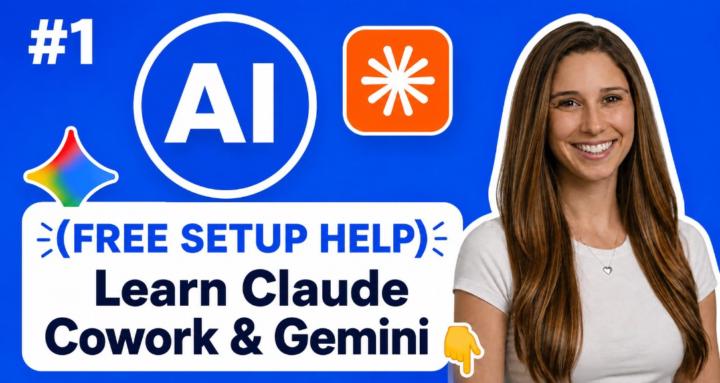
Join the #1 AI Agents for Beginners Skool. Learn Claude Cowork & Google Gemini Spark Agents for work, automate tasks, reduce manual work no code
Leaderboard (30-day)
1

+34
2

+20
3
+13
4

+11
5

+9
Powered by