
Write something

Mar 8 •
WELCOME TEAM: Start Here 👇👇👇
Explore our AI Agent Builders community designed to automate your business and daily tasks immediately with NO coding required! Welcome to AI Agents For Beginners! I am Diana, the founder of this community.🤗 A leading AI expert with a extensive background in helping businesses and educators implement AI easily and safely. I focus on engineering Google AI Gemini gems and zero code Claude Cowork setups that are immediately powerful yet completely intuitive to beginners without any coding skills. ✅ Where to Start?😃 1. Introduce Yourself Here First > (Include what AI tool are you most interested in learning & job) 2. Unlock all our AI agents here > (Only $9 cancel any time!) 3. Learn to Create Your First AI Assistant Free Here > Creating a no code AI assistant here only takes about 10-15 mins. You GOT THIS! 💡 Pro Tip: The more you comment in this group, the more others will help you out and resources you will unlock here!✨ Welcome to your new AI home!🏡

12d •
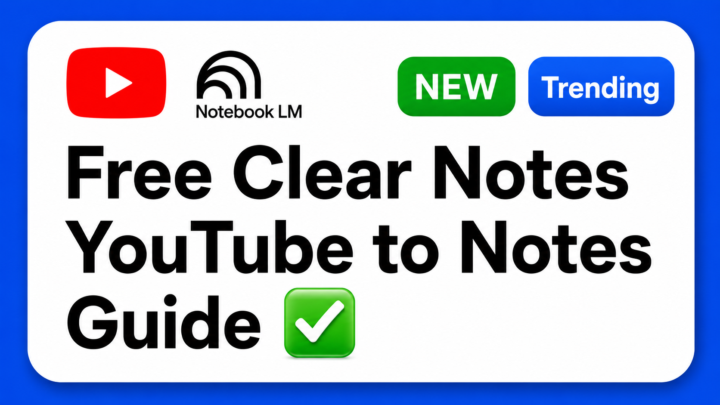
✅ FREE: How to Turn YouTube Videos Into Clear Notes
Hi AI builders!😃 I created a free guide with a complete step-by-step workflow and a copy-and-paste prompt to turn YouTube videos into clear notes for any subject matter. Instead of manually pausing, rewinding videos while watching long Youtube tutorials, you can paste your YouTube link straight into NotebookLM with my master prompt. ✅ How to Get It: 💥 Free Users → Access your Free Youtube to notes guide here! (Includes copy-paste prompt) ❤️ Premium Members → You get access to the guide! And our growing learning resources AND my entire growing collection of premium AI Agent Skills and resources! Have fun! If you are Premium, you get access to every single custom skill and resource I build to automate your workflows. I cannot wait to see how you continue to use our AI agent skills and future content!😃 Much more to come!🔥 - Diana
9d •
Training Notebook?
One of the projects I've been working on is creating a dedicated NotebookLM knowledge vault from all of the trainings I've taken from a single instructor. Between image generation, video creation, marketing, AI workflows, and automation, I realized I was constantly trying to remember which training covered what. So I started loading everything into one NotebookLM notebook. So far it's about 38 trainings (and growing). The interesting part isn't just having the content in one place. It's being able to ask questions across all of the trainings at once: - "What has [Instructor] taught about creating better prompts?" - "Where do their image-generation strategies overlap with their video workflow training?" - "What concepts show up repeatedly across multiple courses?" It's becoming less of a training library and more of a searchable mentor that helps me connect ideas across courses. Has anyone else built a NotebookLM vault around a specific instructor, topic, or skill set? I'd love to hear how you're organizing it.
Apr 21 •
Check-in #1: Are you ready?
Are you ready?? Vote below.👇👇👇 Comment a GIF to express your vibe!
Poll
12 members have voted
12d •
Just a little update...
@AI With Diana I am so glad I joined this group. Besides building my Personal Assistant, I have built 5 new gems - my fav right now (don't tell the others) is my Creative Disaster Sidekick (Gem #5) because who doesn't need a sidekick right?! My Personal Assistant gave me a workflow for how to use it with the other 4 Gems that I built. Today I asked my sidekick what it could do because I just wanted to share... "When a project goes entirely off the rails, the signal drops, or your brain feels like forty* open browser tabs, think of me as the field base where we find the map, duct-tape the equipment back together, and sketch out the pivot. I’m ready when you are. Dump the chaos, the messy voice transcript, or the sudden deadline shift right here, and we’ll build the B-plus plan to get it moving. Your 5-minute, low-friction action step: Drop a single sentence or a messy bulleted list of the exact project that is giving you the biggest headache right now." After it gave me that, I just did a complete brain dump using Wispr Flow. It processed the raw inputs to output a clean, prioritized three-step action plan along with five distinct creative campaign ideas. I can't wait to build my week around this tool and make things happen! BTW I am open to names for this little guy! *Just for clarification I only had 23 open at the time.
1-30 of 60
skool.com/ai-agents-for-beginners
Join the #1 AI Agents for Beginners Skool. Learn Claude Cowork & Google Gemini Spark Agents for work, automate tasks, reduce manual work no code
Leaderboard (30-day)
1

+34
2

+20
3
+13
4

+11
5

+9
Powered by