Activity
Mon
Wed
Fri
Sun
Nov
Dec
Jan
Feb
Mar
Apr
May
Jun
Jul
Aug
Sep
Oct
What is this?
Less
More
Free Faceless AI Income Group
2.3k
Free
Unapologetically AI Summit
429
Free
AI Music Insiders
345
Free
AI Guerrillas
1.4k
Free
Co-Creators
11k
5.0
Free
Break the Algorithm
4.5k
Free
HelloCustom Accelerator
2.7k
Free
List Builder PRO
658
$149
Your First $5k Club w/ARLAN
34.2k
5.0
Free
97 contributions to Digital Clarity Training

🍀
3d •
Community Contributors
Our very own members are bringing value to the community. They're problem solvers with an AI solution. Go here to learn more and grab what you need: https://www.skool.com/digitaldownloadsuccess/classroom/12819551?md=6901b31e26b74d3eb6d0c9f68534352c Follow the contributors. @LaToya Taylor @Dr. Stephanie Green @Cecilia Webb @Jennifer Williams @Coach Q @Janay Trevillion @Dr. Catina A Rollins We'll be adding more contributors. As a contributor, you're to talk about what you have added to the vault. Tag me when you do. I'll pin your post or share it in a new post to notify the community.

0 likes • 1d
Congratulations, Everyone!😊
🍀
5d •
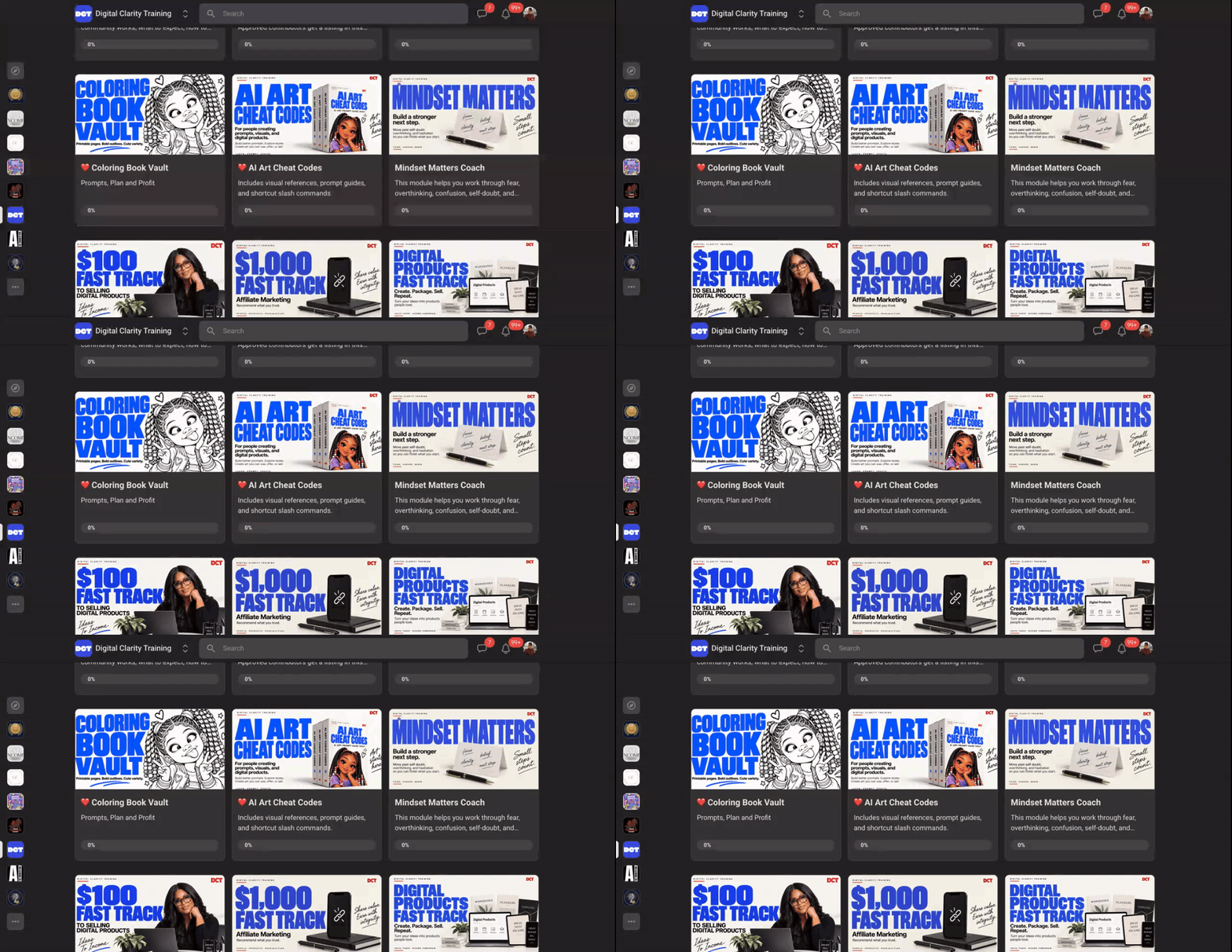
NEW INSIDE DCT | Cheatcodes
Prompt guides, reference images, and creative slash command shortcuts. Go here to see what's new.
1 like • 4d
Thank you!
🍀
14d •
01 October 2026 | Join Me October 6: Audit Your GPTs the Stress-Free Way
OpenAI is telling everyone to move their GPTs into plugins before December 11. Do not do it alone, and do not do it by hand. Both are the worst moves you can make right now. Here is what I know from auditing my own library. I started with 252 GPTs and kept 35. The rest were outdated, duplicated, half-finished, or doing a job a single instruction could handle. Moving all 252 into plugins would have been weeks of stressful, manual work that solved nothing. Migrating a broken GPT into a plugin is like putting a band-aid on a broken foot. There is a better, less stressful way to handle this, and I am going to walk you through it. On Tuesday, October 6, I am teaching a free course on auditing with Muse.ai. I will show you how to use Muse to look at every GPT in your library and give it one verdict: Keep, Improve, Rebuild, Merge, or Retire. Most of your GPTs will not survive the audit, and that is the point. Then on Wednesday, October 7, we rebuild. That is the VIP session, and I work alongside you. If your library is large, we will have Muse do the migration for you. It converts each surviving GPT and stops after each one for your review. You approve, and it continues. If your library is small, I will give you the manual path: Audit, Update, Test, Convert into System Instructions, Convert into a Skill File, and build your own library while you sleep. Either way, you do not leave with notes. You leave with a working library. We will also dive into Muse on the 6th so you can see exactly what it does for you. The 6th is the why. The 7th is the how. If you are joining me on October 6, comment "I'M IN" below so I can see you and save your seat. At the end of the free course, I will invite you into the VIP session on the 7th. Register Here: https://us02web.zoom.us/webinar/register/WN_VcXIIDcSTWqQIj0w-ln7Cg

6 likes • 14d
I'm in
4 likes • 14d
Brainstorming ONE major offer instead of trying 10 different offers so I can reach a first-time financial goal I want to hit. It will take the RIGHT product offer and FOCUS + IMPLEMENTATION for ME!!!
🍀
16d •
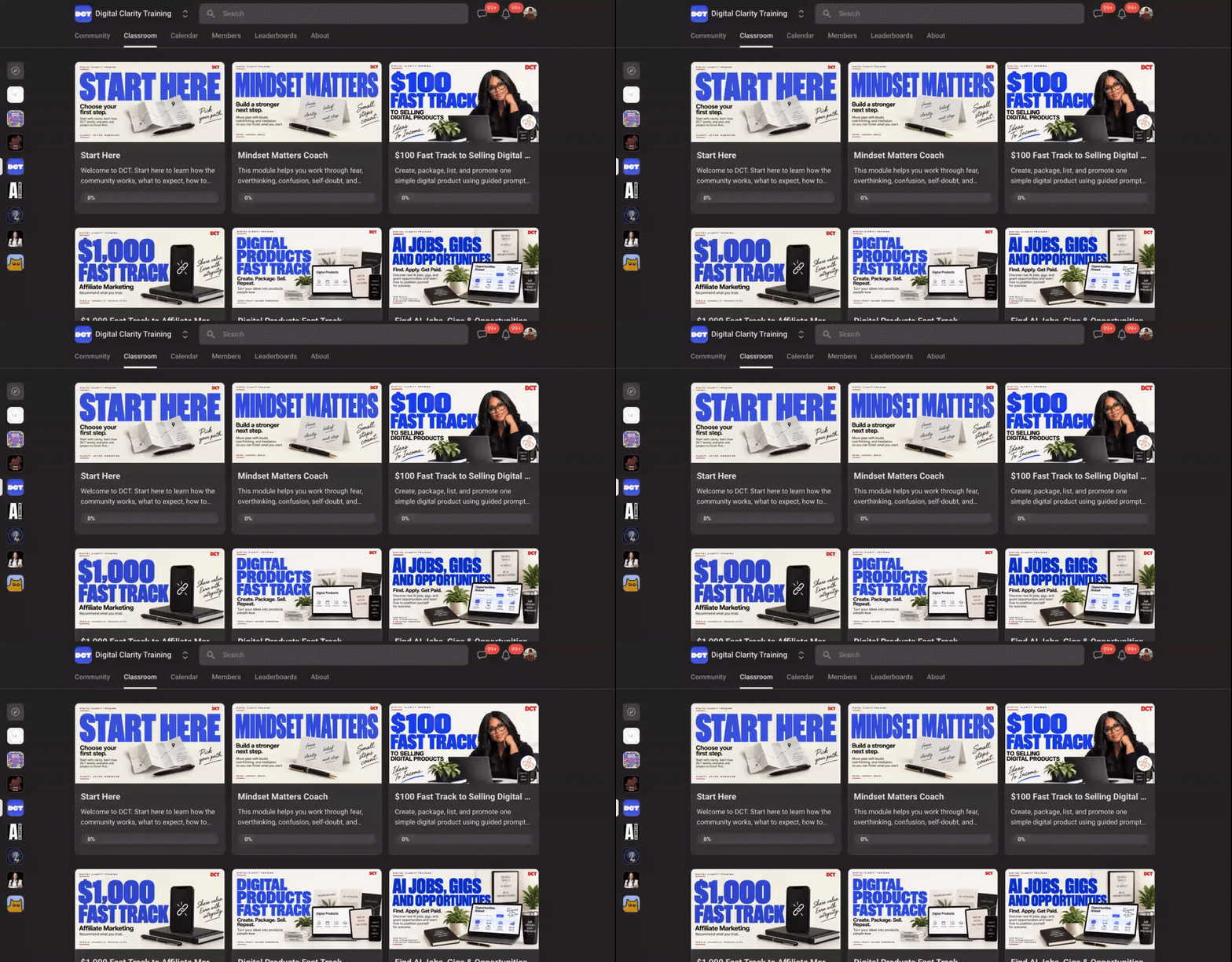
29 September 2026 | Before These DCT Modules Go Back Into Draft Mode, I Want to Show You How to Turn Them Into Resources You Can Actually Keep and Use.
⭐️ Watch the video, read the post, download the prompt, and grab what you need from the classroom. Hey DCT, hey. I have brought a few of our retired modules back into the classroom because several of you asked for access. These are the only retired modules we'll reopen, and they will remain available through October 31. After October 31, they are going back into draft mode. I also want you to know that some of these modules are older, especially the ones retired earlier this year. That means some information may be outdated, tools may have changed, and some links may no longer work. So I don't want you downloading old information and hoping it is still useful. I created a prompt you can use with an AI that has access to your signed-in browser session. You can tell it which module you want, and it can go through the classroom material and help turn what you need into a resource guide you can actually keep. For videos, the goal isn't to stuff video files into your guide. The AI can use the available transcript, turn the teaching into organized session notes, and help you pull out the parts you can actually use and apply. You can use the prompt with tools such as MetaMuse, the Claude Chrome extension, or the ChatGPT Chrome extension. Upload the prompt, sign into Skool normally when needed, tell the AI which module you want it to work through, and have it create your guide. And when it is finished, save that guide somewhere you control. Your computer. Google Drive. Dropbox. OneDrive. Wherever you keep your important resources. Please do not wait until October 31 to start. If there is something in these reopened modules you want to keep, start saving it now so you have your own organized resource long after the classroom changes again.
2 likes • 15d
Thank you!
1-10 of 97

@yvonne-carson-5917
Procreate artist almost 7 years when I turned 60! I love drawing, painting, crocheting, writing. I have 9 grandchildren/soon to be grant grandma!
Active 1d ago
Joined Sep 23, 2024
INFJ
Nevada, USA
Powered by