Activity
Mon
Wed
Fri
Sun
Nov
Dec
Jan
Feb
Mar
Apr
May
Jun
Jul
Aug
Sep
Oct
What is this?
Less
More
Your First $5k Club w/ARLAN
34.3k
5.0
Free
Self Worth Challenge
3.9k
Free
Expert Coach Certification
22.7k
5.0
Free
The Digital Plug
495
4.8
Free
$10K Challenge
10.9k
4.8
Free
K2X Real Estate Training
1.2k
Free
4D Copywriting Community
65.8k
Free
Growth Hub 365
13.6k
Free
Excel Mastery
1.7k
Free
15 contributions to Agent Empire

7d •
The Gap Between Agent Demos and Client Delivery
Watching a computer-use agent click through an interface on video makes automated operations look almost solved. The friction usually starts the moment you try handing that exact workflow over to run reliably inside a messy client setup. Most of the real challenge seems less about setting up the agent logic and more about keeping track of edge cases without sitting there watching it execute. For those running these for real businesses, where does the workflow usually break down first?

Sep 10 •
Additional Course Modules?
Is there only the 1 module with 6 videos in this skool? If not, how are the others that are mentioned when signing up accessed?
0 likes • 7d
Definitely check out the pinned posts and recent YouTube breakdowns Nick shared.
Sep 20 •
Building the agent is honestly the fun part.
Keeping track of everything after deployment gets messy fast. The workflow I've been using: github.com - code + version history n8n.io - workflows and integrations docs.google.com - client SOPs and documentation floment.ai - tracking each agent as a project with fixes, tests, and next actions That last part became way more important once I had multiple things running. "Deployed" doesn't mean finished when clients start finding edge cases 😅 How are you guys managing agents after they're actually live?
1 like • Sep 21
@Jordan Shaw Fair point, if your ICM folder setup is already handling state and context cleanly, there’s zero reason to swap it just for the sake of n8n. For me, n8n basically acts as the glue for messy external APIs, webhooks, and database updates, while context data lives in Supabase/vector storage that gets queried per run. Tracking the agent as a project in Floment was really just to stop edge cases and ongoing client requests from getting lost across Slack and random notes once multiple builds were live. How do you currently handle tracking edge cases and revisions across your agent folders?
1 like • 7d
@Nick Vasilescu The aftercare loop is definitely where most setups fall apart. It’s easy to ship a workflow, but without a clear place to log edge cases and assign next actions, you end up manually firefighting in DMs.
15d •
The Demo to Delivery Drop-Off
Getting an agent to complete a workflow on your own machine feels like magic the first time it works. But taking that working test script and actually packaging it into a reliable service a client can use daily is where things get messy. You go from debugging logic to chasing edge cases, handling output checks, and trying to keep client communications organized. For those building managed agents here, where does the real friction start once the core workflow actually runs?
1 like • 14d
@Nick Vasilescu The receipt vs. follow-up distinction is spot on. That handoff point where edge cases or missing context break the loop is usually where things fall apart. I’ve been testing Floment ai to keep the actual client project, tasks, and notes pinned in one spot for when a human does need to step in and supply that missing piece.

20d •
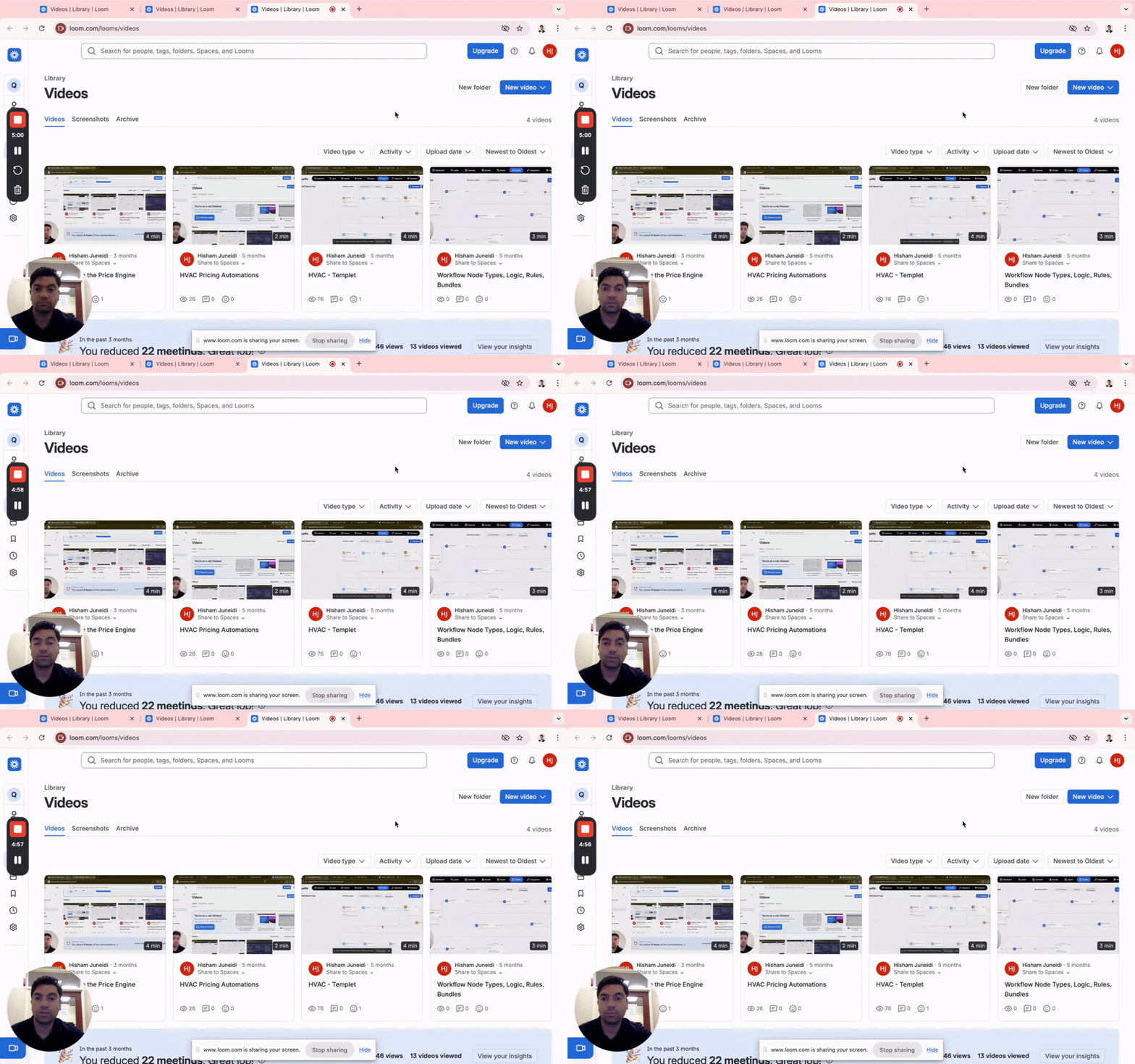
If you vibe code client projects, this is the backend problem nobody talks about.
The front end is easy. Lovable, Claude, Cursor — done in hours. But the moment a client needs real pricing logic, business rules, or calculations — you're either hard-coding it into prompts or writing custom backend code. Both are a nightmare to maintain when something changes. I built a solution. Here's how it works: → You vibe code the front end (any tool) → It connects to n8n → n8n pulls the business logic from Quotix (the engine I built) → Quote calculated, result returned to the front end → Lead pushed to GoHighLevel automatically No black box. No hard-coded prices. Full control over the business logic from one place. https://www.loom.com/share/256a189b6ba74aa2bf53aeab14569bc0 I'm looking for people to test this. If you build for solar, HVAC, roofing, electrical — or any service business that needs on-site quoting — drop a comment or DM me. Free to test.
1 like • 14d
Separating business rules from the frontend is honestly where most vibe coded apps fall apart once clients start asking for real world quote changes. Sticking pricing rules into prompts is a recipe for silent hallucinations anyway. Having n8n route that out to a dedicated engine makes maintenance so much cleaner.
1-10 of 15

@tony-iverson-7089
Building things online and trying to optimize my daily workflow. Here to learn from founders who are a few steps ahead.
Active 5d ago
Joined Jul 2, 2026
Powered by