Activity
Mon
Wed
Fri
Sun
May
Jun
Jul
Aug
Sep
Oct
Nov
Dec
Jan
Feb
Mar
Apr
What is this?
Less
More
Memberships
AI for 3d Printing
904 members • Free
8 contributions to AI for 3d Printing
Mar 8 •
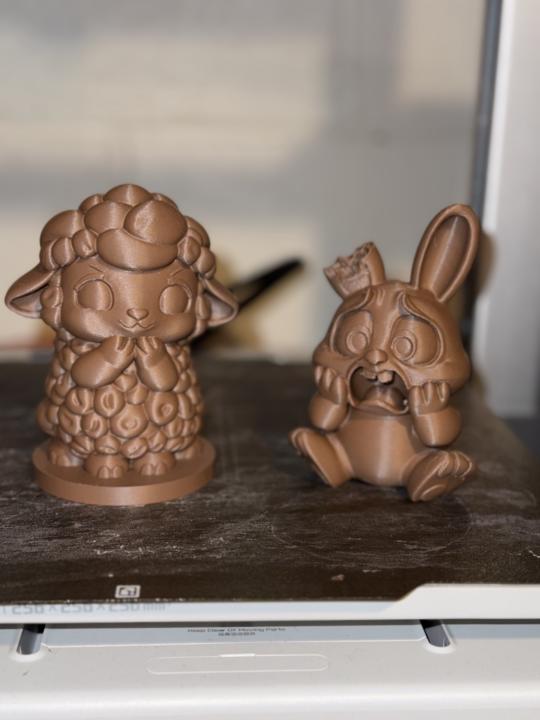
Chocolate Easter Design: Update!!
Update! These came out better than I could have hoped!! Printed them at 112ish mm high using Inland chocolate pla filament. I reworked the rabbit with the egg to a little more playful. Really like how the first two came out. Edit: I used the multi-view on STL buddy because when I originally did it, the tail was off center. Feel free to use these images to make your own!

1 like • Mar 9
Those are darling!!
Feb 19 •
Prompt Tweak
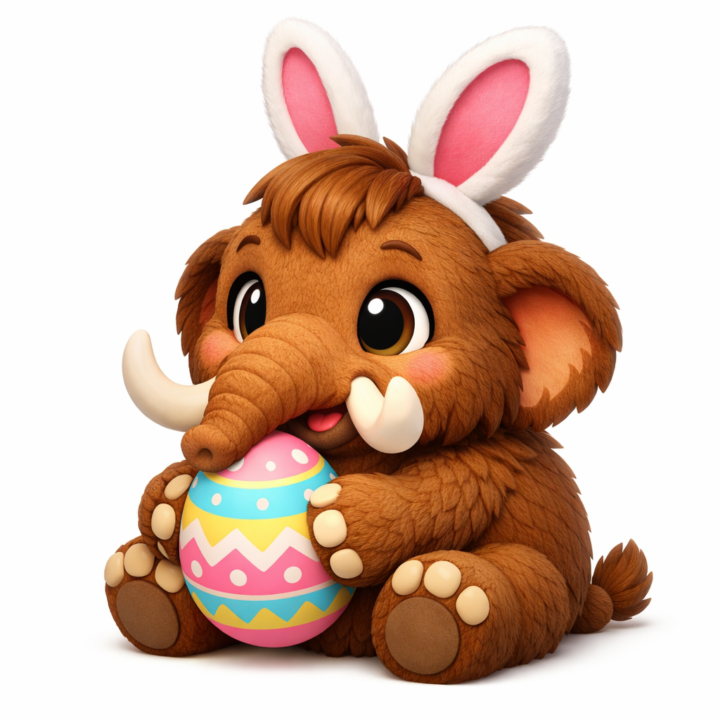
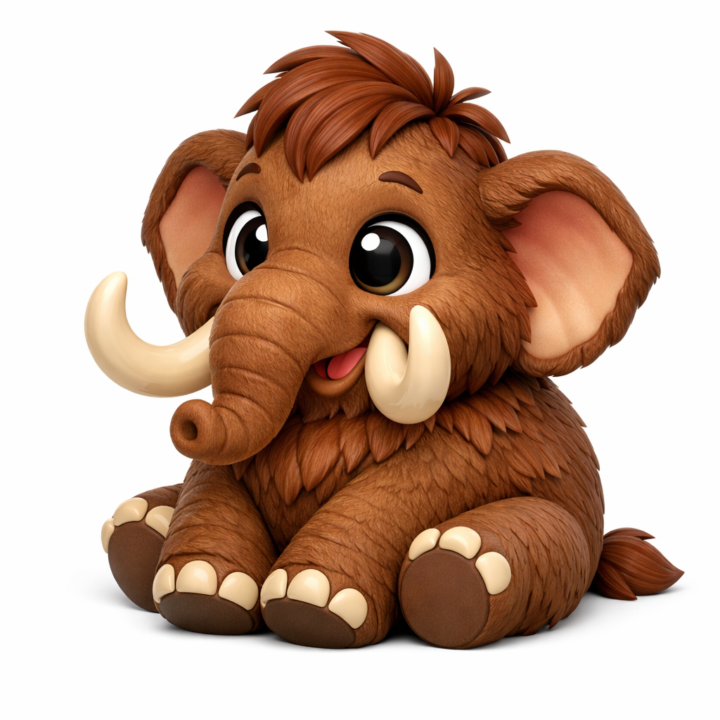
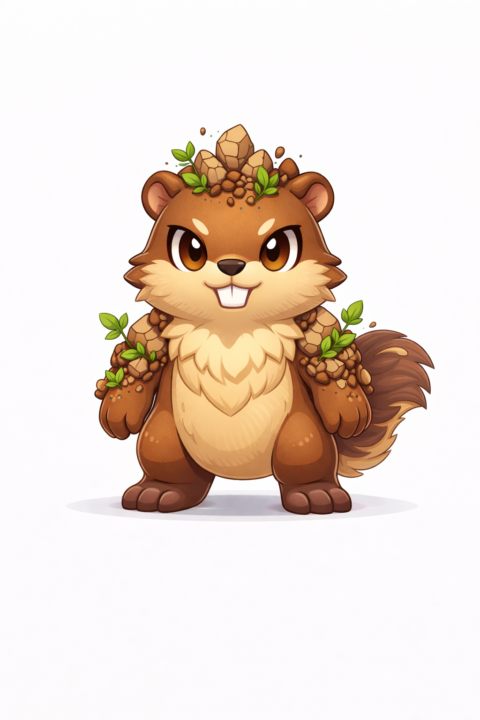
Hi all! My name is Susan and I live in Kansas. I am very new to 3D printing and am learning quite a bit with the help of this course and AI. I did take the prompt for the flexi animals and tweaked it some to what I like to see. Below are the results from the following prompt: "Make me a high-quality 3D render of a [ANY ANIMAL, CHARACTER, ETC]. I want it to have a cartoon art style. I want it to have nice, big, expressive eyes, a nice smile. I want this to have a strict 3/4 orthographic view. I want the animal to be sitting down. I want the body to be rounder and the head more stylized. I want this to be ready for STLBuddy." Let me know what you think. I am out of credits on STL Buddy, but as soon as I get some I am going to run some of the images through. Y'all enjoy your day!!!
1 like • Feb 19
@Howie Eddins awesome! He looks great! I did one in the Assassin's Creed. Lol
1 like • Feb 8
Looks good. ☺️

0 likes • Feb 8
Makerworld has an option to turn an image into a bobble head. Checkout makerlab
1-8 of 8
Active 18h ago
Joined Dec 5, 2025
Powered by