Activity
Mon
Wed
Fri
Sun
Aug
Sep
Oct
Nov
Dec
Jan
Feb
Mar
Apr
May
Jun
Jul
What is this?
Less
More
Memberships
We Need To Community
2.7k members • Free
⬨Nimalu Sims 4 University
721 members • Free
12 contributions to ⬨Nimalu Sims 4 University

Mar 14 •
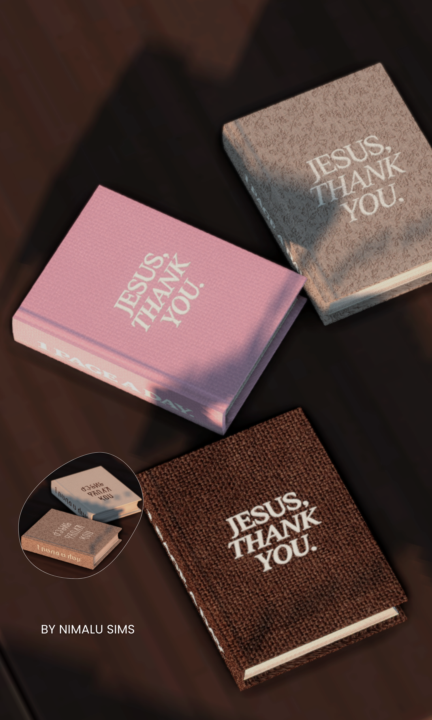
Embroidered Bible Recolor
This functional Bible recolor features embroidered lettering designed to feel soft, intentional, and devotional in your Sims’ space. The cover reads “Jesus, Thank You.” with “1 Page a Day” embroidered along the spine as a gentle reminder to stay in the Word daily. Created to bring a peaceful, faith-filled moment into your gameplay — whether your Sim is studying, reflecting, or spending time with God. ⚠️ Terms of Use• Do NOT recolor this Bible mod• Do NOT use this mesh or textures to create recolors• Do NOT translate or share on any platform• Please link back to the original post if sharing screenshots. ⚠️ Important Please remove/replace the old Bible mod before starting your game. Clear your Localthumbcache after installing. Clearing the LocalThumbCache.package helps remove old mod data and prevents conflicts when installing new mods. 1️⃣ Close The Sims 4 Make sure The Sims 4 is completely closed before doing this. 2️⃣ Open Your Sims 4 Folder Go to: Documents → Electronic Arts → The Sims 4 3️⃣ Find the File Look for the file named: LocalThumbCache.package 4️⃣ Delete It Right-click the file and click Delete. Don't worry — the game will automatically create a new one when you launch The Sims 4 again. 5️⃣ Start Your Game Launch The Sims 4 normally. Need Help Buying The Bible In Game? 1️⃣ Place a Bookshelf Open Build/Buy Mode and place any bookshelf in your Sim’s home. 2️⃣ Return to Live Mode Switch back to Live Mode. 3️⃣ Click the Bookshelf Click on the bookshelf to open the interaction menu. 4️⃣ Select “Purchase Books” Choose: 📚 Purchase Books A catalog of books will appear. 5️⃣ Go to the Non-Fiction Section In the book menu, click the category: 📖 Non-Fiction This is where your Bible book will appear. 6️⃣ Purchase the Book Click the book and press Purchase. The book will automatically go into your Sim’s inventory. 7️⃣ Read the Book Open your Sim’s inventory, click the book, and select Read. Your Sim can also place it on a table or bookshelf to read later.

1 like • Mar 23
Thank you so much boo. Question is the Bible mod up to date I wanted to put it back in my game. Thank you again
Feb 23 •
Where to find good mods
I was trying to set up my mod folder for better game play do any of you ladies have a lot ideas how to set up my mods folder in the best organize way possible?
2 likes • Feb 27
@Nimalu Martins yeah I have it organized by Creator and I put the mods in there that's theirs and sometimes I get tired and I just throw every single more in there but if it's script mode and they only can go one for the deep that's what I do I put them in that one folder by the Creator and the number if it's a certain version of it. But thank you
2 likes • Feb 27
@Mark Bowman now when you say intentional do you mean as far as what specific mods you have in your folder for better gameplay? I also think that being strategic is a good thing when organizing our folders as well as making sure we trust the creators that are making the mods as well but making sure we read the full length of the post so we know if it conflict with another mod because a lot of these creators use the same message and sometimes they conflict.
Feb 4 •
Classroom Courses
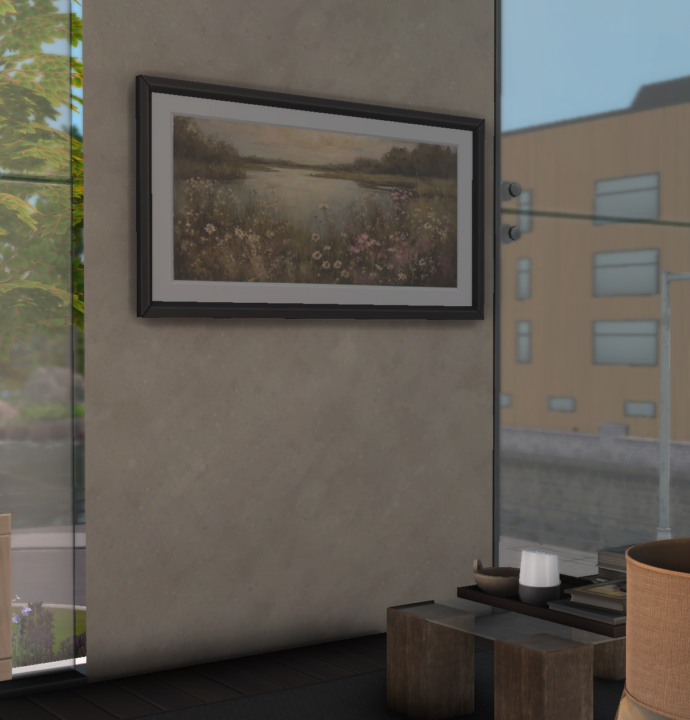
Want to learn how to recolor frames using a mesh and base game cc ? https://www.skool.com/free-nimalu-sims-community-3774/classroom/739701c8?md=dbd1560d6d3f4c69ab8b356eb18ff1d9
2 likes • Feb 23
I did mine I followed everything you did in the video and I got it thank you again for all your hard work it really means a lot to me. God bless you
1 like • Feb 23
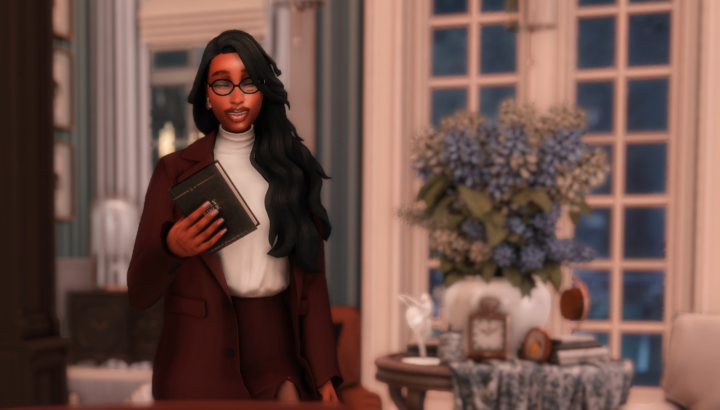
Thank you again for this beautiful mod
Jan 13 •
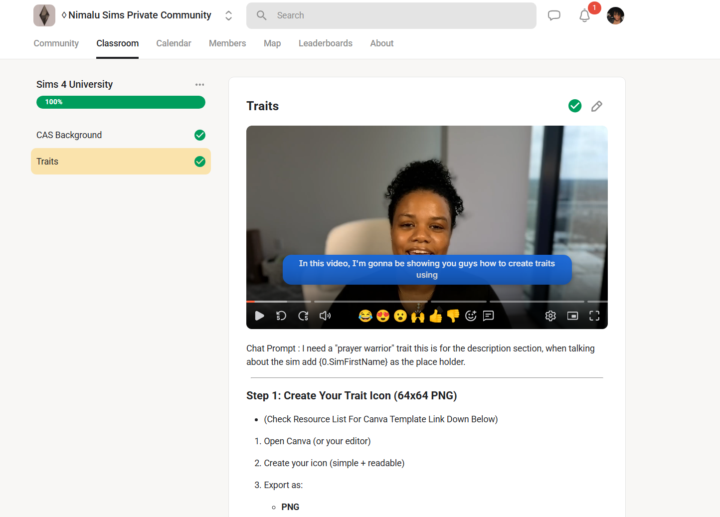
Do you want to learn how to create content for the sims 4?
✨ We’re almost at 30,000 members!!! ✨ First things first! I just want to say how deeply blessed I am to have you in my Patreon and Skool communities 💓Your love, comments, and support truly make my day and give me the motivation to keep creating. I wouldn’t be here without you. I’m so excited to share that I’m officially creating self-paced courses inside my Skool community 🎓✨ This course is designed just for you. Whether you’re creating for yourself or dreaming of sharing your work with others, this journey will teach you how to become a confident, creative, and modern Sims 4 content creator. ✨ What You’ll Learn Modding & CC Basics: Get hands-on with creating your own mods, traits, and custom content. I’m not gatekeeping—every tool and link I use will be shared with you. 🎨 Building Your Brand: Learn how to showcase your work on platforms like Patreon, Tumblr, and YouTube, and start building a recognizable presence. Community & Growth Discover how to connect, collaborate, and grow your audience in a supportive, uplifting way—no pressure, no competition. 💬 Now I want to hear from YOU :What kind of content do you want to learn how to create?
2 likes • Jan 20
@Nimalu Martins I want to make clothes and put pictures up of my Sims to it make it feel like a movie and make my own recolor of some items
1 like • Feb 23
@Regina Rabess I think that is a great idea I would love to have your cc in my game I love the colors and the vibe you are going to bring to the game.
1-10 of 12
@shanetta-crosby-6168
Netta The Simmer is my name and I love playing the Sims and making content with my storytelling.
Active 72d ago
Joined Dec 21, 2025