Activity
Mon
Wed
Fri
Sun
Aug
Sep
Oct
Nov
Dec
Jan
Feb
Mar
Apr
May
Jun
What is this?
Less
More
Memberships
Integration Mastery Cohort
37 members • Free
4 contributions to Integration Mastery Cohort

Oct '25 •
Breaking News: Integration Battle Starts NOW!
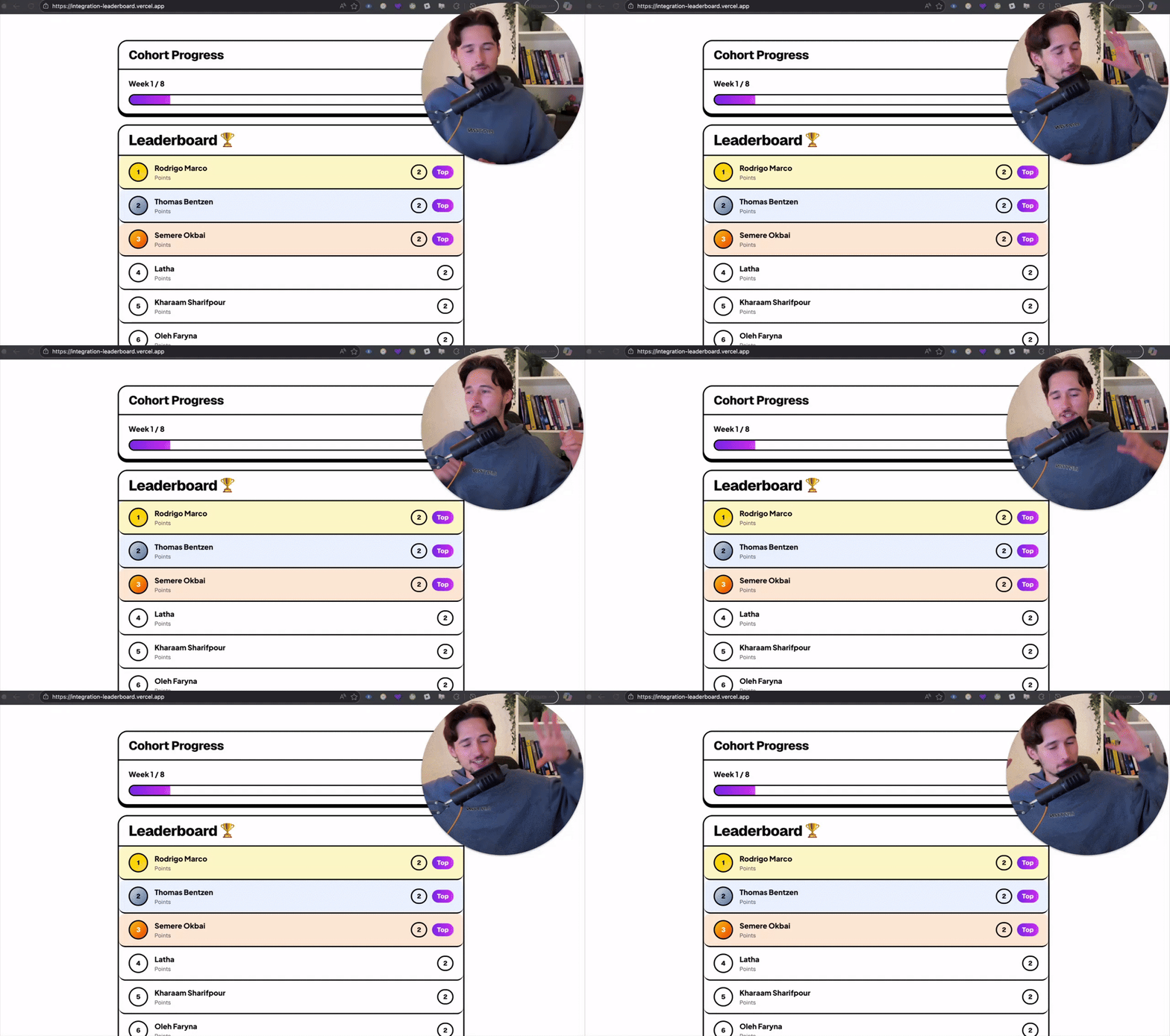
From now until the last week we'll have a crazy battle. A battle, where everyone will win :D The rules are simple: 1. Join weekly session -> +1 point 2. Solve homework -> +1 point 3. Solve optional homework -> +1 point 4. Join Extra Session -> +1 point There are a maximum 4 points that you can earn per week. Each session point can only be earned once. By the end of the cohort, we'll determine 3 top winners. The winners will receive eternal glory :) And some more useful things hehe ;) 👉 1st Place: 1 week mentoring with me + $200 voucher for my future cohorts + $200 voucher for any Salesforce cert. 👉 2nd place: 1 week mentoring with me + $200 voucher for any Salesforce cert 👉 3rd place: $200 voucher for any Salesforce cert You can see the leaderboard here: https://integration-leaderboard.vercel.app/ If you are in - write "I am in" in the comments! And I'll keep you accountable :) LFG! PS - See any errors, message me! It's a beta tool.
1 like • Nov '25
I am in
Oct '25 •
Week #1 - Basics Of Requests
--------- Schedule --------- Let's get started!! This week, we'll cover the basics of requests, The first-ever live session will happen this Tuesday, 7 p.m. CET (2 p.m. EDT). You can find the schedule here. --------- Homework --------- There are 4 easy tasks this week. And 1 coding task. You can find them all here. Write solutions here in the comments, and I'll check them 👇👇👇 If any questions - write here as well :) LFG! P.S. There are rumors that people who solve the most tasks will get some bonuses :)
1 like • Oct '25
Question #1: HTTP Request Components - Method - URL/Endpoint - Headers - Body/Payload (optional) Question #2: HTTP Response Components - Status Code - Headers - Body Question #3: Popular Payload Formats - JSON - XML Question #4: JSON (JavaScript Object Notation) is a simple way to organize and share data using key-value pairs. Question #5 public class PaymentLinkFetcher { public static void fetchPaymentLink() { HttpRequest request = new HttpRequest(); request.setEndpoint('https://735ef563-176d-431c-85ce-2cc07056ef03.mock.pstmn.io/payments/link'); request.setMethod('GET'); Http http = new Http(); HttpResponse response = http.send(request); String responseBody = response.getBody(); // Deserialize the response Map<String, Object> responseAsMap = (Map<String, Object>) JSON.deserializeUntyped(responseBody); // Get the payment link Map<String, Object> payer = (Map<String, Object>) responseAsMap.get('payer'); String paymentLink = (String) payer.get('link'); System.debug('Payment Link: ' + paymentLink); // Get the IP address of the transaction Map<String, Object> transactionData = (Map<String, Object>) responseAsMap.get('transaction'); Map<String, Object> details = (Map<String, Object>) transactionData.get('details'); String ipAddress = (String) details.get('IP'); System.debug('Transaction IP Address: ' + ipAddress); } }
1 like • Oct '25
@Igor Kudryk Thanks Igor for the review
Oct '25 •
Introduce Yourself
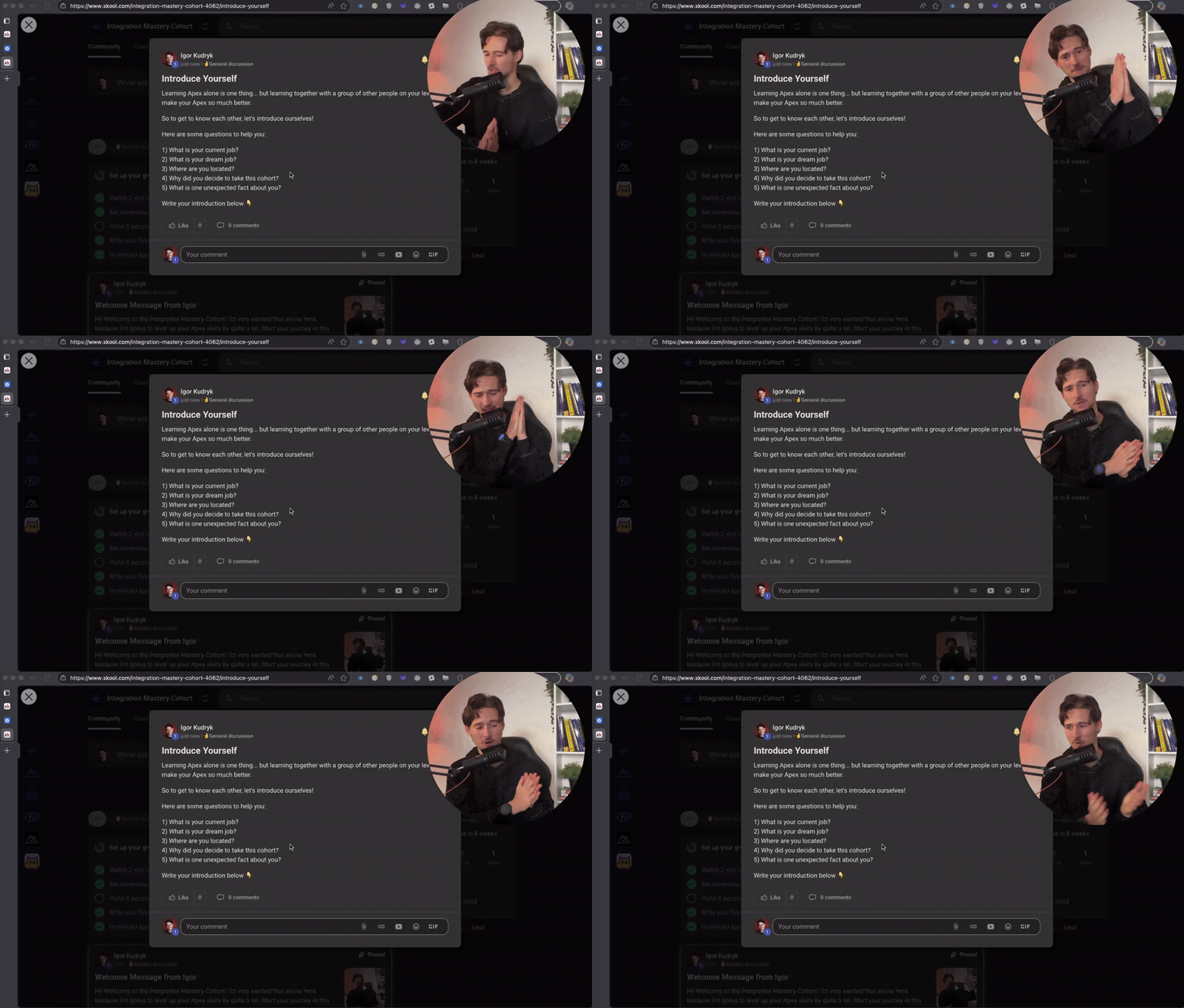
Learning Apex alone is one thing... but learning together with a group of other people on your level will make your Apex so much better. So to get to know each other, let's introduce ourselves! Here are some questions to help you: 1) What is your current job? 2) What is your dream job? 3) Where are you located? 4) Why did you decide to take this cohort? 5) What is one unexpected fact about you? Write your introduction below 👇
6 likes • Oct '25
Hi everyone, I’m Semere from the Netherlands — a Salesforce Professional with over 3 years of experience focusing on automation and user-centered solutions across both commercial and nonprofit sectors. I joined this cohort to deepen my integration skills through structured, hands-on training and to connect with others on the same journey. My dream role is one where I can lead impactful projects and help teams build scalable, intuitive systems that make a real difference. Due to reorganisation, my role has been impacted, so I’m actively exploring new opportunities where I can grow and contribute. If you know of any open roles or connections in your network, I’d love to connect! Fun fact: I enjoy traveling, reading, and — most of all — spending quality time outdoors with my wife and little one.
1 like • Oct '25
@Igor Kudryk Indeed
Oct '25 •
Welcome Message from Igor
Hi! Welcome to the Integration Mastery Cohort! I'm very excited that you're here, because I'm going to level up your Apex skills by quite a lot. Start your journey in this module: https://www.skool.com/integration-mastery-cohort-4062/classroom/390ffcef?md=b7164cd664864fcda45240fb7e098d0a Welcome to the cohort!

0 likes • Oct '25
Thank you excited !
1-4 of 4
@semere-okbai-1184
Hi, I’m Semere a Salesforce Professional 3+ years and seeking new opportunities.-Hobby - Travelling, Reading!
Active 144d ago
Joined Oct 21, 2025
Netherlands
Powered by