Activity
Mon
Wed
Fri
Sun
May
Jun
Jul
Aug
Sep
Oct
Nov
Dec
Jan
Feb
Mar
Apr
What is this?
Less
More
Memberships
UNEDITED
115 members • Free
INFLAMELESS LIVING
84 members • $9/month
The Pretty Lucky Delulu Portal
9 members • $3
Tai Chi⚡️Players Club
73 members • Free
Skoolyard 🧃
1k members • Free
ADHD Over 40
83 members • Free
The Kids learning Vault
163 members • Free
LimitlessLife
268 members • Free
Millionaire Network 🎀
269 members • Free
15 contributions to The Plug & Play Vault™

22h •
🎁 BONUS FREEBIE ALERT 🎁
I couldn’t stop at 7 days… so here’s a little extra 👀 🎁 Bonus freebie: Etsy Shop Banners 💡 Why you need this: Your shop branding mattersthese help you look professional and build trust instantly 🛍️✨ 🔗 Grab yours here: https://canva.link/yyaihuzz57dmvuj --- ✨ Quick Tip: Keep your branding consistent across your shop, products, and social media. --- 💬 Drop a 🛍️ if you’ve claimed this bonus

1 like • 21h
[attachment]
4d •
🔥 DAY 5 FREEBIE DROP – LICENSE AGREEMENT TEMPLATE 🔥
Let’s protect your work 👏 🎁 Today’s freebie: Digital Product License Agreement Template 💡 Why you need this: Set clear rules on how your products can be used, shared, or resold protect your income and your brand 🔗 Access it here: https://canva.link/rpm9aby1eace6xb --- ✨ Quick Tip: Always include clear usage rights (personal use vs resale). --- 💬 Comment “SAFE” once you’ve got it!
2 likes • 4d
[attachment]
7d •
🔥 DAY 2 FREEBIE DROP – 100 FACELESS VIDEOS + CONTENT PACK 🔥
This one is a GAME CHANGER for faceless creators 👀 🎁 Today’s freebie: ✔️ 100 Faceless Videos ✔️ 20 Instagram Square Posts ✔️ 20 Instagram Story Templates ✔️ comes with (MRR) Master resell rights 💡 Why you need this: You’ve just unlocked DAYS (if not weeks) of content done for you. No more stressing about what to post just download, customise, and start showing up consistently 📈 Perfect if you want to grow without showing your face 🔗 Access it here: https://canva.link/npv04obmv76ntge --- ✨ Quick Tip: Batch your content—schedule at least 3–5 posts in advance using this pack so you stay consistent without burnout. --- 💬 Drop a 🔥 if you’re going all in with faceless conten
3 likes • 7d
[attachment]
10d •
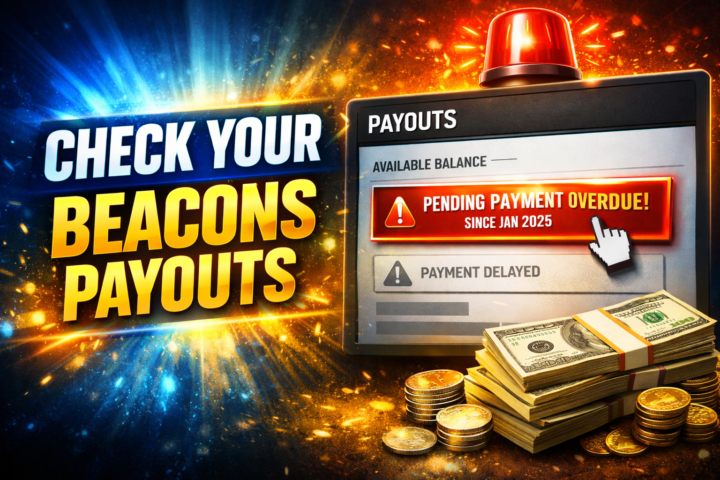
🚨 Don’t Sleep on Your Beacons Payouts (Step-by-Step Check Guide) 💸
Quick reality check… If you’re using Beacons to sell digital products or earn affiliate commissions, you cannot assume your payouts are running perfectly in the background. You need to actively check. A lot of creators focus on: → Content → Sales → Growth …but completely forget to monitor the money actually leaving the platform and hitting their account. Let’s fix that 👇 🔍 How to Check Your Beacons Payouts (Step-by-Step) 1. Log into your Beacons account Go to your dashboard 2. Head to your Earnings / Payouts section This is where ALL your income data lives 3. Check these 3 key areas: 1. Available Balance → Money ready to be paid out → If it’s sitting there too long, something’s off 2. Pending Payouts → Payments still processing → Normal timeframe: up to 30 days (depending on payment method) 3. Payout History → Confirm: - Dates paid - Amounts received - Any missing transactions ⚠️ Red Flags You Should NEVER Ignore Keep an eye out for: - ❌ Payments stuck for over 30 days - ❌ Large balances not moving - ❌ Missing payouts you know you earned - ❌ No recent payout activity despite consistent sales If you spot any of these… don’t wait. 📩 What To Do If Something Looks Wrong 1. Take a screenshot of your payouts dashboard 2. Contact Beacons support directly 3. Clearly explain: What’s missing Dates of expected payouts Any relevant transaction info 👉 Most of the time, issues get resolved quickly once flagged—but only if you catch it. 💡Pro Tips (Most People Don’t Do This) ✔️ Check your payouts weekly (not monthly) ✔️ Separate accounts for: - Your own products - Affiliate income✔️ - Track expected vs actual payouts (simple notes app works fine)✔️ - Don’t rely on “set and forget” that’s how money gets missed 🎯 Bottom Line Making money online is one thing… Actually collecting it is another. Platforms aren’t perfect. Systems glitch. Payments get delayed. The creators who win long-term are the ones who:
1 like • 10d
[attachment]
Feb 23 •
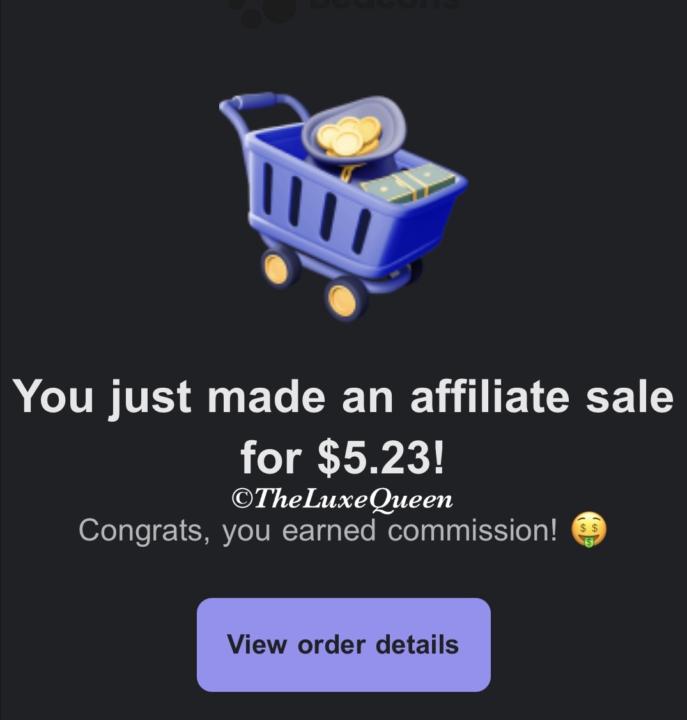
I’V MADE 2 SALES ALREADY 🎉
In less than 20 minutes I have made 2 sales with this guide so far unreal 😮 Grab it while it's so affordable and start making sales now!! 🔥 Use code: LAUNCH7 get it for just $7 Price increasing to $17 runnnnn don't walk! 👉 https://shop.beacons.ai/theluxequeen/21ad088a-a6e6-477b-8562-aea4a14f83e9
1 like • Feb 23
[attachment]
1-10 of 15

@reem-alghawas-7874
Violence Against Women 🎬
Laptop 💰
Digital 🎨
Sub ✉️
Cooking 👸🏻
Perfect Health 💊
Perfect Skin ✨️
Strong body 🏋️♀️
MyFitnessPal 🍎
Chaos🕯
Online now
Joined Sep 29, 2025
INFJ