Activity
Mon
Wed
Fri
Sun
Nov
Dec
Jan
Feb
Mar
Apr
May
Jun
Jul
Aug
Sep
Oct
What is this?
Less
More
Learn Power Apps
2.6k
$27/m
Super Power Labs Accelerator
66
$197/m
Power Apps Templates
111
$25/m
ChatGPT Users
12.8k
Free
9 contributions to Learn Power Apps

0 likes • 5h
I'm still here.....just been pulled in so many directions. Moving into creating Agents that will allow the sales people work faster and hopefully provide useful details when writing up proposals. Using Claude to update an Azure Function that uses Python to manipulate data from 2 different data sources and then update my dataverse table with changes.....lots of cool things happening in Michigan.

Sep '25 •
🎉 Welcome to Our Community! 🎉
Hey everyone! 👋 Let’s give a warm welcome to our newest members who’ve just joined us! We’re so excited to have you here and can’t wait to see the amazing contributions you’ll bring to the community. @Albi Meta @Thanh tam Vo @Veronica G. @Onzima Fred @Reiner Ganser @Finn Nitschke @Sarah Segovia @Akash Chavan @Ethan Currey @Chien Trinh @Paul Sayer @Mary Gade 👉 Click here to get started with our community: Learn Power Apps 💬 Community Members: Drop a comment below to say hi, share a fun fact, or offer a tip to help our newcomers feel at home.
1 like • Sep '25
Welcome!!

May '25 •
MOODLE IS BACK UP and Even Better!
Courses: - https://courses.superpowerlabs.app/login/index.php BigBlueButton: - https://bbb.superpowerlabs.app/ Now it is time for me to do a full backup of my servers so I never have to do all the set up and configuration again! 😅🤯 There is much to migrate and set up, so please hold off on posting or emailing that you can't find something just yet. I love you guys! I just wanted to keep you guys posted on the progress I've made. Once everything or portions are over there, I will post and send out emails and asking if you have access to everything you should.
1 like • May '25
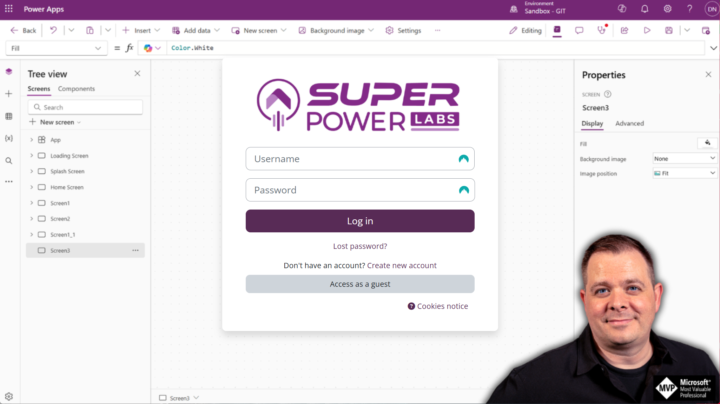
Wanted to let you know I am getting this error on Moodle. Do we just need to be patient while you are re-setting everything up?
Mar '25 •
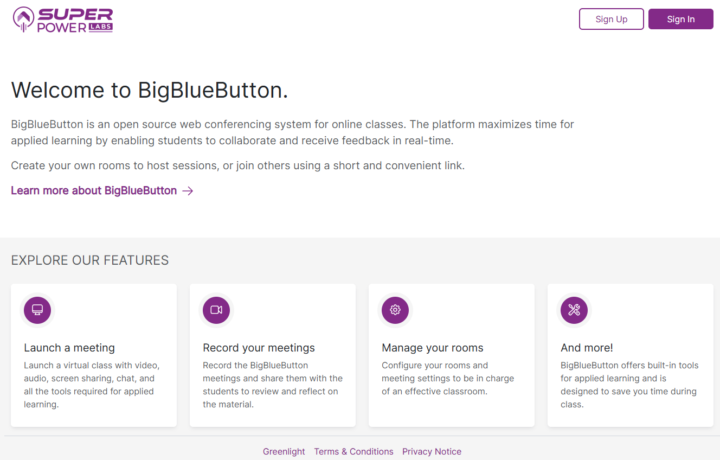
BIG BLUE BUTTON is now set up!
Feel free to register on the platform now: - https://bbb.superpowerlabs.app/ 4/14/25 UPDATE: BigBlueButton requires massive server resources, so I reserved a whole KMV8 server just for it and reinstalled it. It has the same URL, though: https://bbb.superpowerlabs.app/ Related access (that will integrate with BBB): Moodle is installed and ready: - https://moodle.superpowerlabs.app/
3 likes • Mar '25
I am getting an error when I click on your link.

Nov '24 •
Variables as column names in lookup
I am trying to use a lookp funtion to return a value from a table of operator schedules, There are several types of schedules that I have created as rows in the OperatorSchedules table. Each Row of the table has a name field and then 42 columns (one for each day of the six week rotation), Day 1, Day 2... Day 42. In the values in the day columns have an X if the operator is off work, an N for night shift, D for Day shift, etc.. If I use this formula it returns the correct information. LookUp(OperatorSchedules,ScheduleName="Board A", 'Day 35') When I try to make it dynamic so that I don't have to make individual screens for each month, using a variable in the column name field it returns the text value of the variable. LookUp(OperatorSchedules,ScheduleName="Board A", _firstDayInSchedule) I have a formula (below) that calculates the difference between a reference date (fxDayOne -10/9/2024, which corresponds to the day that the Day 1 column in the DB aligns with the actual schedule) and the start of the month and then appends "Day " to it. Here is that formula. I have tried with and without the Char(39) values in the formulas and both return the plain text value. Anyone know of a way to make the lookup see the variable value as a column name and not plain text? If( DateValue(_firstDayOfMonth) > DateValue(fxDayOne), Set(_dateDifference, -1 * DateDiff( DateValue(_firstDayOfMonth), fxDayOne )); Set( _firstDayInSchedule, Char(39) &"Day " & Mod(_dateDifference,42)&Char(39) ), Set(_dateDifference, DateDiff( DateValue(_firstDayOfMonth), fxDayOne )); Set( _firstDayInSchedule, Char(39) & "Day " & 42-_dateDifference+1&Char(39) ) );

0 likes • Nov '24
following - this is a very interesting use case and I would like to know the answer too...Sorry I couldn't be any help.
1-9 of 9

@mike-phillips-8340
I'm just a simple guy working for a construction company that wants to help streamline and automate their processes so we can utilize the data better.
Active 5h ago
Joined Jul 12, 2024
Saranac, Michigan