Activity
Mon
Wed
Fri
Sun
Sep
Oct
Nov
Dec
Jan
Feb
Mar
Apr
May
Jun
Jul
Aug
What is this?
Less
More
Owned by Larry
A friendly space for Practical Photographers & camera enthusiasts to connect, learn, and share their photography journey. OM System users are welcome.
NEVT Photography Community
38 members • Free
Macro & Close-up Photography
1k members • Free
163 contributions to Practical Photography👋Larry

Jul 9 •
Do you read you Camera manual?
Often we see "Read you manual". Do you follow that advice? Please use the comments answer the question and say how you read or why not .
0 likes • Jul 10
@Dick Newbert Oftentimes I do similar. But I https://share.gemini.google/YR2ymXzwS9wX
0 likes • 15h
The Field-Ready Camera Cheat Sheet created from an AI conversation .
2d •
What are the characteristics of a good Photo
I have asked myself. "Rules of composition" don't answer it. Gear and setting don't answer it either. My Blog post attempted to answer it. Let's discuss this in the comments of this post.
0
0
4d •
Manual + Auto-ISO with compenstaion?
With my Nikon D5500 I didn't consider EC was useful when discussions went to use EC. Very recently I discovered that I can use EC, Exposure Compensation., with my OM-D E-M5 iii. Menu->Button Functions->+/--> select Exposure +/- (usually the default). Next scroll down to Dial Function->scroll down to M/B select front dial to +/-. Now when auto-ISO it will adjust the ISO within the Auto ISO settings. Other camera Olympus/OM System bodies may have different Menus. Other manufactures mirrorless bodies may have similar functionality. Please let us know about your camera in the comments.
0
0
5d •
Lightroom Classic sync
Those who are using Lightroom and want to watch a video that discussing sync by Terry White I think it is helpful. I use LrC and use sync so I can see, edit on any device.
1
0
7d •
What settings did you use?
Someone asks: “What settings did you use?” BUT… what do you really need to know to understand why those settings were used? Use the comments to answer; Can you reproduce the photograph? Why or why not?
1 like • 6d
@Sanna Eriksson Additionally what camera was used and it's capabilities. When a Nikon Z50 asked my the settings for lighttrails and I use a Oly Live-composite they of no use for them.
1-10 of 163
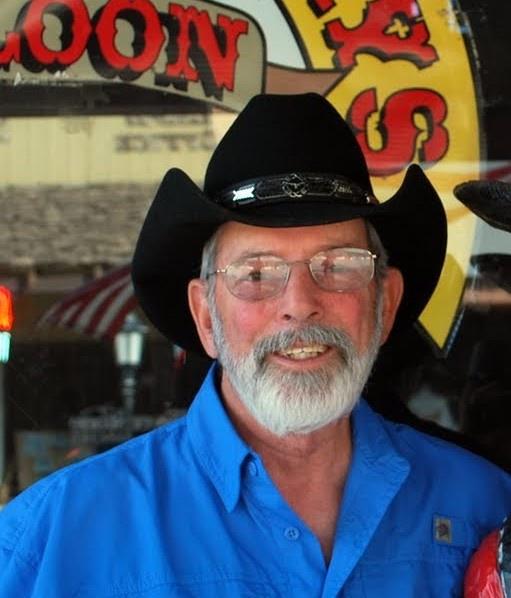
@larry-kurfis-2963
I'm a USAF veteran 1960-64. I worked in the Semiconductor for 39 years. Seriously began photography 2015. Full time RVer and have camped in 49 states
Active 4h ago
Joined Aug 31, 2025
Sarasota Florida