Activity
Mon
Wed
Fri
Sun
Sep
Oct
Nov
Dec
Jan
Feb
Mar
Apr
May
Jun
Jul
Aug
What is this?
Less
More
TBL Trading Lab
32 members • $7/month
17 contributions to TBL Trading Lab

20d •
Daily Market Outlook - 2026/07/23
Expansion pre-market today - potential levels and scenarios to look out for💻


1 like • 19d
Really like those daily outlooks Robin. Very valuable especially for me as a rookie at trading so far.
Jun 16 •
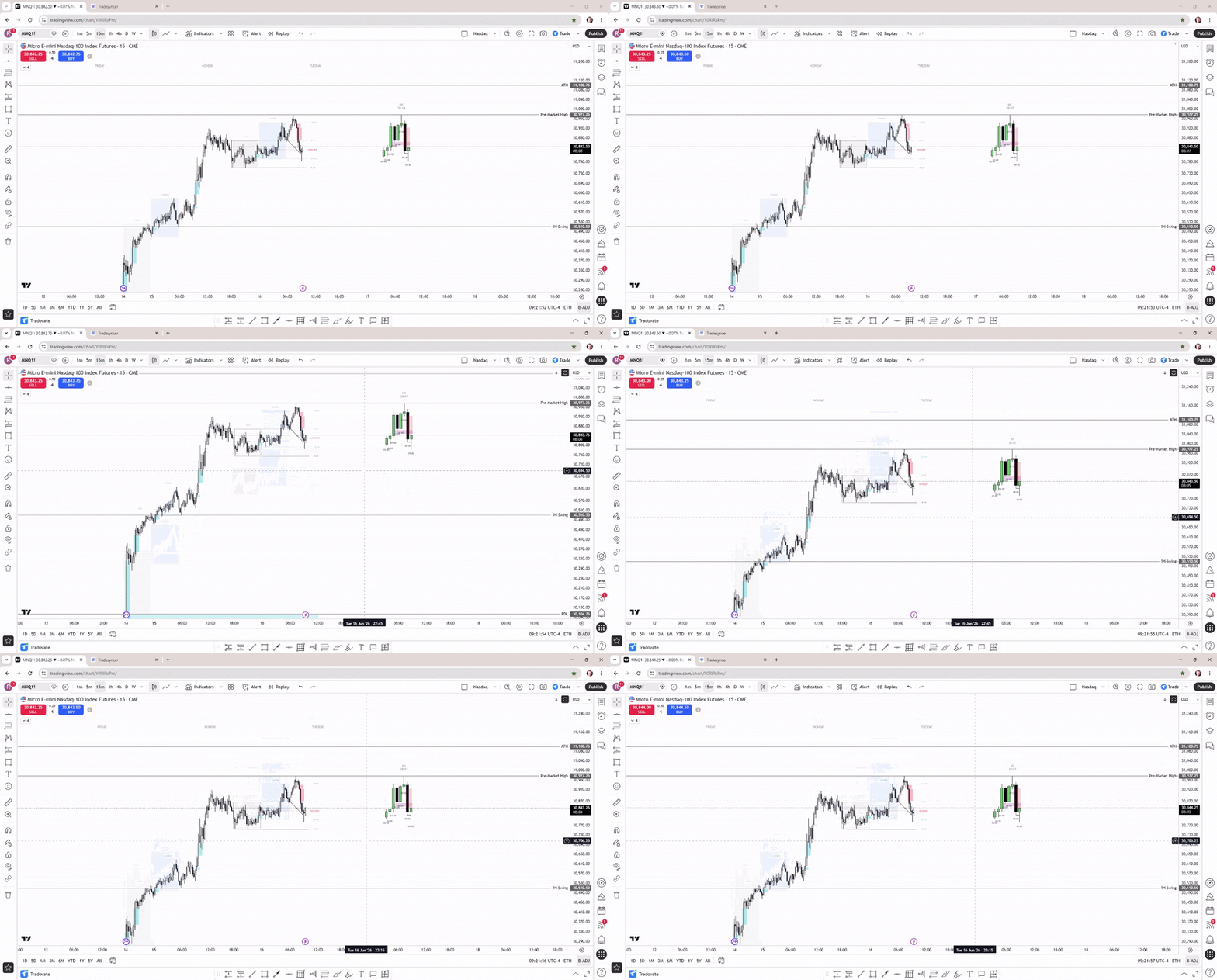
Daily Market Outlook - 2026/06/16
Quick market outlook and what levels and scenarios I'm looking at today
1 like • 26d
What is the 1 hour swing 😮🤔🤔
May 22 •
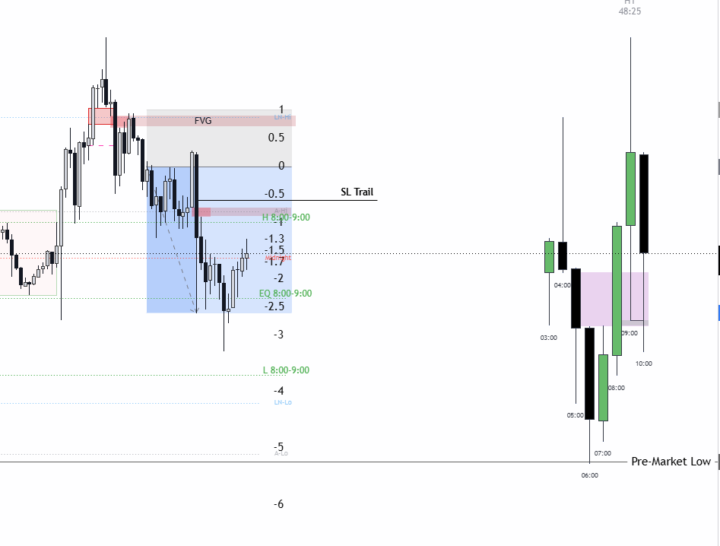
2,5R Profit - Reversal (London High)
Good trade today from London high, expanded quickly and hit the opening wick TP for a 2,5R win💻
1 like • May 23
OK Robin. I back traded yesterday a little while ago, but i didn´t take any trade. I was on my way to take that reversal, but finally I didn´t think it was a very clear setup. Did you take it as a limit order?
1 like • May 23
Thank you Robin. Now i see it perfectly clear 🙂. I think what confused me was that the FVG was created through the London High using two bullish candles and one bearish candle.For some reason, I had the impression that the FVG should be formed through the key level by three candles of the same type (either bearish or bullish). I also think that i felt that too many candles had passed before the CISD candle appeared. But i learn more and more for every trade 😀👍
May 1 •
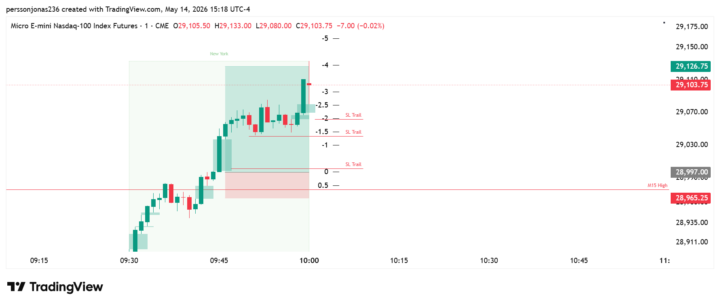
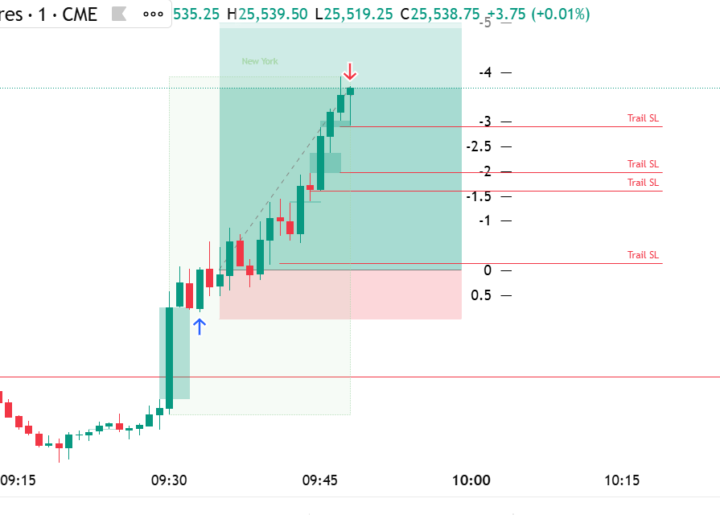
Nice 2,9 R Flip trade
Nice flip trade through M15 High, Stopped out at 2,9 R Managed the SL on it´s way up, according to the rules. Had no clear target above M15 high, so managed also the TP on it´s way up.
1-10 of 17
Active 14d ago
Joined Feb 15, 2026
Powered by