Activity
Mon
Wed
Fri
Sun
Feb
Mar
Apr
May
Jun
Jul
Aug
Sep
Oct
Nov
Dec
Jan
What is this?
Less
More
Owned by Helen
I empower people to go from burned-out to healthy and thriving digital nomads using online AI-driven income projects while supported by community.
Memberships
Evergreen Foundations
445 members • Free
The Better Brain Project 🧠
72 members • Free
Rise Up & Be Seen
38 members • Free
AccelerateU
19 members • Free
323 contributions to The Skoolyard 🧃

17h •
How to keep Spammers out in your Skool membership requests
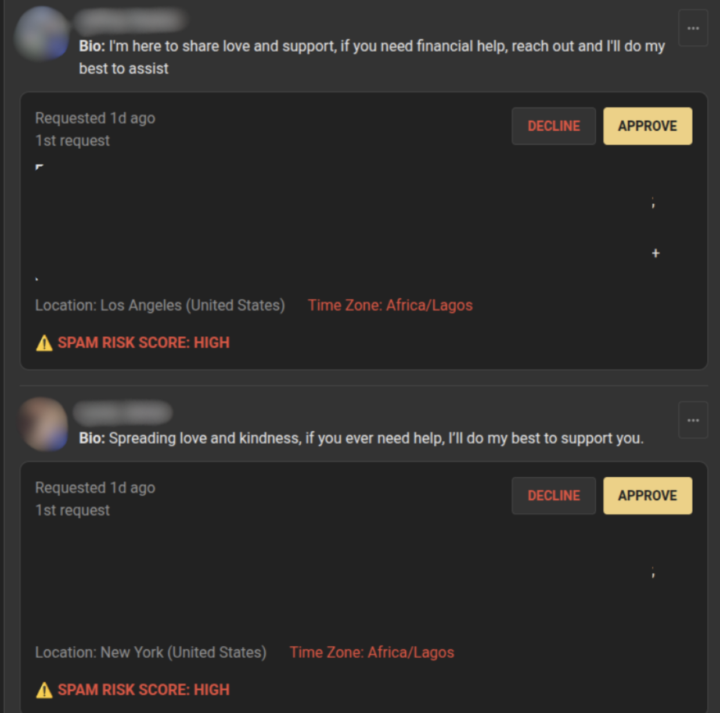
Spam is part of the internet unfortunately. The “move to WhatsApp” people, “hello dear,” dropshipping pitches, weird DMs, all of it. Good news: Skool just added a super useful thing inside membership requests. You can now see if a profile is marked as high risk before you approve them. So instead of letting them in, then cleaning up the mess later… you can catch them at the door. Also, peep the photo. Location mismatches are still one of the easiest tells. Now for the systems that make this even cleaner: Set level requirements for posting and DMs. Less spam, less cleanup, more real convos. Personally, I like setting chat to at least level 4. Because spammers try to speed-run comments to unlock messaging. Skool’s built-in tools help a lot too: - Tell members to report spam (it’s anonymous) - If someone gets in, ban + delete their last 7 days of activity in one click - Block + report DM spammers so Skool can review the account - Report spam profiles even if they’re in someone else’s community (helps platform-wide) What red flags do you look for when you’re spotting spam accounts?

🔥
3 likes • 4h
great post, thanks, @Jack Robinson aka Charlie West - sharing your link to this, is that OK?

🔥
15h •
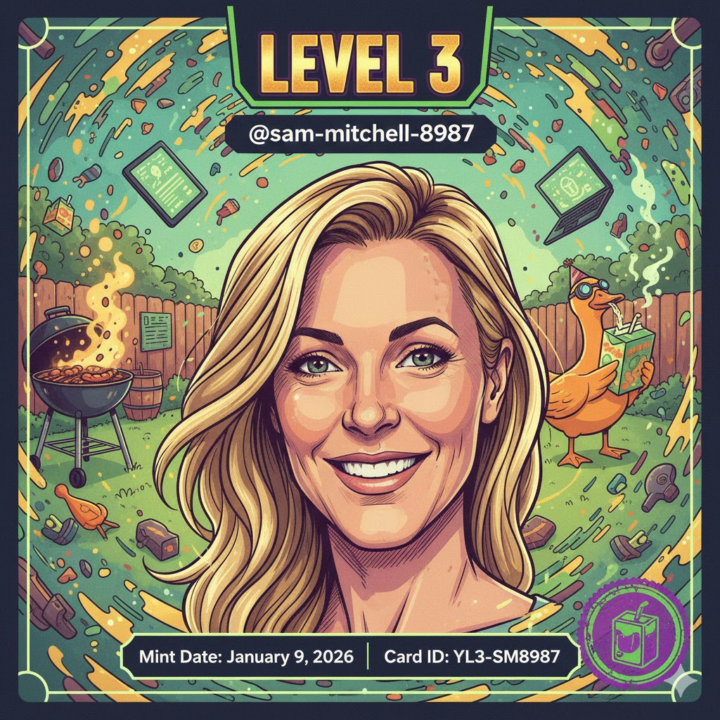
Congratulations on Level 3 - Sam Mitchell
@Sam Mitchell is here to stop the overthinking and start the growing. Straight from Australia and into the Yard to build with clarity. Hide your bottlenecks because Sam is coming for them with momentum.
🔥
3 likes • 4h
Do you get notified when someone reaches a new level?
🔥
1 like • 3d
@Elliott Rashed yeah, I'm on KDP and a whole bunch of others. I approached B&N near me and they have their own process. They now have my IDs listed. But in order to publish with them and have them physically offer your book in their stores - whole different process. Turns out, publishing your book - it's a whole world of its own, lol! Always in tune with the simplest, best approach for myself and for others.
🔥
1 like • 3d
Hey, peeps, today - it's all about Podcasts. I did my first podcast with Jonathon. I was truly scared. But he put me so much at ease. And he's right. I wanted to do physical book signing events. Yes, they still exist, but they are the old world. Podcasts are the new world. Choose a publisher that can also work with you on this. I trusted Jonathon and his group, and they followed through seamlessly.
4d •
Q1 Skool Games has started
who's ready to get the Skoolyard on top 5?? I'll fly out the top 2 contributors to vegas with me if we win. I'M FRIGGING PUMMMMMMMPPPPPEDDDDDDDDDDD
🔥
8 likes • 4d
You caught my attention...
5d •
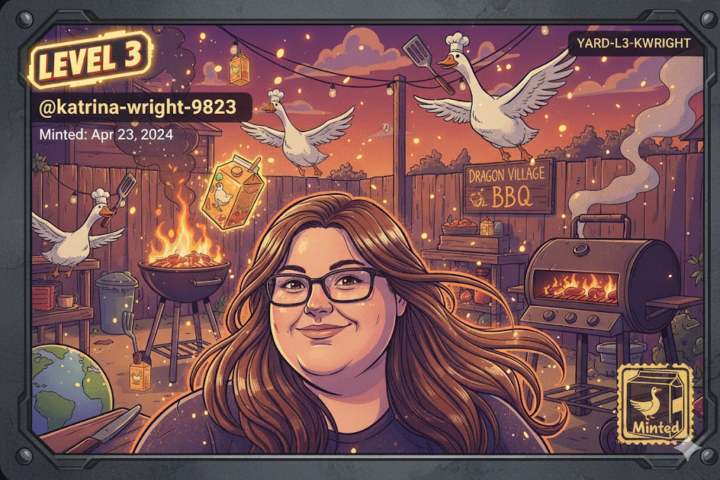
congrats on the fastest level 6 in the history of the yard
congratulations to @Katrina Wright!!!! EPICC
🔥
10 likes • 5d
Congrats, @Katrina Wright !
1-10 of 323

🔥
@helen-sandwick-2056
I empower people to reclaim their time, income, and freedom through AI automations. #1 Amazon New Release author, Awakening the Whole Self, 09/25.
Online now
Joined Nov 18, 2025
Delray Beach, S. Florida
Powered by