Activity
Mon
Wed
Fri
Sun
Nov
Dec
Jan
Feb
Mar
Apr
May
Jun
Jul
Aug
Sep
What is this?
Less
More
THE GAMEPLAN 2.0
696
$100/m
The Creators HQ | by Zedan
221
$80/m
127 contributions to The Creators HQ | by Zedan
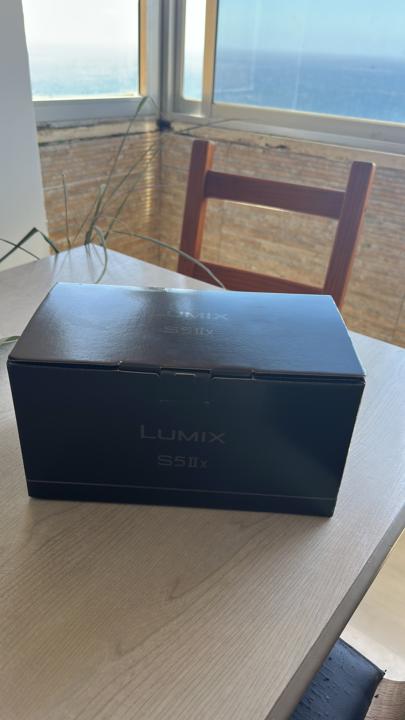
0 likes • Jun 9
@Xander Meek Right now I'm shooting with the 20–60mm f/3.5. I know it doesn't create the most cinematic background blur, but I'm planning to get the 50mm too. but you can check how is working in real time. see this video.
0 likes • Jun 11
@Xander Meek 20-60mm

0 likes • Jun 11
@Seif Chaouachi Yes, brother, I'm using Zedan Powergrades.
0 likes • Jun 11
@Seif Chaouachi thanks

0 likes • May 23
Thanks brother 🙏
0 likes • Jun 1
@Travis Hurd I appreciate so much brother.
May 24 •
Sound design
Does anyone know which platform Zedan uses for sound design and sound tracks? The ones I tried so far are a bit goofy. Thanks!
May 14 •
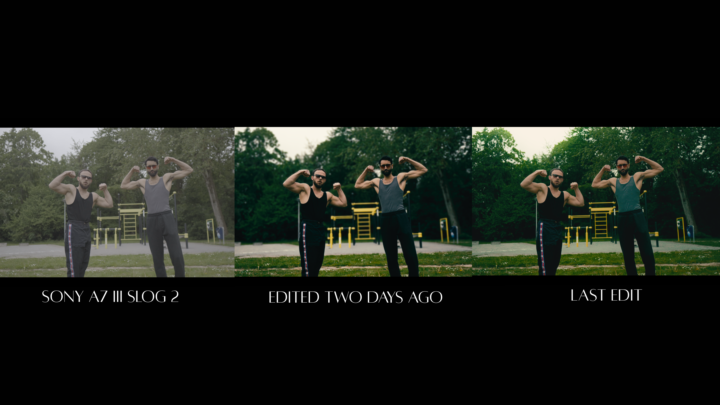
Hey Zedan, can you give me some feedback on this?
What do you think this scene needs to make it feel more cinematic?
0 likes • May 15
@Zedan Mutlu Thank you Zedan, I’ll definitely apply what you told me. Hope you’re having an amazing time in China.
1-10 of 127
Active 5h ago
Joined May 22, 2025
Nether
Powered by