Activity
Mon
Wed
Fri
Sun
Aug
Sep
Oct
Nov
Dec
Jan
Feb
Mar
Apr
May
Jun
What is this?
Less
More
Owned by Gourav J
Building, operating, governing, and scaling agents inside software organizations.
Founding Beta Operators Cohort - Early access, real-world testing, and direct feedback with the core team.
Memberships
Educational Creators
509 members • Free
Skoolers
168k members • Free
AI Automation Society
417.8k members • Free
School of AI
1.2k members • $9/month
LearnToday™
28.3k members • Free
3 contributions to School of AI
Feb 3 •
Get Shit Done with Claude
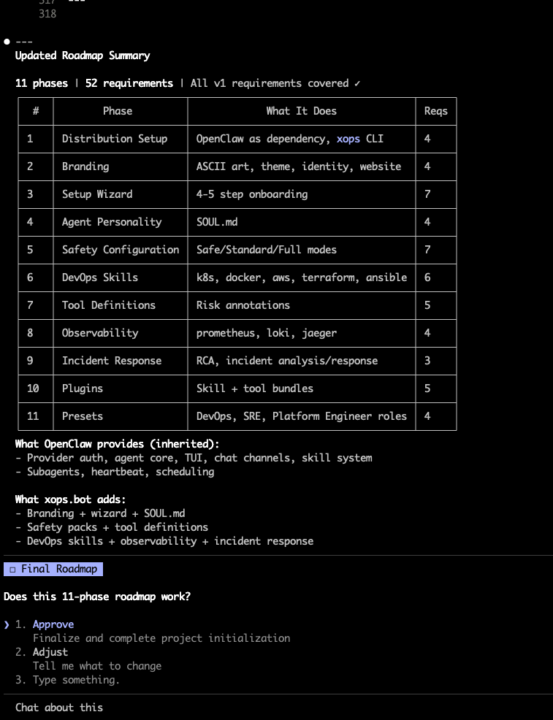
For the last two days I have been experimenting with GSD for Claude and its doing wonders to my workflow by brinign in spec driven development and I am able to follow the best practices out of box. Before this I have been using claude-flow but GSD is much simpler and creates a structured, roadmap, phase by phase implementation where you brainstorm on every phase. You spend more time in planning and then it creates a much better outcome. Just wanted to share whats working for me well. https://github.com/glittercowboy/get-shit-done
Jan 30 •
How to build a "Working" Local Moltbot Setup (No Cloud Required)
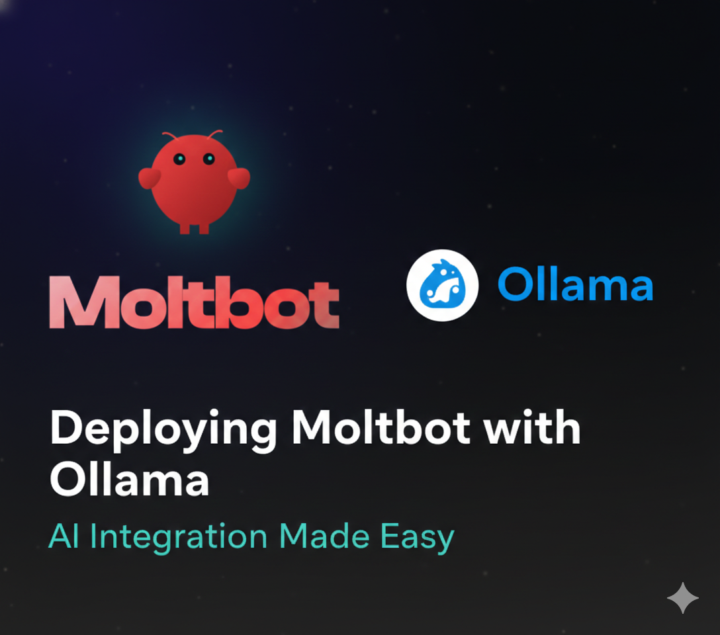
Hey everyone, if you're looking to run your agents locally for privacy or cost reasons, I found a breakdown for a Moltbot + Ollama setup that actually handles tool-calling (exec, read, write) reliably. Why most local setups fail: Most models under 70B struggle with Moltbot's complex system prompts—they hallucinate tools or ask for permission too much. This setup solves that. The Setup Specs: - Hardware: 48GB VRAM (2x 3090s). - Model: Qwen 2.5 72B Instruct (Q3_K_M). - Throughput: ~16 t/s. 3 Critical "Gotchas" Fixed in This Guide: 1. API Settings: You MUST use api: "openai-completions" in your clawdbot.json. If you use openai-responses, you'll get empty output. 2. Tool Permissions: You have to explicitly allow "read" in the tools config, or the agent can't even read its own skill files. 3. The Prompt: It includes a custom Modelfile that tells Qwen to "Act first, report results later." This stops the AI from talking about what it could do and makes it actually do it. Pro-Tip: If your local model is too wordy, add a SOUL.md to your workspace with "Brevity" instructions. It saves a ton of time and tokens. Check out the full config details here: https://gist.github.com/Hegghammer/86d2070c0be8b3c62083d6653ad27c23 Let me know if you're running agents locally—what hardware are you using?
Jan 30 •
How to build a "Working" Local Moltbot Setup (No Cloud Required)
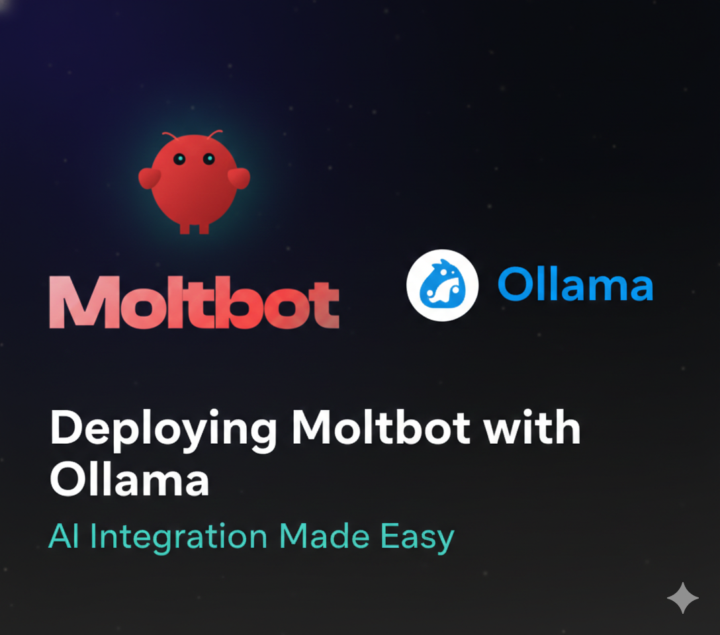
Hey everyone, if you're looking to run your agents locally for privacy or cost reasons, I found a breakdown for a Moltbot + Ollama setup that actually handles tool-calling (exec, read, write) reliably. Why most local setups fail: Most models under 70B struggle with Moltbot's complex system prompts—they hallucinate tools or ask for permission too much. This setup solves that. The Setup Specs: - Hardware: 48GB VRAM (2x 3090s). - Model: Qwen 2.5 72B Instruct (Q3_K_M). - Throughput: ~16 t/s. 3 Critical "Gotchas" Fixed in This Guide: 1. API Settings: You MUST use api: "openai-completions" in your clawdbot.json. If you use openai-responses, you'll get empty output. 2. Tool Permissions: You have to explicitly allow "read" in the tools config, or the agent can't even read its own skill files. 3. The Prompt: It includes a custom Modelfile that tells Qwen to "Act first, report results later." This stops the AI from talking about what it could do and makes it actually do it. Pro-Tip: If your local model is too wordy, add a SOUL.md to your workspace with "Brevity" instructions. It saves a ton of time and tokens. Check out the full config details here: https://gist.github.com/Hegghammer/86d2070c0be8b3c62083d6653ad27c23 Credits : https://github.com/Hegghammer Let me know if you're running agents locally—what hardware are you using? |
2
0
1-3 of 3
@gourav-shah-2138
Creator of Agentic Ops Framework, KubeAgentiX. Co-founder at OpsFlow.sh. Founder at SODA (School of Devops & AI)
Active 2d ago
Joined Dec 31, 2025
Bangalore
Powered by