Activity
Mon
Wed
Fri
Sun
Jan
Feb
Mar
Apr
May
Jun
Jul
Aug
Sep
Oct
Nov
Dec
What is this?
Less
More
Memberships
CCNA Study Community
315 members • Free
13 contributions to CCNA Study Community

3d •
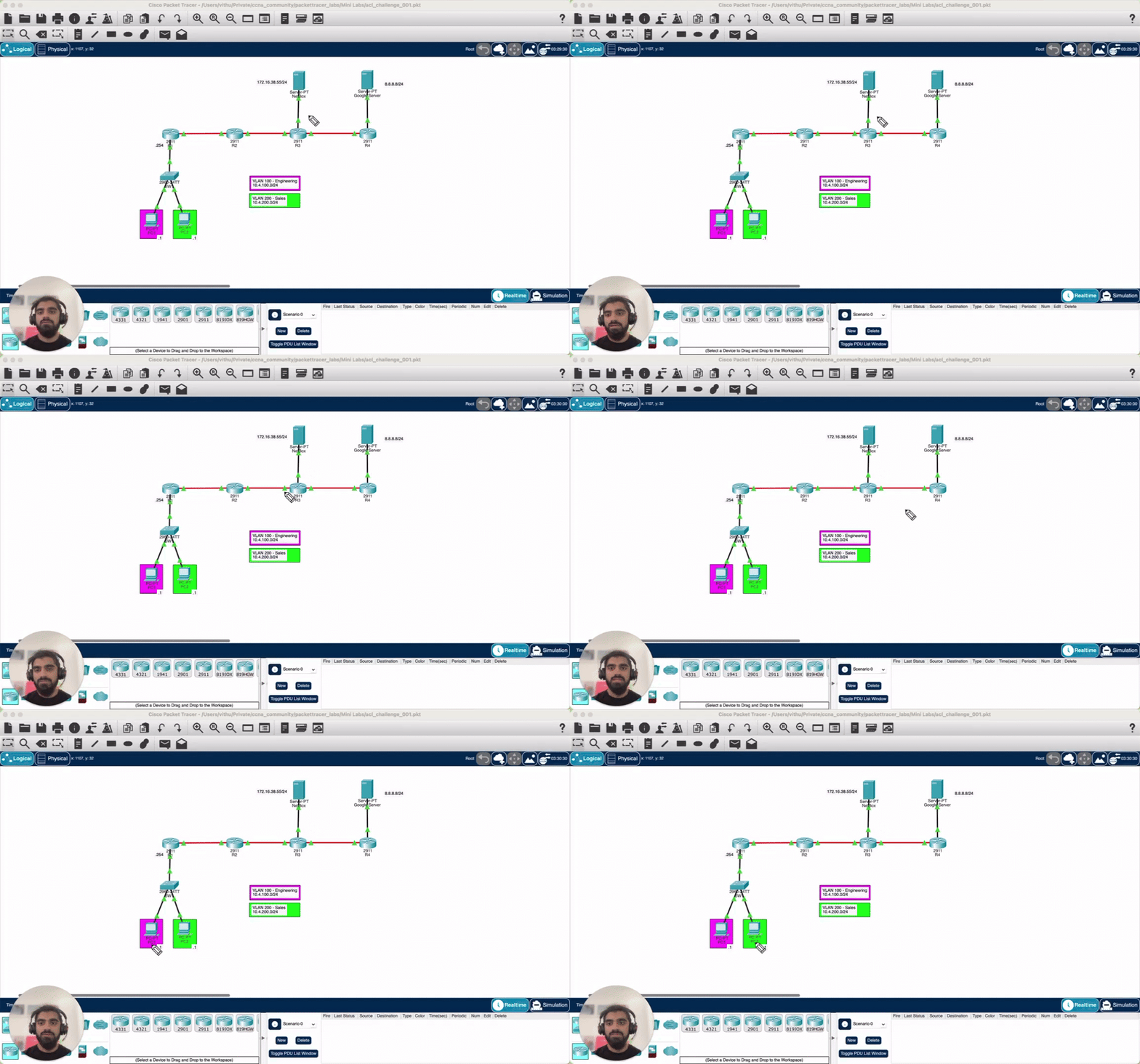
⚔️ Lab Challenge #15 - We need an ACL!
Hey guys! In today's lab you are tasked to create an extended ACL. PC1 should be able to ping both servers. PC2 should only be able to ping the Google server. ✅ When you’re done, post screenshots showing PC1 successfully pinging both servers and PC2 only being able to ping the Google server. Good luck 🚀

1 like • 3d
[attachment]
17d •
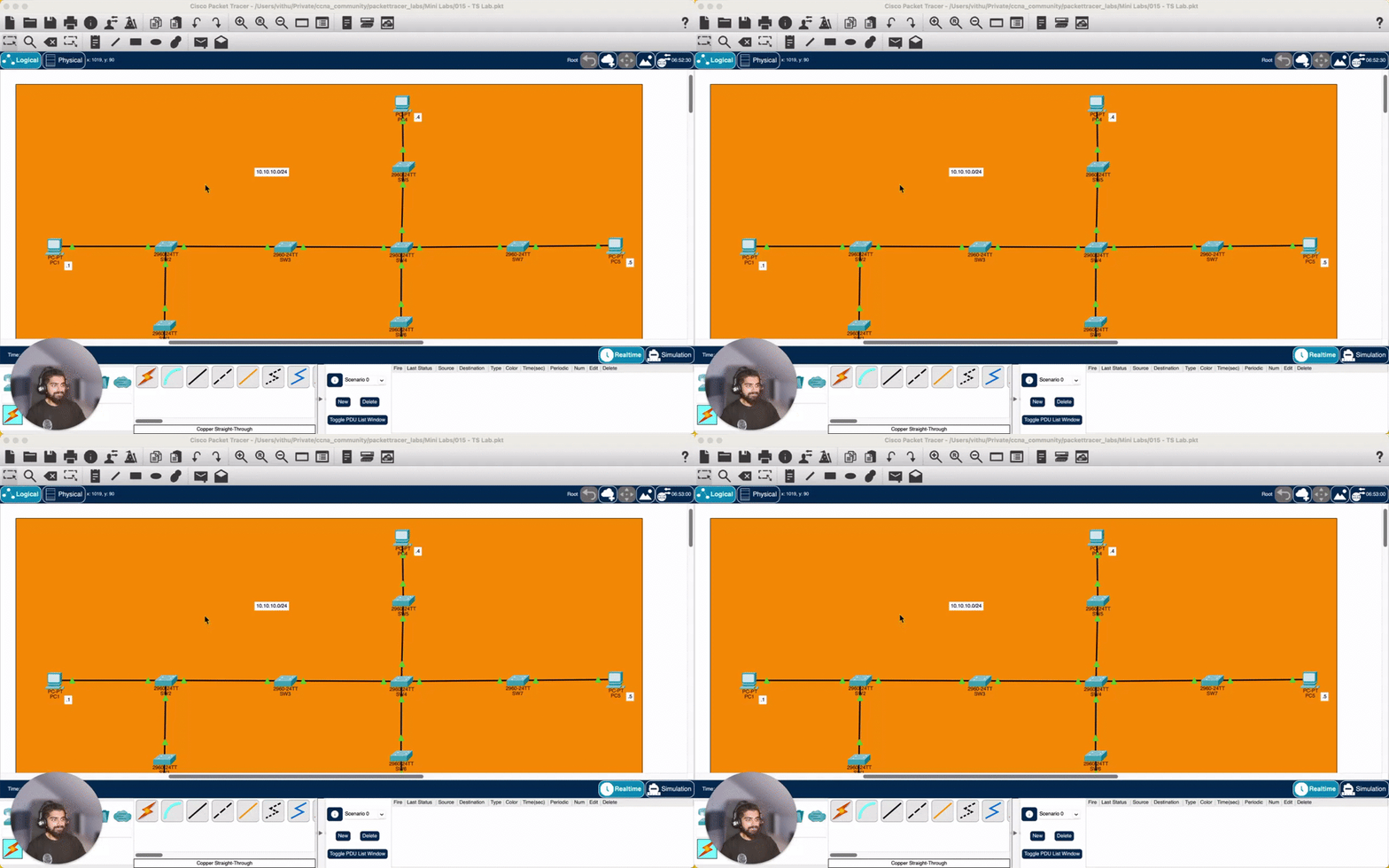
⚔️ Lab Challenge #14 - Broken Layer 2
Hey guys! In today's lab the network is partially unreachable. Troubleshoot and fix the problem! ✅ When you’re done, post screenshots showing PC1 successfully pinging all the other PCs. Good luck 🚀
1 like • 16d
[attachment]
21d •
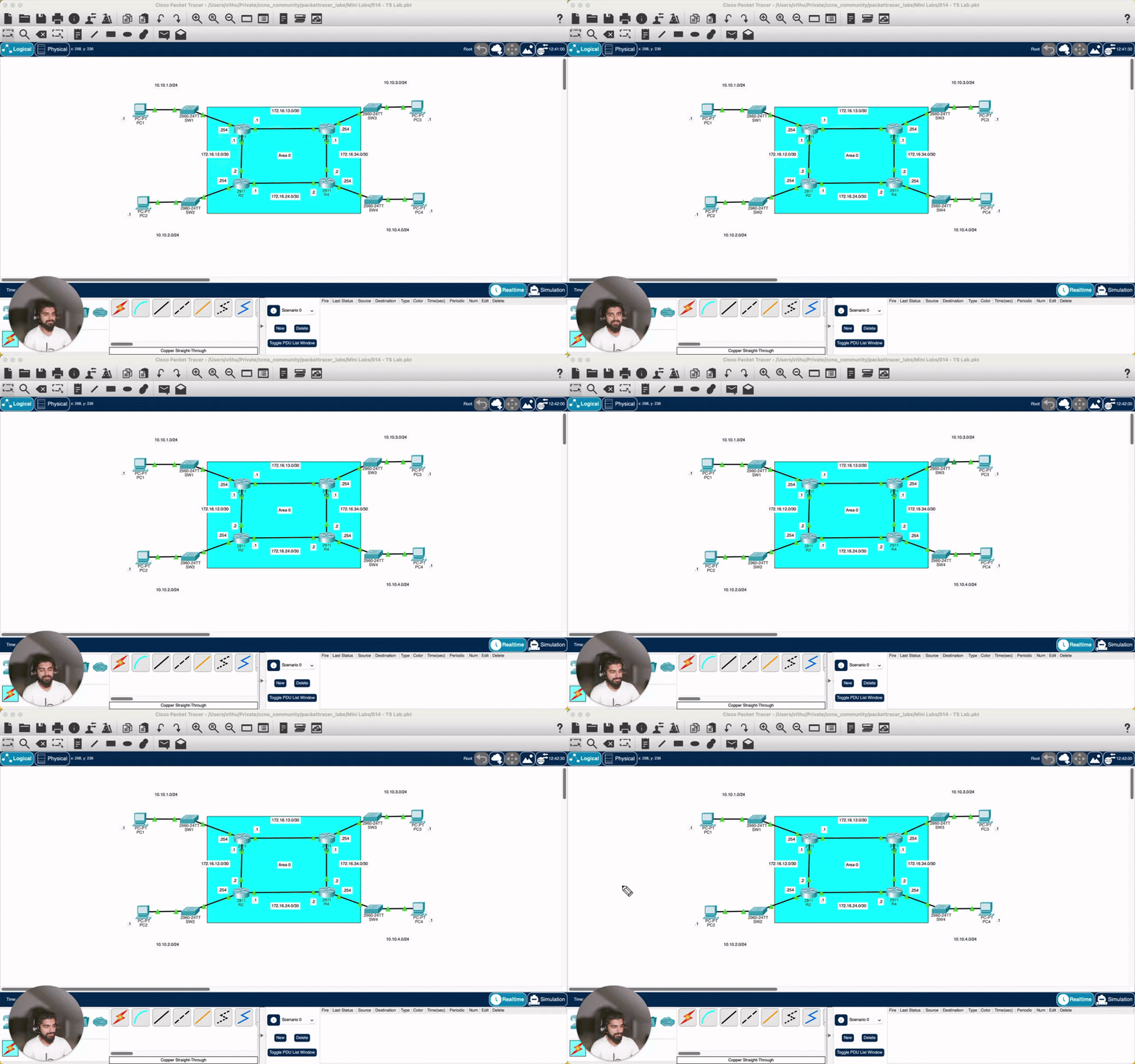
⚔️ Lab Challenge #13 - OSPF Adjacency Issue
Hey guys! From now on I'll try to make the labs a bit shorter because most of you find them too long. For those who like longer labs with more stuff to discover and troubleshoot: Don't worry! I'm working on something for you 👀 In today's lab, R1 and R3 are not forming a neighbour adjacency. Troubleshoot and fix the problem! ✅ When you’re done, post screenshots showing R1 and R3 successfully formed a neighbour adjacency. Good luck 🚀
1 like • 20d
[attachment]
Nov 13 •
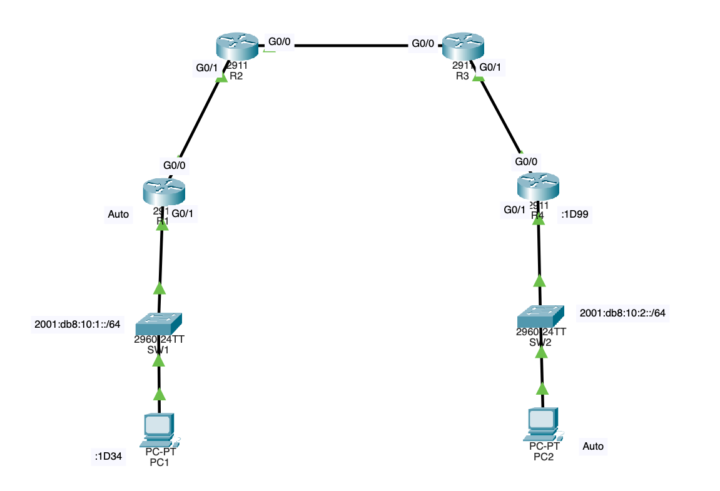
⚔️ Lab Challenge #10 - IPv6 Troubles
The company has started testing IPv6 in preparation for their upcoming migration from IPv4. However, something in their test lab setup isn’t working. The PCs can’t reach each other. Your task: Fix the IPv6 configuration so that all PCs can successfully ping one another. ✅ Once you’ve solved it, post screenshots in the comments showing successful IPv6 pings between the PCs. Let’s see who can get IPv6 running smoothly first 💪
1 like • 27d
[attachment]
29d •
⚔️ Lab Challenge #11 - DHCP Troubles in the Engineering VLAN
PC2 and PC3 in the Engineering VLAN are having trouble obtaining an IP address from the DHCP server. Your mission: Identify and fix the problem so that both clients can receive valid IP addresses. Once you’ve resolved the issue, configure a security feature to protect DHCP transactions from malicious or rogue DHCP servers. ✅ When everything works, post screenshots in the comments showing: - Valid DHCP leases on PC2 and PC3 - Proof that DHCP security is properly configured Let’s see who can get these clients back online first ⚡
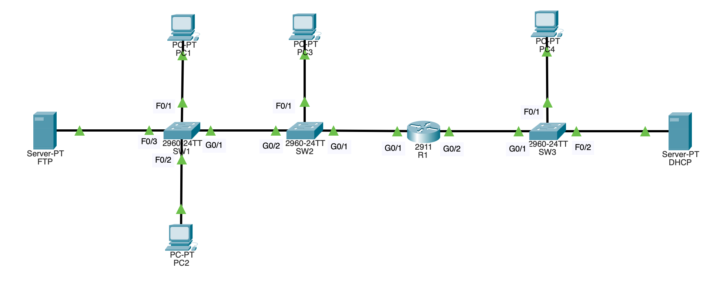
1 like • 29d
[attachments]
1 like • 29d
@Vithuschan Kirupakaran-Eikemper
1-10 of 13

Active 1d ago
Joined Oct 12, 2025