Activity
Mon
Wed
Fri
Sun
May
Jun
Jul
Aug
Sep
Oct
Nov
Dec
Jan
Feb
Mar
Apr
What is this?
Less
More
Memberships
AI For Teachers (Free)
160 members • $9/month
4 contributions to AI For Teachers (Free)


2 likes • 16d
Where can I access the PDF?

Feb 7 •
📰 Update: ChatGPT is Free for Teachers
Date: November 2025 The News: OpenAI has officially launched "ChatGPT for Teachers." This is a dedicated, private workspace that is distinct from the public version. Best of all? It is completely free for verified US K-12 educators until June 2027. It includes advanced features like file uploads and image generation without training their models on your data. Credit: OpenAI Press Release
1 like • 16d
I wish they would roll this out internationally, like Canva did.
Feb 19 •
📰 Update: NotebookLM is rolling out editable slides
Editable slides are on their way to NotebookLM, a highly requested feature. They won't be static anymore.
1 like • 16d
Awesome!
29d •
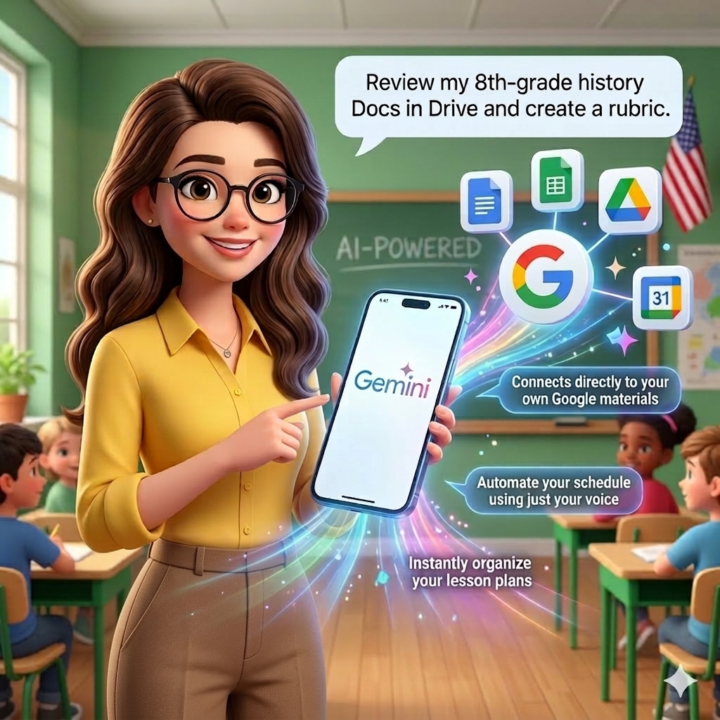
Google Just Announced Gemini Live for Google Workspace: What Teachers Need to Know
Google just announced that Gemini Live will now interact directly with Google Workspace. What does this mean? Instead of just searching the web, Gemini can now read, summarize, and organize your files and emails. How can teachers use it?: 📍 Example 1: Effectively Review Student Progress Open the app on your phone and speak naturally while organizing your desk. Say, "Look at my 8th-grade reading logs in Google Drive and summarize which students struggled with the latest chapter." It reads your actual files and gives you a concise, spoken summary so you know exactly who needs small-group support today. 📍 Example 2: Quickly Draft Parent Emails Because this update links your Google apps together, it understands your classroom context. You can say, "Draft an email to parents about the field trip we discussed yesterday in my Gmail, and pull the exact date and time from my Calendar." It instantly references your connected apps to generate the exact communication you need, saving you from digging through folders. 📍 Example 3: Quickly Build a Rubrics Use your voice to create assessments based on your own materials. Say, "Find the history project guidelines document I created yesterday in Drive and read aloud a 4-point grading rubric I can use for it." Gemini will analyze your specific assignment requirements and instantly generate a tailored rubric. 📍Availability: New Gemini Live Feature This feature is actively rolling out right now. It was released yesterday for Gemini Advanced users and will continue expanding to the Gemini mobile app over the coming weeks. 🌟 How would you use Gemini's connected app features to be more efficient in your classroom? Let’s share ideas.😊
1 like • 16d
It is impossible to keep up with Google additions. Thanks for helping us keep up!
1-4 of 4

Active 2d ago
Joined Mar 21, 2026
Powered by