Activity
Mon
Wed
Fri
Sun
Oct
Nov
Dec
Jan
Feb
Mar
Apr
May
Jun
Jul
Aug
Sep
What is this?
Less
More
Owned by Darby
Where founders build agentic companies. Since 2021.
Agentic Society
31 members • $999/month
🇺🇸 Texas IRL Events
476 members • Free
5 contributions to Agentic Society

May 21 •
START HERE ✨ A Welcome Letter From Distel
"What's the easiest & fastest way to scale my business with AI?" That question brought you here today. You're no longer doing it alone. Most people try to figure out AI the hard way. Tinkering solo at midnight. Scrolling clickbait videos. Piecing it together on guesswork. Chasing the next shiny thing every week. Smart operators getting lost in cool tech, forgetting to drive real impact. Telling their team "go figure it out" with no direction. So the team spins. The breakthrough never comes. That stops today. There is nothing more impactful you could do for your business right now than build AI Employees and upskill your team to use AI in their daily workflow. Imagine one year from now. The marketing machine is cranking. You're ringing the bell. Ops is running smooth. Everyone on the team is earning more and they have their nights and weekends back. That's what happens when smart people stop building alone. Welcome to The Agentic Society. Together we're building the #1 mastermind for growing revenue with AI agents. The future workforce is smart teams building AI-powered workflows to scale the business and reclaim their time. That's what we're here to do, together. There are 3 levels to AI Mastery. No matter where you're starting in your AI journey, you belong here. We've mapped the path that every member walks. You'll recognize yourself somewhere on it. And you'll see exactly where you're headed. Level 1: AI Builder You use ChatGPT or Claude personally for content, research, and ideas. AI shows up in your day but your team isn't using it consistently yet. You're curious about agents but haven't built one. Where you're headed: your first AI agent running overnight, handling a real job in your business without you touching it. Level 2: AI Leader Your team uses AI tools but it's inconsistent. Some people are all in. Others barely touch it. You know AI needs to be systematic across your company but you're not sure how to make that happen. Where you're headed: every department has at least one agent running. Your team uses AI daily. You're getting more done with fewer people.

3 likes • May 26
Thanks Austin, happy to be here with everyone! 1. Darby Rollins - Founder of Gen AI University 2. AI Education meets Implementation - I host training events and private workshops to help founders build AI systems that buy back their time and grow revenue. 3. Video editing, and creating YouTube thumbnails + titles to improve YT clickthrough rates. 4. Double channel subscribers in 90 days 5. playing drums + volleyball with friends and of course, my wife Rachel :) - love living in Austin and building community with other great people.
0 likes • 4d
@Jimmy Vaughn likewise! 🤘🔥🥁
24d •
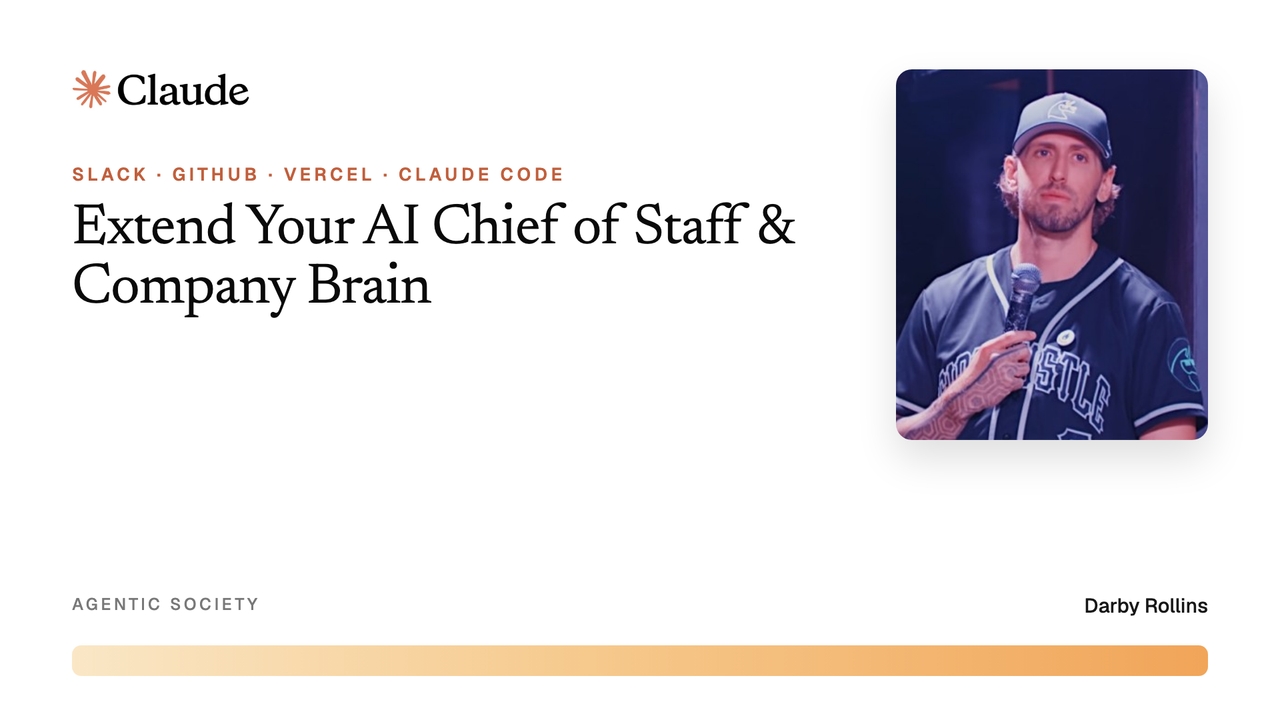
How I Use Claude Code for Daily Work & Automations
Hey all - just uploaded this 3 minute Loom SOP for how I have my Claude Code configured with Slack, Vercel and Github to operate my automations on the day to day. I mostly use Slack for communications with my AI Chief of Staff "RIFF" who is connected to my company brain and tools via API keys I store in Vercel and skills, and other automations in Github. Once you set up the basics, Claude can walk you through configuring pretty much anything needed based on the tools you use with this - it's a lightweight way to set up recurring skills that watch for things like a new Slack message, voice or text, sending stuff to Slack channels, email, and executing research with Firecrawl (in my case) and I have my Blotato API here too so I can use it to post/schedule to any platform as needed. Hope you find this useful and if you have questions about the setup, please comment here and let's chat about it! https://www.skool.com/agentic-society/classroom/17ba77ec?md=e54bcf0745a443609ebb42c6132bf2b3
0
0
30d •
AI BOARDROOM UPDATE: Different Zoom Today // Use This
Hey all we have to switch Zoom rooms for the AI Boardroom -- Use this if joining virtually. Replay will be uploaded to the Classroom after for replay & resources: https://us06web.zoom.us/j/81293585192?pwd=1M0tXgKpZsef9FbNL3rBbXUa6LHhve.1 Password: 712501
0
0
Jul 28 •
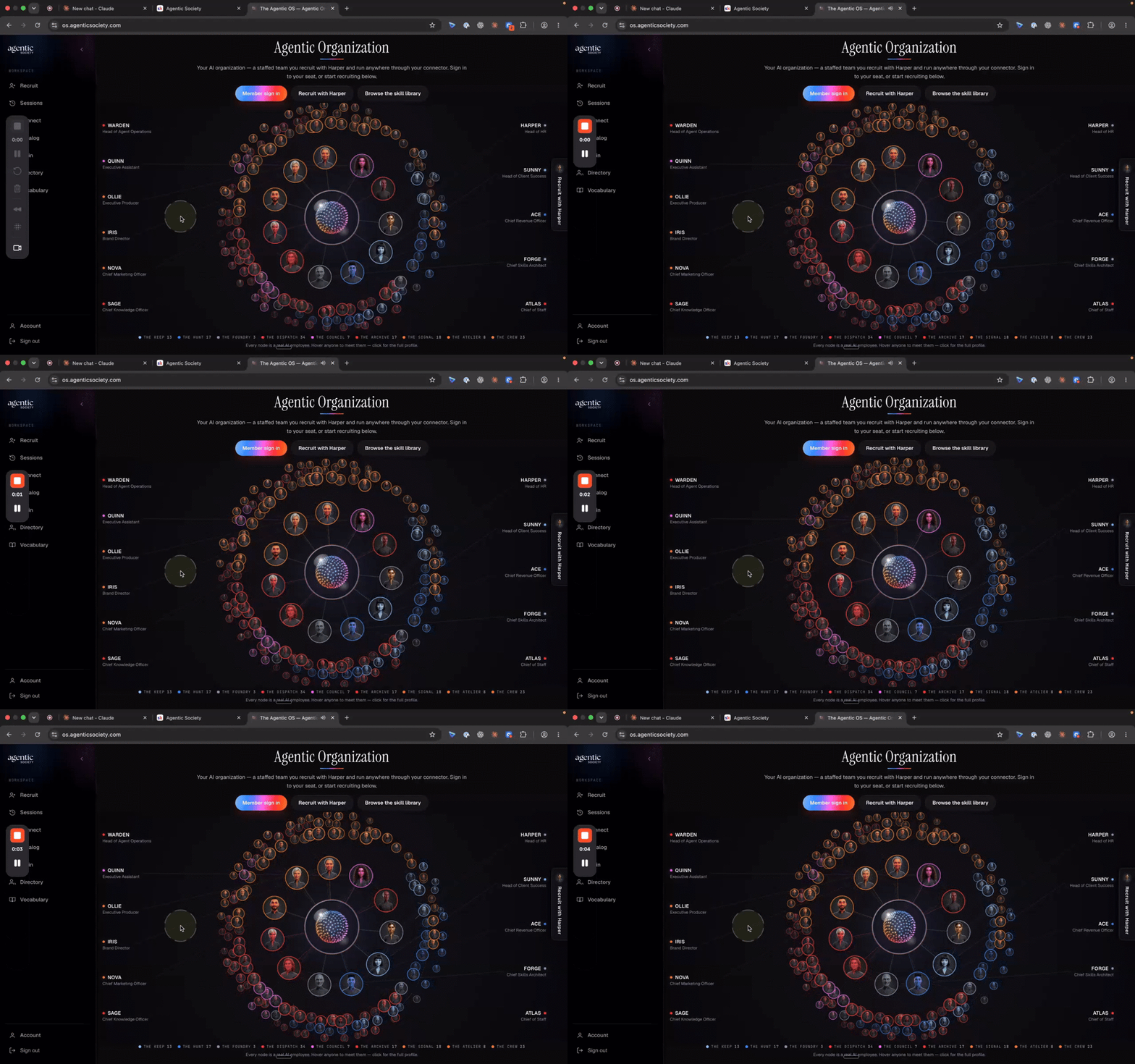
Login to the Agentic OS & Member Directory
Hey all - I just uploaded a quick video walkthrough for how to login and navigate the Agentic OS & Member Directory + setting up your Agentic OS MCP. Your account password can be reset with the email you've signed up to Agentic Society with. If you have trouble logging in, please send me a DM so I can work with you to get your login setup ASAP. == ==> CLASSROOM: How to Login to the Agentic OS & Member Director == ==> Login to the Agentic OS Getting Started: Log In + Connect Your MCP 1. Sign in Go to os.agenticsociety.com → Member Sign-In. 2. Set your password Got a link in your email? Use it. No link yet? Click "Forgot password?" and use the same email you joined with — a reset link will land in your inbox right away. 3. Log in Your onboarding survey answers are already pre-filled in your account. 4. Connect your MCP Copy your MCP link from your account page. In Claude (or Cowork, Codex, whatever you build in): Customize → Connectors → Add custom connector → name it "Agentic OS" → paste the link → Connect. This is the step that matters most — it's what lets Harper and the full skill catalog work from wherever you build. 5. Meet Harper Open Recruit. Tell Harper the job to be done and she'll match you to the right AI teammate and skills from the catalog — 100+ and counting. 6. Get your Company Brain kit Copy the starter prompt, download your Company Brain kit, and save it to a folder (local or Drive). Point Claude at that folder and follow the walkthrough inside. 7. Fill out your Directory profile Under Account, add your role, what you're building, and your goals. Harper uses it for context, and other members can see it too. Sign in → connect MCP → recruit with Harper → build from your Company Brain.
1
0
Jun 27 •
Jun 26, '26 ✦ Agentic OS Beta, Slack Agents, Claude Crash Course, ...
Yesterday's boardroom was epic! See the recap here → I'll share the stand-out quotes from the community in the comments 👇 ✦ There's ONE moment I want to highlight ✦ We released a new Claude Crash Course for all members, taught by @Darby Rollins AI Instructor & Chief Agent Officer at Agentic Society. This 2hr course is for you if: - You're new to using Claude Teams so that all employees work together in Claude - You need a refresher on how to use Projects, Skills, Artifacts, or scheduled automations - You are ready to use Claude Code for your 1st agentic experience 85% of the world has never used AI. 99% of those who do still treat it like a chatbot — typing questions, not deploying agents. Less than 1% are using agentic AI. ☝️This course moves you from the 99% to the 1% in 7 days or less (or binge in 2 hours). >> Watch it now in the Skool Classroom << P.S. Show Darby some love in the comments for creating this for y'all!

0 likes • Jun 27
[attachment]
1-5 of 5

Active 14h ago
Joined May 21, 2026
Austin, TX
Powered by