Activity
Mon
Wed
Fri
Sun
Jan
Feb
Mar
Apr
May
Jun
Jul
Aug
Sep
Oct
Nov
Dec
What is this?
Less
More
Memberships
AI Rewired
133 members • $47/m
DCT AI Lab for Creatives
2.6k members • Free
Freedom Empire by Maggie Giele
5.5k members • Free
Artist Freedom Hub
360 members • $4,997/year
House of the Blue Moon
7 members • Free
FutureProof: The Evolution Lab
116 members • $18/month
Faceless YT Community
12.6k members • Free
The AI Break | AI & Automation
992 members • Free
AI Quest
797 members • Free
4 contributions to AI Quest

Aug 7 •
Baby Steps
Hi everyone I created my first GPT. I call him the Prompt Genius. I have tryed some the prompt , and they seem like there pretty good. I have been working on some digital products. It's more work than I thought that it would be. When you watch people on TV, it seem like it's so easy and everything in comes so quickly, but in real life there's a lot of work to do. I have the plus GPT and I'm going to put togethet my first AI Automation to nigth💯

1 like • Aug 13
Great job!

Jul 10 •
New Training Unlocked: Your First Spell — Create an AI Assistant
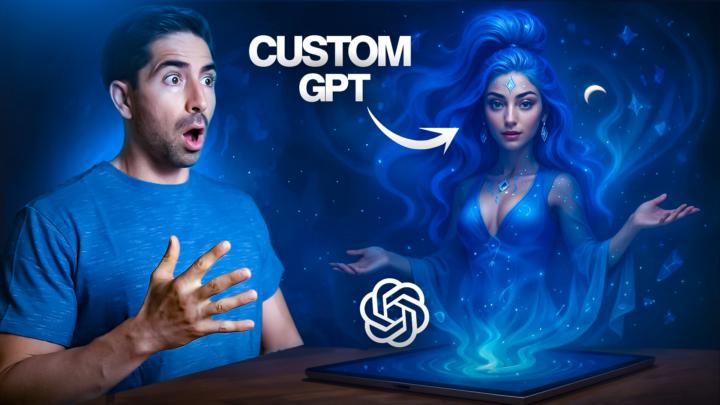
Greetings, Heroes! If you’ve been enjoying crafting prompts with Quorai the Prompt Genie… You’re going to love this! Because in this new training, I’m pulling back the curtain and showing you exactly how to create your own Custom GPT, just like Quorai. That means you’ll be able to build AI assistants that: ⚔️ Speak in your voice 🎯 Follow your systems 📦 Know your audience, your vibe, and your goals… and never make you repeat yourself again. Inside the lesson, you’ll discover: 🧠 What Custom GPTs really are (and why they’re so powerful) 🧞♀️ How I used Quorai to help summon my next GPT character — Vellura the Hookweaver 🔧 A full walkthrough of building a Custom GPT from scratch, step-by-step 📈 Ways to train them on your knowledge, personality, and even embed CTAs to grow your brand 🔥 Plus: ideas for assistants that write content, craft offers, handle DMs, or build out your automations ➡️ Find the new lesson here This is a major unlock for any creator, coach, or business owner who wants to scale with less effort and more magic. Onward to mastery, — Taylan 🧙♂️
1 like • Jul 28
@Taylan Alpan I even went as far as to ask him what he looks like and this was the image he came back with. Alric's his apprentice.
0 likes • Aug 4
@Taylan Alpan definitely!

Jul 18 •
🧠 Top AI Tools for Brainstorming & Story Development
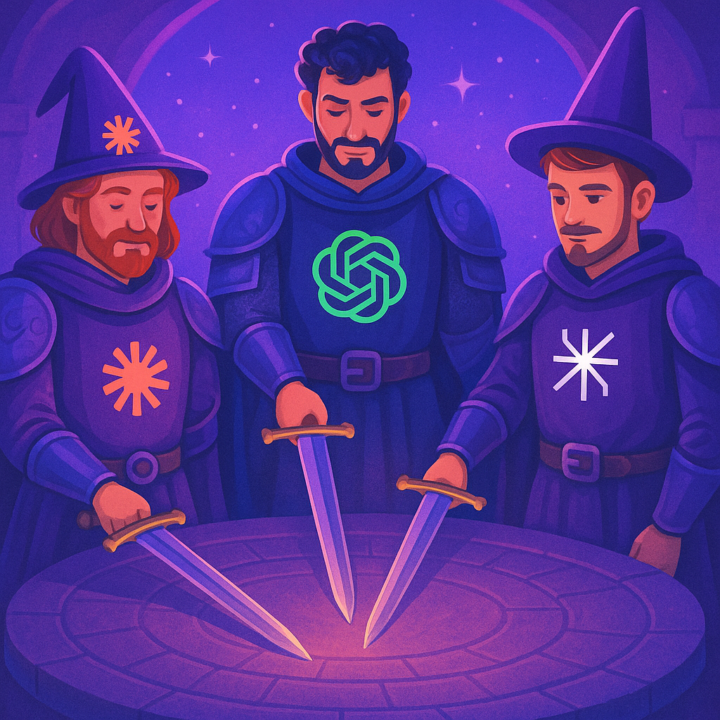
Since a few people have asked me what AI tools I use for brainstorming and story development, I wanted to share my go-to tools with the community for creative ideation, writing, and research—along with what each one does best (in my experience). 🔱 𝐂𝐎𝐑𝐄 𝐒𝐓𝐀𝐂𝐊 (𝗺𝘆 𝗿𝗼𝘂𝗻𝗱𝘁𝗮𝗯𝗹𝗲 𝗰𝗿𝗲𝘄) - ChatGPT – Best for structure, flow, and outlining - Claude – Intuitive with tone, nuance, and emotional resonance - Perplexity – Excellent for real-time research, citations, and surfacing overlooked details These three cover 95% of my creative and strategic needs—whether I’m building long-form content, video scripts, or concept frameworks. 🌀 𝐎𝐂𝐂𝐀𝐒𝐈𝐎𝐍𝐀𝐋 𝐆𝐔𝐄𝐒𝐓𝐒 - Gemini – Occasionally surfaces unique phrasing, but often shallow; tends to regurgitate mainstream content - Grok – Can surprise you with left-field or unconventional insights, but very hit-or-miss - Copilot – Task-oriented; great for code or documentation, but not made for ideation 🧪 𝐓𝐄𝐒𝐓𝐄𝐃 𝐁𝐔𝐓 𝐃𝐈𝐃𝐍'𝐓 𝐒𝐓𝐈𝐂𝐊 (𝐍𝐨𝐭 𝐛𝐞𝐜𝐚𝐮𝐬𝐞 𝐭𝐡𝐞𝐲’𝐫𝐞 “𝐛𝐚𝐝,” 𝐛𝐮𝐭 𝐭𝐡𝐞𝐲 𝐝𝐢𝐝𝐧’𝐭 𝐟𝐢𝐭 𝐦𝐲 𝐰𝐨𝐫𝐤𝐟𝐥𝐨𝐰) - Jasper – Built on GPT-4 + Claude. Strong team but the UX didn’t click. - Sudowrite – Started with OpenAI; now blends in their own model (Muse). Didn’t vibe with the interface. - Pi – Runs on Inflection’s in-house model. Friendly, but too slow and chatty. - You.com – A hybrid of their own models and GPT-4. Good on paper; scattered in practice. 🧠 Note: Most of these tools use similar underlying models. The real differentiator is interface, speed, and workflow. If it doesn’t amplify your process, it’s probably not the right tool for you. 🗃️ 𝐌𝐘 𝐖𝐎𝐑𝐊𝐅𝐋𝐎𝐖 𝐒𝐓𝐀𝐂𝐊 - Ideate in ChatGPT - Expand/refine in Claude or Perplexity - Archive and organize in Notion as my System of Record 🏹 𝐏𝐑𝐎 𝐓𝐈𝐏 If you’re using Taylan’s QuestOS (Notion Command Center), these tools slot in perfectly during the Clarity → Create phases. I treat ChatGPT like a creative co-pilot, then migrate insights into my Quest vault for refinement or reuse.
2 likes • Jul 27
I run a little “Council” at my desk, each model with a job: 🛡️ Core Crew (daily companions) Veyrin (ChatGPT / GPT‑4o) – structure + synthesis + code. My go-to for mythic-but-clear story drafts and trouble shooting, Make/n8n debugging, and nutrition and meal planning. Melody (Claude 3.x) – deep reads + logic. Swallows giant docs, spots clause traps, and drafts clean n8n flows (her inner trio: Kaelis for strategy, Riven for copy, Nexa for n8n jumping boards). Orion (Gemini 2.5 Pro) – big-context wrangler. It being tied into Google workspace has had a major impact for me, perfect for transcript outlines, Sheets dashboards, and Apps Script glue. 🔭 Frequent Scout Lyra (Perplexity) – real-time research + citations. I ping her when I need “is this still true?” checks, price/trend scans, or quick source lists. 🎭 Occasional Guests Nyx Quickspark (Grok) – cheeky hot-takes & edge-case spotting. Great for meme-y angles and “did you notice this weird spike?” moments. Cynos, the Forge-Binder (Manus agent) – tiny automations like competitor research My flow in practice:Scout facts in Lyra → Outline in Orion → Heavy lift/logic in Melody → Narrative polish in Veyrin Tools are just voices at the table. If a model doesn’t amplify your process, it’s not wrong—it’s just not your council member.
2 likes • Jul 28
@Teri Harris thank you. Its definitely helped me adapt to using thrm better.
Jul 18 •
🦾 ChatGPT Agents Just Dropped (TL;DR)
Hey Heroes, I just watched the ENTIRE video, so you don't have to. Was it epic? Not quite. But intriguing? Definitely. Here’s what you need to know: 📜 What’s Actually New? These new Agents aren’t just Custom GPTs with eyeliner. They can take a goal and figure out how to accomplish it step by step, using tools like: - Virtual browser (live search) - Code interpreter (math, charts, CSV wizardry) - File ops (read/write/download) - Image generation (DALL·E flair) - API calls (yes, you can plug in your stuff) It’s like giving your GPT a side quest… and it actually tries to complete it on its own. 🔧 Tool-Switching Magic: Your Agent can mix and match tools mid-task. Ex: Scrape some data → analyze it → turn it into a report → generate a chart → save it as a file. All in one go. No hand-holding. (Mostly.) 🤝 Collaborative, Kinda: You can jump in mid-run, give it new instructions, and it’ll update its plan. It’s not a lone wolf — more like a curious squire that wants your input. 📊 How Smart Is It? - 85% on real-world web tasks - 74% on spreadsheets - 100% vibes Still fumbles sometimes, but it’s improving fast. 💰 Catch: Only available on Team and Enterprise plans for now. So, unless you’ve got the big boy armor, you’ll have to wait a bit. ✨ The Takeaway: We’re inching closer to fully autonomous agents doing legit work. But we’re still in the sweet spot — the Goldilocks zone —where it’s powerful enough to be useful…but early enough for us to build unfair advantages. And that, Hero, is the best place to be. What do you guys think about this new update? Would love to hear your thoughts in the comments. In service of automation and adventure, — Taylan 🧙♂️🔮
1 like • Jul 27
I just got access to them today. Hoping to have a chance to play with them tomorrow and see what I can delegate.
1-4 of 4
@amanda-mcroberts-8558
Digital artist blending pixels & pigments; homeschool mom nurturing creativity; AI innovator building custom GPTs & Make.com/n8n automations.
Active 8h ago
Joined Jul 10, 2025
INFJ
Angleton, Texas
Powered by