Activity
Mon
Wed
Fri
Sun
Jul
Aug
Sep
Oct
Nov
Dec
Jan
Feb
Mar
Apr
May
What is this?
Less
More

Owned by Mark

2DAnimation101

692 members โ€ข $9/month

An Online Animation School that combines Human Creativity with AI

10K HP - 10,000 Hours of Play

74 members โ€ข Free

Achieve your goals, build momentum in your day to day, handle messy days, and feel proud as you turn life into a game with 10k HP

Memberships

AI Creator University

762 members โ€ข $9/m

IDALL AI

2.4k members โ€ข $9/month

Conversation Domination

2k members โ€ข Free

100M Money Models & AI Mastery

575 members โ€ข Free

Skoolers

183.8k members โ€ข Free

LaunchBoom Accelerator

2k members โ€ข Free

114 contributions to 2DAnimation101
Important Poll for AI Animation Masterclass
Big question for you. I need your honest vote. Iโ€™m at a crossroads with what to build next, and I want YOU to be the one who decides. Here are your two options: - Option A: Videos first, software second: I keep building out the weekly video lessons on schedule. You can see exactly whatโ€™s coming by clicking the curriculum link below. New modules drop consistently, you follow the step-by-step process, and we build the pipeline together lesson by lesson. - Option B: Software first, videos second: Instead of learning how to do each technique, you get a tool that does the technique for you, powered by AI. Here is what the software would include: - Brainstorm story ideas fast - Develop character psychology to build interesting characters quickly - Write and fix scripts line by line with AI assistance - Design characters with an integrated image generator - Build full storyboards shot by shot - Fix any shot to adjust camera angle or character position - Manually fix any panel with a built-in Photoshop-like editor - Put clips together with an online video editor - Advanced cinematography controls when generating your images, including: โˆ™ Close up โˆ™ Medium close up โˆ™ Full shot โˆ™ Over the shoulder โˆ™ Low angle / high angle โˆ™ Frontal, side, and 3-quarter view And this one is my favorite. - An AI coach assistant, available 24/7, powered by Claude. This is not a generic chatbot. It will have access to everything the video lessons are supposed to teach you. So instead of waiting for the next module, you ask a question, and you get the exact answer you need, right now, for your specific situation. Now here is something important regardless of which option wins. Whenever we start building the software, everyone in this community gets unlimited FREE credits for image generation and the AI chat assistant while we are in development. That is a gift from me to you for being here early. Video generation is more expensive to run, so that part will require a small pay-as-you-go investment when the time comes.
Poll
35 members have voted
3 likes โ€ข 16d
@Timothy Masters the idea of this software is for you to have control of every single step and every single little detail. It is just a guided interactive experience of the same content of the course. I personally don't like to leave anything to the AI. I like to be the one who makes all the decisions. Sometimes even editing an image and just painting a little bit here or there and most software doesn't allow you. It only allows you to have AI creations and I want to, for example, create the software where you click edit and you can edit the image right there using Photoshop-style software online (using Photopea API)
1 like โ€ข 15d
@Mark Burrows I honestly believe online courses are a thing of the past and the future is guided learning with software. I believe now what we compete with is the vision of who can design the best software to teach and have people doing stuff quickly. The vision of the software is that someone can create their first animation in the first 3 to 5 days instead of having to go through all the videos first and then do it. I honestly prefer quick wins fast. But again I put it out for students to chose. Also a software has so many things it can do and the video basically can only be a video and teach. More than that not really. Just videos and teaching. ------ Also a note about selling: you can't really sell something people don't like. As proof I cannot sell my mom on watching action-packed, violent movies with dark humor like Deadpool, the same way I can't sell meat to vegetarians. You can only really sell and position products people already like and want. If people could sell anything, then I believe there would be no divorces, no wars, no injustice in general at all. The movie Wolf of Wall Street has a great scene... "Sell me this pen" โ†’ In real life when this happened to Jordan Belfort, the answer was (paraphrased): "Do you need a pen right now?" If the person says "no", he said, "Well then, I have nothing to sell to you."
Exciting NEWS for AI ANIMATION MASTERCLASS - Image Generator Coming Soon!
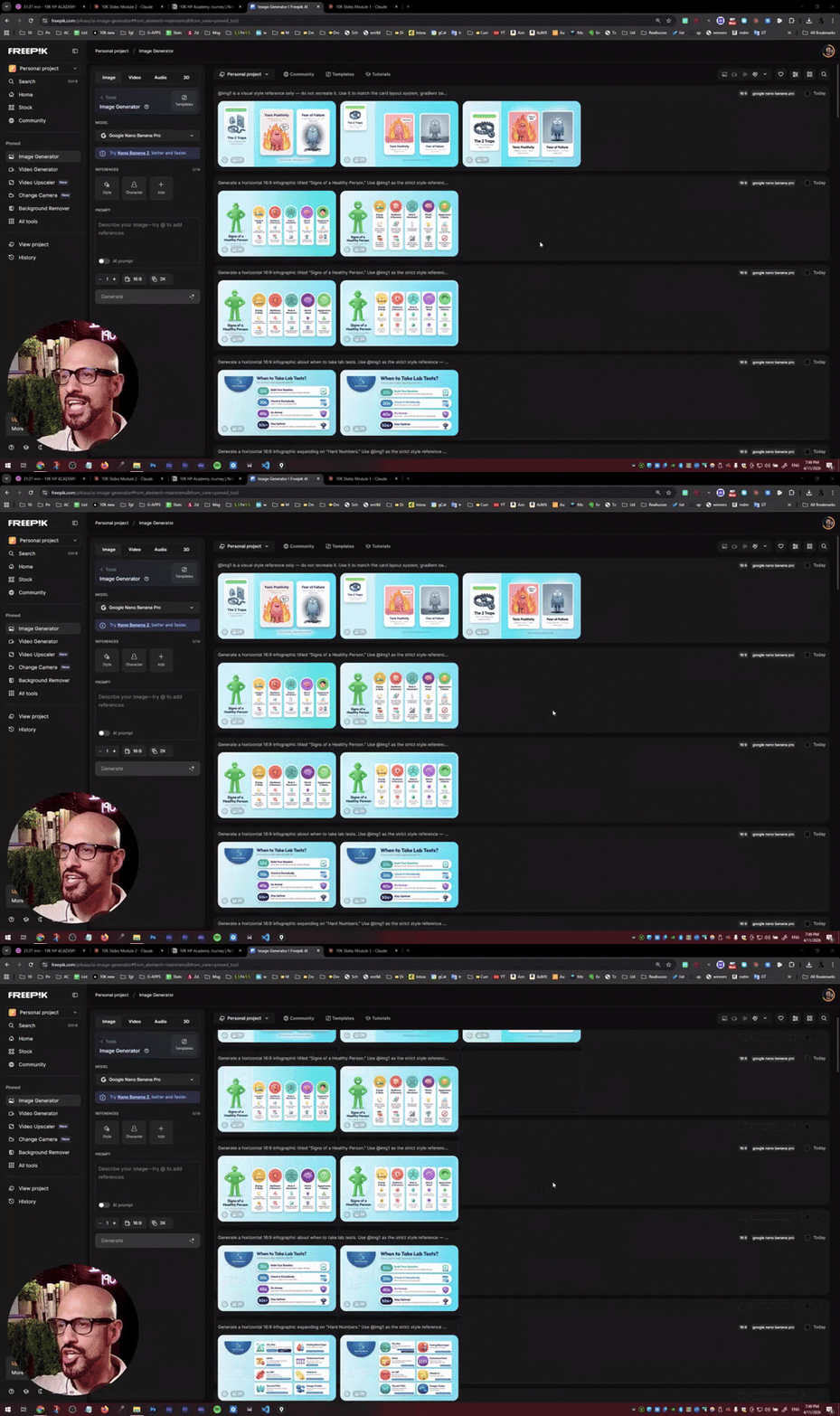
Right now I'm working on the early prototype of the image generator. Right now it's still very buggy but at least it started creating images using NanoBanana Pro and NanoBana 2. I'm trying to add a couple of features that I have not seen in the other engines. The one that I'm most interested in is in being able to edit the images with Photopea right there in the interface (which is basically Photoshop but online, and without the AI), and also be able to select areas and ask for adjustments using any AI model like Nano Banana Pro, SeedDream, or any image generator of your preference. And for those of you in the AI Animation Masterclass, can test the super early prototype right now, if you are interested, send me a DM. After this is polished, and improved, will have unlimited image creations for 6 months, just to make it up for the delays in the training. -- Again pivoting from just creating another online course and instead create an online software that guides you to animate any AI Shortfilm step by step, I believe becomes much more powerful. We are also learning a lot in the freelance project we're doing for the video game FreeFire (disclaimer - this is not our trailer, this is from the game just for context), and all the process we do, for visualization, storyboarding, color grading, etc, is something we want to include in this online software. Right now it's still not ready for early testers but I plan to have something solid next week.
Exciting NEWS for AI ANIMATION MASTERCLASS - Image Generator Coming Soon!
2 likes โ€ข 18d
@Asma Omair sent DM!
2 likes โ€ข 18d
@Amita Chawla sent DM!
AI ANIMATION MASTERCLASS - Official Update
2 UPDATES: 1. Official Delivery Dates for Modules 5 to 8 2. Confirmation for the AI Animation Coach (my AI Clone + 2 talented directors) to guide you step by step on your filmmaking progress. I recorded a short video for you to explain the upcoming updates. When I launched AI Animation Masterclass I committed to 8 modules delivered weekly. I'm at 4 of 8. Two reasons: 1. I had an original plan for the Curriculum of this program that changed dramatically. 2. I had a computer braking up, and could not edit videos or edit images fast enough. It would take too much time to load anything. The original curriculum was this: - WEEK 1: Becoming an AI Director & Producer - WEEK 2: Shot-by-Shot Production Pipeline - WEEK 3: Character Design & Style Consistency System - WEEK 4: Character Actions & Limitations - WEEK 5: Background Design & Consistency - WEEK 6: Audio Consistency (Voice Acting, Music and SFX) - WEEK 7: Camera Magic (Motion, Timing and Limitations) - WEEK 8: Putting it All Together, Publish, Grow, and Repeat And after teaching classes live and seeing what students were actually struggling with, that changed too: - MODULE 1: Becoming a Good AI Director & Producer - MODULE 2: Shot-by-Shot Production Pipeline - MODULE 3: Consistency Shot-by-Shot - MODULE 4: Take Back Control When AI Won't Listen - MODULE 5: Unlock Maximum Control - MODULE 6: Advanced Image Editing - MODULE 7: Advanced Video Editing - MODULE 8: Advanced Audio Editing - BONUS: Advanced Cinematography That's resolved now. I have a new machine that can actually handle the workload, and I'm back at the desk. Here's the real timeline: - Module 5: May 25 - Module 6: Jun 1 - Module 7: Jun 8 - Module 8: Jun 15 And as a thank you for your patience: Every active AAM student gets lifetime access to all future course updates at no additional cost. Also, we are working on a project to develop a software that guides you step by step on all this AI Production Pipeline, with an AI Clone of me + 2 directors who have together 30 years of experience in filmmaking working with big clients like Amazon, Warner Music, and Universal.
๐Ÿ–ผUpcoming YT video: Animatics
Hello 2D animators ๐Ÿค—โœจ๏ธ, As I am new joiner, I wanted to start implementing my learnings fast๐Ÿš€ Thanks to guidance from Mark, I started the course on Animation Production Mastery. I really loved the content especially the "animatics". For the upcoming video of my YouTube channel (arabic), I am working on this song. I created some animations with AI as well as this animatics. If you have suggestions or (friendly, gentle ๐Ÿ™) Feedback for improvemens, I am open and very thankful ๐Ÿค— PS. THANK YOU @Mark Diaz for your guidance and kind advice ๐Ÿ‘‹๐Ÿ˜ƒ
๐Ÿ–ผUpcoming YT video: Animatics
3 likes โ€ข Apr 27
nice job Malik! The starting animation was done really well. For a quick previz, I think this is GREAT, I can see it will be one of those songs where kids learn to identify where their head, knees, etc. are, and I think it is very dynamic. I remember as a kid I had a lot of fun doing those.
2 likes โ€ข Apr 27
[attachment]
Restults of the Test
@Thomas Jennings @Arlene Dilworth @Ernesto Guerrero @Simona Adelina @Helene J @G. Vern Morris @Nancy Moon CONCLUSION 1: Kling Motion Control 3.0 can't animate if your video reference is an animation of rigged characters (like those from Cartoon Animator) - it has to be either live footage or 3D (like iClone) CONCLUSION 2: Kling Motion Control 3.0 struggles in getting the Character to be animated as traditional animation, still kept it 3D - I am attaching both videos here. When I used only Kling 3.0 (not motion control) to animate an image addint the text "Make this is a 2D traditional Animation animated at 12 fps" - it did a better job. Also Kling Motion Control 3.0 can't follow Cartoon Animator motions, I assume it is becase 2D motion from rigged characters could be too abstract for Kling - it kept crashing and not doing the job. - We kept burning credits testing multiple approaches for 1.5+ hrs, and nothing. - When we used 3D motion from iClone (thanks @Helene J for providing this simple clip), it worked on the first try. For this, I followed 5 steps. โœ… 1. Get a motion video โœ… 2. Get the first frame rendered as an image of the motion video โœ… 3. Get the character you need โœ… 4. Create the first frame with your character and your background in the position of the first frame โœ… 5. Use Kling Motion Control 3.0 - have the image move the same way as in the video
Restults of the Test
3 likes โ€ข Apr 25
@Arlene Dilworth I know! Right? I get so hyped when I see the demos online, then I try it myself and go... "hmmmmm... what is going on here?" - and just keep getting really weird stuff
1 like โ€ข Apr 25
@Mark Burrows the challenge was to get the character, which is an image pasted there, to be animated in a very specific way. The eye clone scene of the girl in 3D is the specific action we wanted to test in this case and the animation of the cartoon character in the park is the final result
1-10 of 114
Mark Diaz
6
759points to level up
@mark-diaz-5483
I help goal-driven people break big goals into Motivating, Achievable Quests that build real momentum and unstoppable consistency, even on messy days.

Active 16h ago
Joined Nov 24, 2025
ISFP
Powered by