Activity
Mon
Wed
Fri
Sun
Apr
May
Jun
Jul
Aug
Sep
Oct
Nov
Dec
Jan
Feb
Mar
What is this?
Less
More
Memberships
DIGITAL PROFITS COLLECTIVE
97 members • Free
Your First $5k Club w/ARLAN
22.8k members • Free
The Seated Wealth Challenge
5.7k members • Free
Digital Gold Rush
137 members • $11/month
Soul Manifestation & Healing
644 members • $49/month
Cozy Creator Club
176 members • $1/month
AI Content Creators
4k members • Free
Read SkoolMagazine Here
178 members • Free
Thrift to Flip | Reseller Camp
79 members • Free
6 contributions to KDP Publishing

🔥
2h •
How Long Does It REALLY Take to Go Live on Amazon?
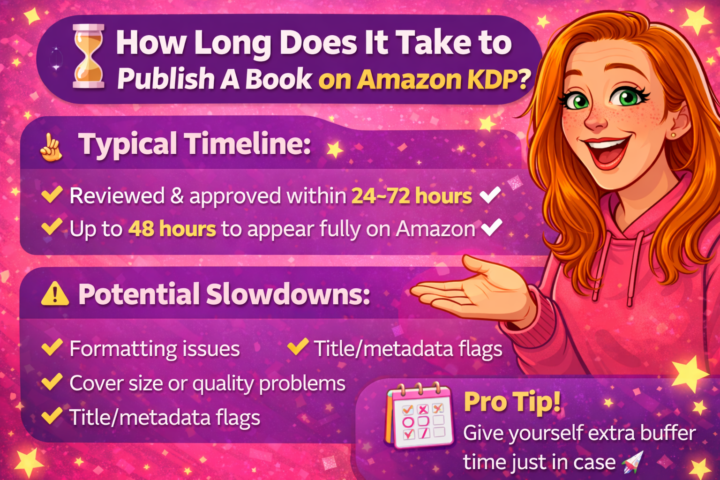
⏳ How Long Does It Take to Publish a Book on Amazon KDP? This is one of the most common questions I get, especially from new authors who are excited (and maybe a little impatient) to see their book go live. Once you upload your manuscript, cover, and hit publish on Amazon KDP, your book doesn’t go live instantly—but it’s actually pretty fast. 👉 Typical timeline: - Most books are reviewed and approved within 24–72 hours - After approval, it can take another 24–48 hours to show up fully on Amazon’s marketplace - So in most cases, you’re looking at 2–5 days total from hitting publish to seeing your book live and searchable. 👉 What can slow it down? - Formatting issues (margins, bleed, low-quality files) - Cover problems (wrong size, barcode placement, low resolution) - Metadata flags (title/subtitle issues, keyword stuffing) - Content reviews (especially for certain niches) 👉 Pro tip: Don’t wait until the last minute if you’re planning a launch. Always give yourself a few extra days' buffer just in case something gets flagged, and you need to resubmit. The good news? Compared to traditional publishing timelines (months or years), this is FAST. 🚀

1 like • 1h
Thanks for sharing!!
🔥
7d •
Best Selling Author Vision Board
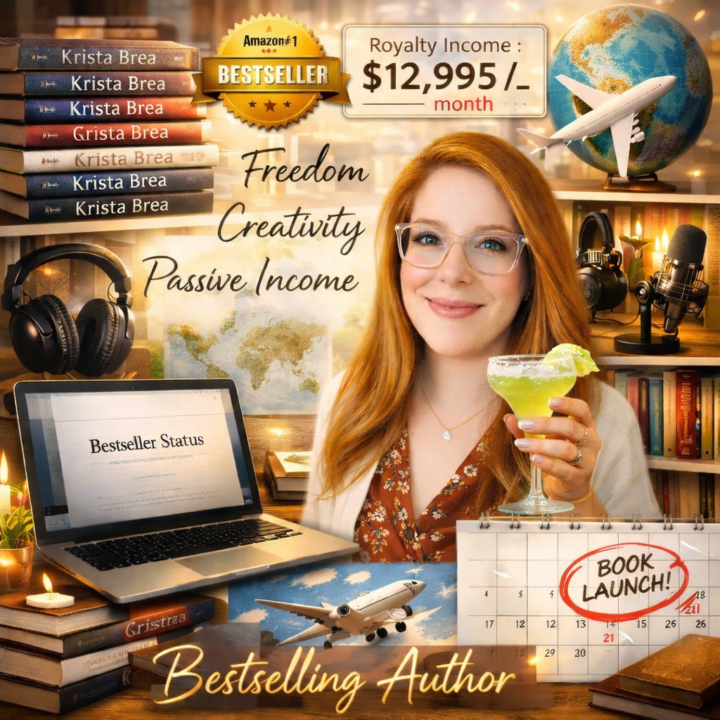
Let's get you manifesting your big book dream ideas! Here is the prompt template, make sure you give AI your own photo. 👉 PROMPT: Create a cinematic, inspirational vision board collage for a successful author. The image should feel motivational, dreamy, and abundant. Include elements such as: - A stack of bestselling books with the author's name [INSERT AUTHOR NAME] - An Amazon bestseller badge - Royalty income notifications showing $[INSERT MONTHLY INCOME GOAL] per month - A laptop with a manuscript titled "[INSERT BOOK TITLE]" - A bookshelf filled with published books - A microphone and headphones representing audiobook success - A podcast or interview setup - A calendar showing book launch day - A happy author celebrating with coffee or champagne - A world map or airplane representing travel funded by book income - Inspirational words like: Freedom, Creativity, Passive Income, Bestselling Author Style: - Vision board collage - Bright inspiring lighting - Modern aesthetic - Soft glow and motivational atmosphere - Highly detailed, photorealistic - Social media friendly Aspect ratio: 1:1
1 like • 5d
[attachment]
1 like • 5d
@Krista Brea thank you, and thanks for the great prompt

Jan 13 •
A Tip I Wish Every Author Knew Before Publishing on Amazon KDP
One mistake I see many authors make is assuming: “If my eBook looks good, my paperback will too.” Unfortunately, Kindle and print books are built very differently. Here’s what often catches authors off guard: 🔹 eBooks are reflowable: readers can change font size 🔹 Paperbacks are fixed layout: spacing, margins & trim size matter 🔹 A file that works for Kindle can fail completely in print 🔹 Reader complaints usually come from print layout issues, not the story What professionals do differently: ✔ Separate formatting for eBook & paperback ✔ Proper margins and gutters for print ✔ Clean chapter breaks & consistent styles ✔ Files tested before upload, not after rejection I share this here because Skool is about learning together, not gatekeeping information. As someone working hands-on with KDP and digital/print books, I’m happy to drop practical insights that help authors avoid costly mistakes. 👉 Author question: Are you planning to publish eBook only, paperback only, or both? Let’s talk 👇
1 like • 7d
I have an ebook and workbook, but thinking I'd like to turn it into 1 book and do kdp
1 like • 7d
@Krista Brea I think I have to reformat it though right? I read somewhere (maybe here?) about ebooks and actual books need different layouts because of the spine/binding , add divider pages, etc


1 like • 7d
[attachment]
🔥
9d •
🎬 Turn Your Book Into a Movie Poster
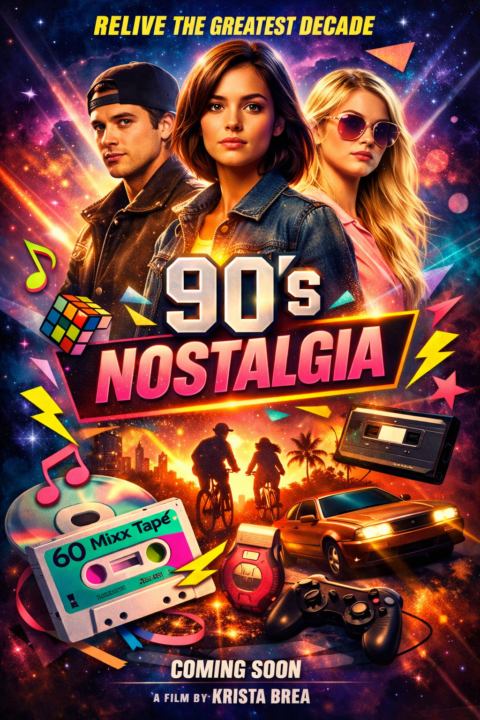
Here’s a fun creative exercise for authors… What if your book wasn’t just a book…What if it were a movie? I took my book, ’ 90s Nostalgia, and asked AI to turn it into a Hollywood-style movie poster, and honestly, it’s pretty cool to see your book concept come to life in a totally different way. This is also a great way to think about: - the core theme of your book - the visual vibe - the story you’re telling readers If you want to try it, use this prompt: Prompt: Create a cinematic movie poster for a film based on my book titled “[Insert Book Title]”. Include dramatic lighting, bold movie typography, and visual elements representing the theme of the book. Make it look like a Hollywood blockbuster poster. (ALSO UPLOAD YOUR BOOK COVER IF YOU HAVE ONE) Now it’s your turn 👇 Drop your AI movie poster in the comments. I’d love to see what your book looks like on the big screen 🎥📚
3 likes • 9d
[attachment]
1 like • 7d
@Krista Brea
1-6 of 6
@tanya-orr-7133
Canadian hairstylist since 2001. Helping stylists step into their purpose, own their worth & design a life they love. Let's SHIFT.
Active 1h ago
Joined Feb 28, 2026
New Brunswick
Powered by