
22h • General discussion
Getting Started With Books!
Go to sellercentral.amazon.com
Create a free individual seller account. You may have to scroll to the bottom of the page to choose individual.
Download the seller central app on your phone and sign in.
Use the camera icon on the app to start scanning books.
Get comfortable with checking prices on books you already own.
Simply scanning a book doesn’t list it for sale.
2
2 comments
Getting Started With Books!
powered by
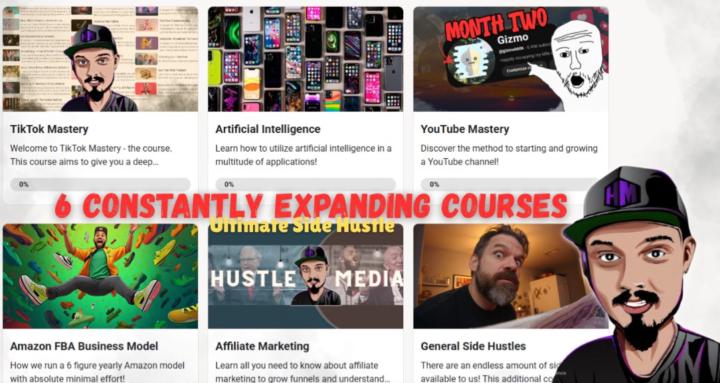
skool.com/tiktok-mastery-6115
Learn How To Make Your First 100k From Your Couch! A step-by-step community of serious, honest and motivated entrepreneurs.
Suggested communities
Powered by