Activity
Mon
Wed
Fri
Sun
May
Jun
Jul
Aug
Sep
Oct
Nov
Dec
Jan
Feb
Mar
Apr
What is this?
Less
More
Owned by Nils
Experience-based guidance to build and grow a real 3D-printing business. Practical, honest insights on what works and what fails.
Memberships
62 contributions to 3D Printing BusinessExperience
1d •
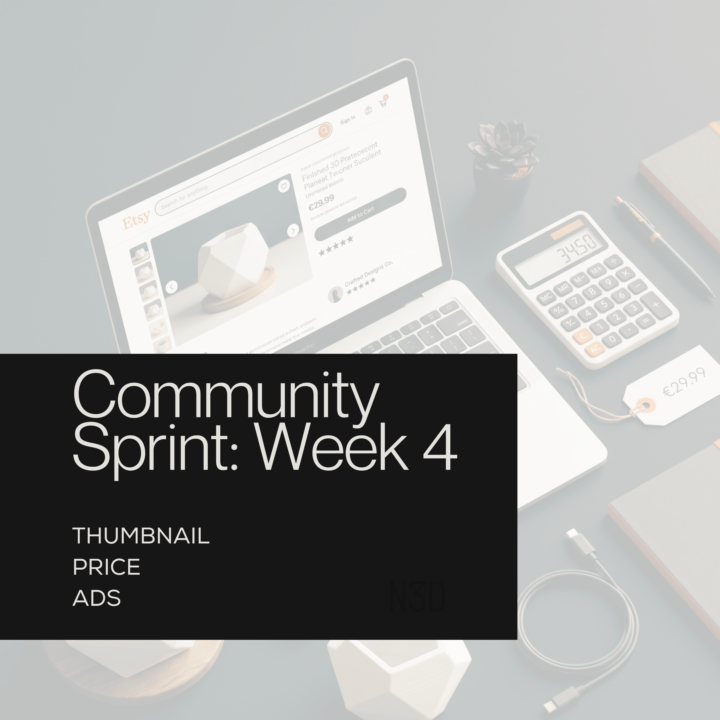
4️⃣ Week 4 is here. This is the week we go live. 🚀
Week 3 Recap: We built our listings. Photos, title, description, tags and pricing. The foundation is ready. This week we make it real. ✅ Your tasks this week: - Set your price using the N3D Price Calculator - Choose your strongest thumbnail - Publish your listing - Run Etsy ads for 7 days, even 1 euro per day is enough to start. The goal is data, not sales. Thumbnail: Your thumbnail should show the product clearly in context with a size reference so the buyer instantly knows what they are getting and can imagine it at their own event. Price: Add up your material cost, print time, your time, packaging and Etsy fees, then add your margin on top and check where that lands against what competitors are charging. On ads: do not expect to profit in week one. The goal is to see which photo gets clicks and which keywords bring traffic. That data tells you what to optimise next. 🚀 VIP and Premium members: my full Week 4 course will be published this week. I show my exact listing going live, my thumbnail choice and how I set up my first ad campaign.
1 like • 1d
@Dan Timcov Will go live this week
4d •
3️⃣ My insights to Week 3 is live. 🚀
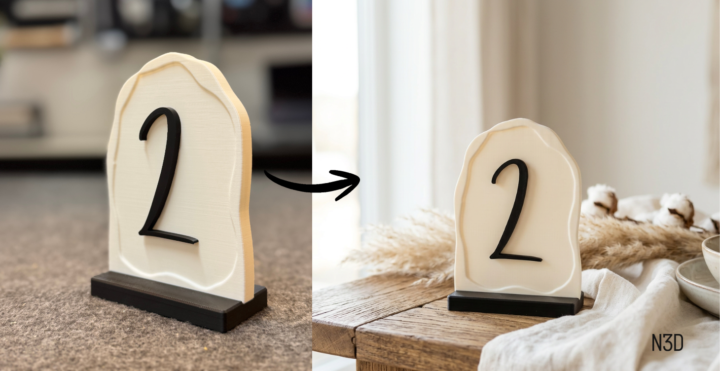
This week is the one that actually makes money. We have a product. Now we turn it into a listing that sells. Here is what is inside the Week 3 course for Premium and VIP members: 📸 How to create professional product photos without a studio, including AI tools and what every listing image needs to show 🔍 The exact Gemini prompt I use to generate SEO optimised titles, descriptions and tags, with a copy paste template you can use for any product 📝 My complete listing for the wedding table number signs, real title, real description, real tags, all explained 💰 How to price correctly so you actually make money and how to set processing and shipping times without destroying your early reviews Everything is based on what I actually do. No theory, no generic advice. ⚡ Premium and 🚀 VIP members: the full course is live now. Go build your listing ;)
3 likes • 3d
@Riccardo Tonelli I sharr my full prompt list in the Premium / VIP Tier but here is a allrounder: Transform this exact product image into a professional product photo. Keep the product exactly as it is, same shape, same size, same color, same material, same design. Do not change anything about the product itself. The product stays exactly as it is, only the environment and lighting change. Place the product as the clear focal point in a [SETTING, z.B. styled wedding table / rustic wooden surface / modern desk setup / outdoor garden party]. Surrounding props: [PROPS, z.B. small dried flowers and linen cloth / candles and glassware / green leaves and natural wood]. Lighting: [LICHT, z.B. warm golden hour sunlight from the side / soft diffused natural window light / bright airy daylight]. Background: soft blurred [HINTERGRUND, z.B. neutral warm white / outdoor greenery / elegant event venue], out of focus. Style: [STIL, z.B. Organic Modern / Clean Minimalist / Rustic Natural], high end Etsy product photography, ultra realistic, commercial quality.
5d •
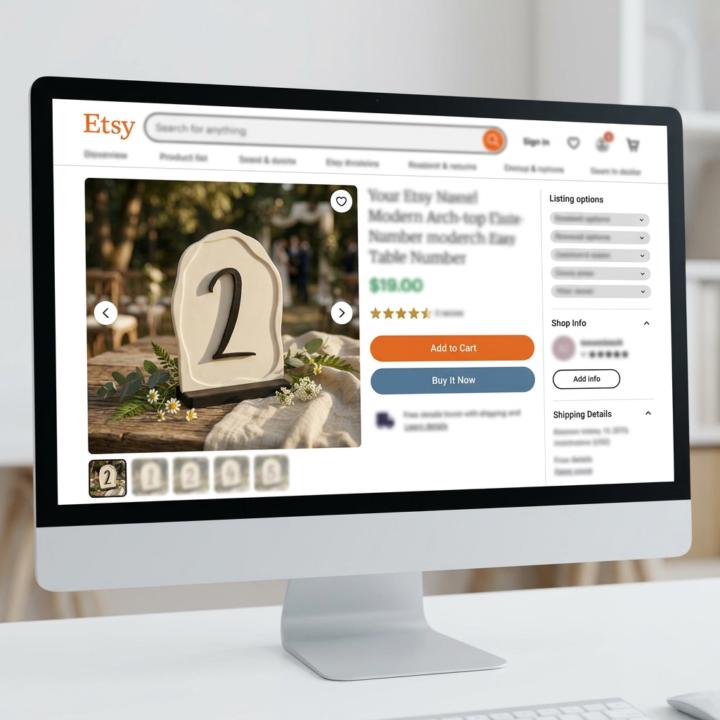
3️⃣ Week 3 Midweek Check-in 👀
Halfway through the week. Time to check in. This week is all about turning your product into a listing. Photos, title, description, tags. The stuff that actually makes people buy. Where are you at right now? 📸 Have you taken your first product photos yet? 📝 Do you have a draft title or description? 🚀 Is your listing live yet? Drop your current status below. Share a photo, a draft or just where you are stuck. The community is here to give feedback and help you move forward. No listing is perfect on day one. :)👇🏼
2 likes • 5d
@Megan Yarnold Good question and the short answer is: yes you can and should change them if they can be better. The idea that you should never touch tags and titles after listing is a myth. Etsy does take some time to re-index a listing after changes, usually a few days to a couple of weeks, so you might see a temporary dip in views. But if your current tags are weak, leaving them is worse than the short reset. My approach: change one listing at a time, give it 2 to 3 weeks and compare the stats before and after. That way you can actually see if the new tags perform better without changing everything at once.

1 like • 6d
I also have larger printers ;)
8d •
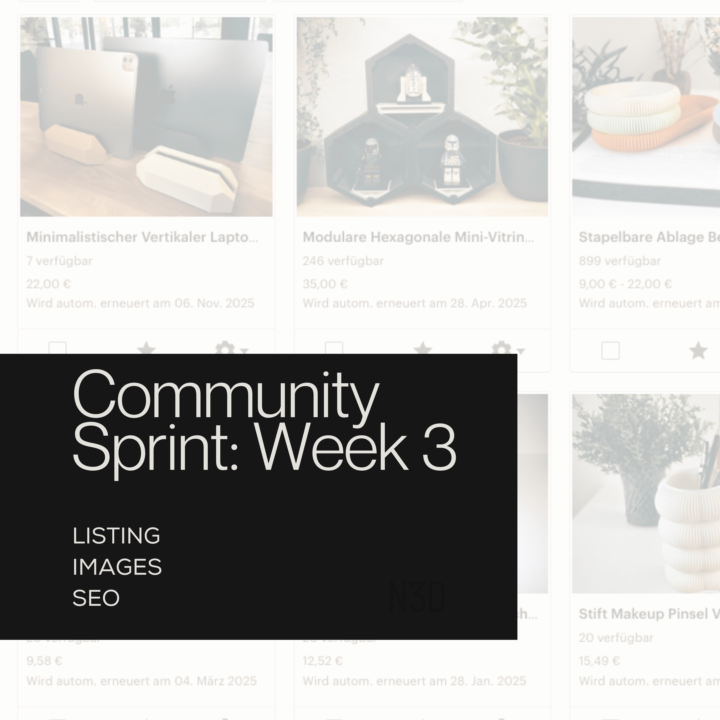
3️⃣ Week 3 is here. Let's get it listed. 🚀
Now we have a product. This week we turn it into a listing that actually sells. I will also add some useful prompts in the comments :) This week is all about: ✅ Product photos that convert ✅ A title that gets found on Etsy ✅ A description that makes people buy ✅ Tags that bring the right traffic And yes, AI can help with almost all of this. We will use it! 🚀 VIP and Premium members: my complete listing process goes live in the course this week. Photos, copy, tags, SEO, prompts... Everything I use for my own products. Your task this week: - Take your first product photos - Write a draft title and description - Get your listing live before the week is over For your title, description and tags use Gemini. It is free, has the best connection to Google and understands search intent better than most tools out there. Give it your product, your niche and your target buyer and let it generate a first draft. Then refine it. For product photos use AI tools like Nano Banana to turn a simple photo into a professional product shot. If you do not have a good background setup remove the background completely. A clean transparent or white background still looks better than a messy one. The best photos show all of this: ✅ Size reference so buyers know how big it is ✅ Colors and surface detail ✅ Use case in context, show it at a real wedding table or event setting ✅ Variations if you have them ✅ Close up detail shot Share your listing draft or your product photos in the comments. Let's give each other feedback. 👇🏼
6 likes • 8d
Here a prompt I use myself, upload it with your product image: "Transform this exact product image into a professional product photo. Keep the product exactly as it is, same shape, same size, same color, same material, same design. Do not change anything about the product itself. The product stays exactly as it is, only the environment and lighting change. Place the product as the clear focal point in a [SETTING, z.B. styled wedding table / rustic wooden surface / modern desk setup / outdoor garden party]. Surrounding props: [PROPS, z.B. small dried flowers and linen cloth / candles and glassware / green leaves and natural wood]. Lighting: [LICHT, z.B. warm golden hour sunlight from the side / soft diffused natural window light / bright airy daylight]. Background: soft blurred [HINTERGRUND, z.B. neutral warm white / outdoor greenery / elegant event venue], out of focus. Style: [STIL, z.B. Organic Modern / Clean Minimalist / Rustic Natural], high end Etsy product photography, ultra realistic, commercial quality."
1-10 of 62
@nils-osterhues-2977
9 years of 3D-printing experience. No hype. No theory. Just what actually makes money.
Active 7m ago
Joined Jan 8, 2026
INFJ